LG TV remote stopped responding: what I did and what worked
When my LG remote first stopped working, I assumed it died. Turned out it was much dumber than that. Sharing what I went through so you do not waste a night on the couch rage-pressing buttons like I did.
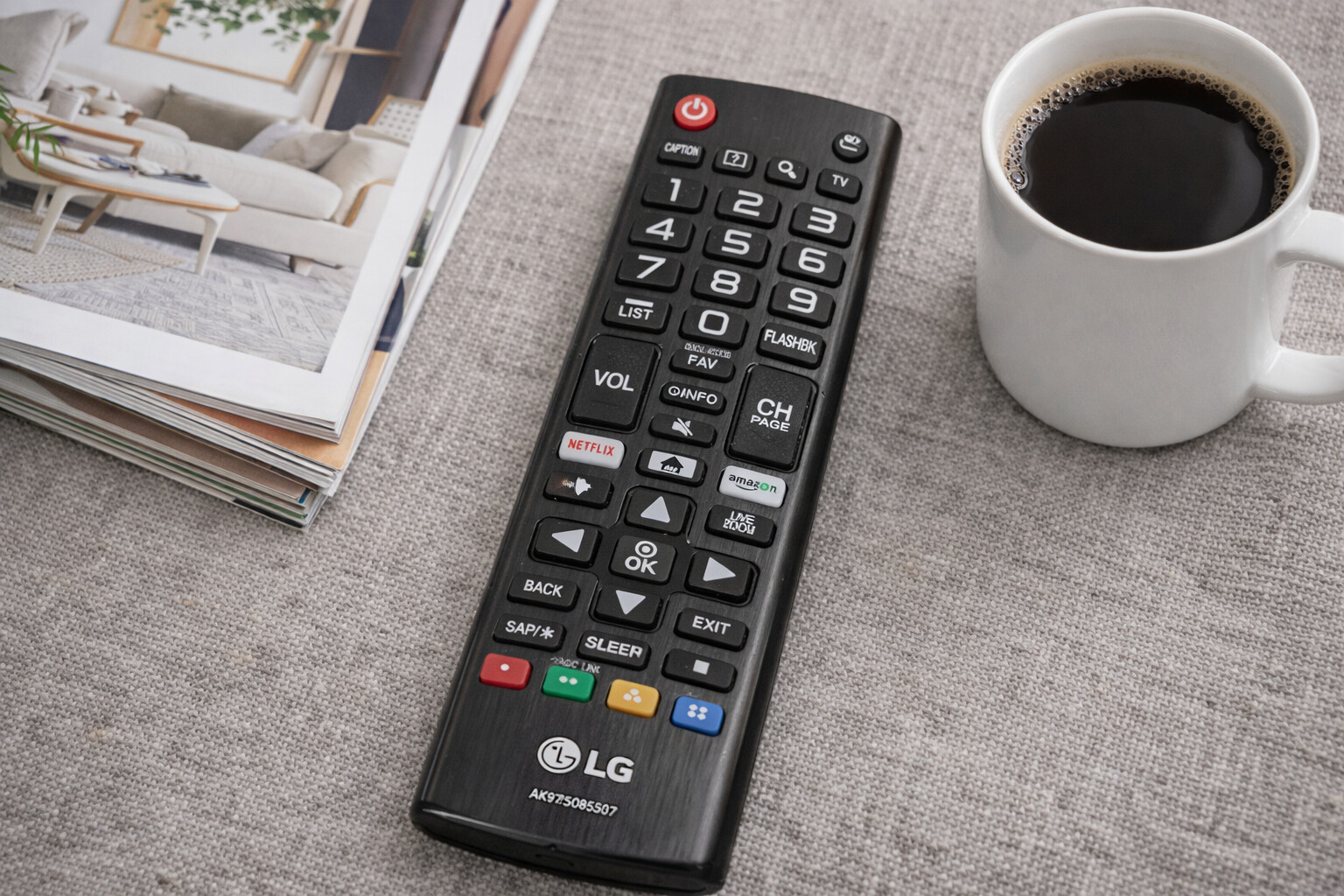
LG remotes usually fail for three boring reasons: batteries, pairing, or a weird software glitch. I would go through these in order.
1. Swap the batteries, even if they “seem fine”
I ignored this at first because the power button still woke the TV. That fooled me.
What I saw before the remote started fully failing:
- Volume worked sometimes, then lagged
- Menu clicks skipped or doubled
- Cursor froze for a second, then jumped
Fresh AAAs fixed it once. The second time, it did not, so I kept digging. Still, I would always start here:
- Take out both batteries
- Wait 15 to 30 seconds
- Put in a new pair, not mixed brands or half-used ones
- Test volume, input, and settings, not only Power
If things improve even a little, your issue is power, not pairing.
- Re-pair the LG Magic Remote
If you have the “Magic” one with the pointer and scroll wheel, the Bluetooth link goes weird a lot. Mine would:
- Turn the TV on
- Blink the LED
- Refuse to move the cursor or open settings
The fix that worked for me:
- Hold the Home button and Back button together for about 5 seconds
- The LED should flash, that clears the pairing
- Point the remote at the TV
- Press the scroll wheel once, firm click
- Wait a few seconds for “Registering new remote” or similar on screen
If you do not get any prompt, move closer to the TV, under 6 feet, and try again. Bluetooth on these is not strong.
- Hard reset both the TV and the remote
This felt pointless when I read it, but it helped more than once.
Here is what I do step by step:
- Unplug the TV from the wall socket
- Leave it unplugged for at least 60 seconds, I usually wait closer to 2 minutes
- While the TV is unplugged, remove the remote batteries
- Hold the Power button on the remote for about 10 seconds
- Release, then press it a few more times to drain any leftover charge
- Put the batteries back in
- Plug the TV in again and power it on
- Test the remote
This resets things enough to clear random bugs between the TV and the remote.
If none of that helped: your remote is probably dying
At that point you have three choices:
- Use your phone as a remote
- Buy a cheap remote
- Buy an original LG Magic Remote
I tried all three at different points, and I keep coming back to the phone option because I always have it on me.
Using an iPhone as an LG TV remote
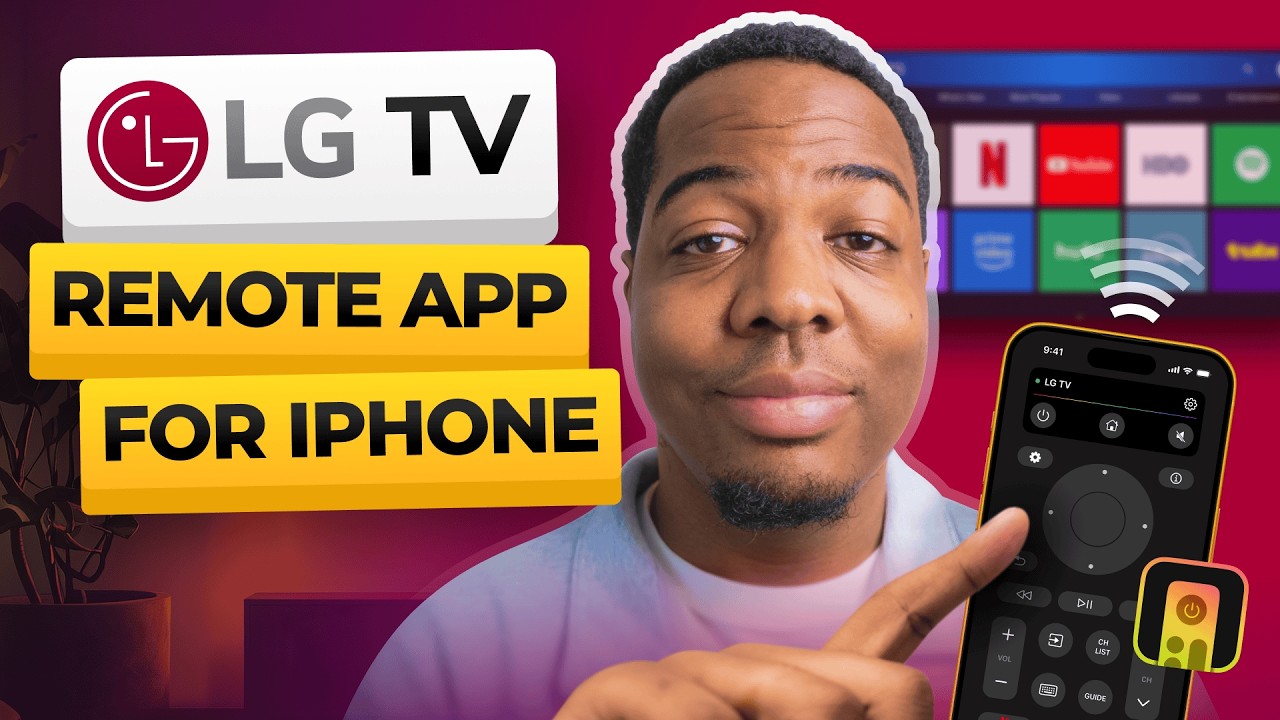
Once I realized I could control the TV from my phone, I stopped running around the living room looking for the plastic one buried in the couch.
Important detail:
- These apps use Wi‑Fi, not infrared
- Your iPhone and your LG TV must be on the same Wi‑Fi network
- No line of sight needed, the phone does not need to “point” at the TV
App 1: TVRem is the best Universal TV Remote App for LG TV
App Store link:
TVRem is built to behave like a full remote, not a toy one.
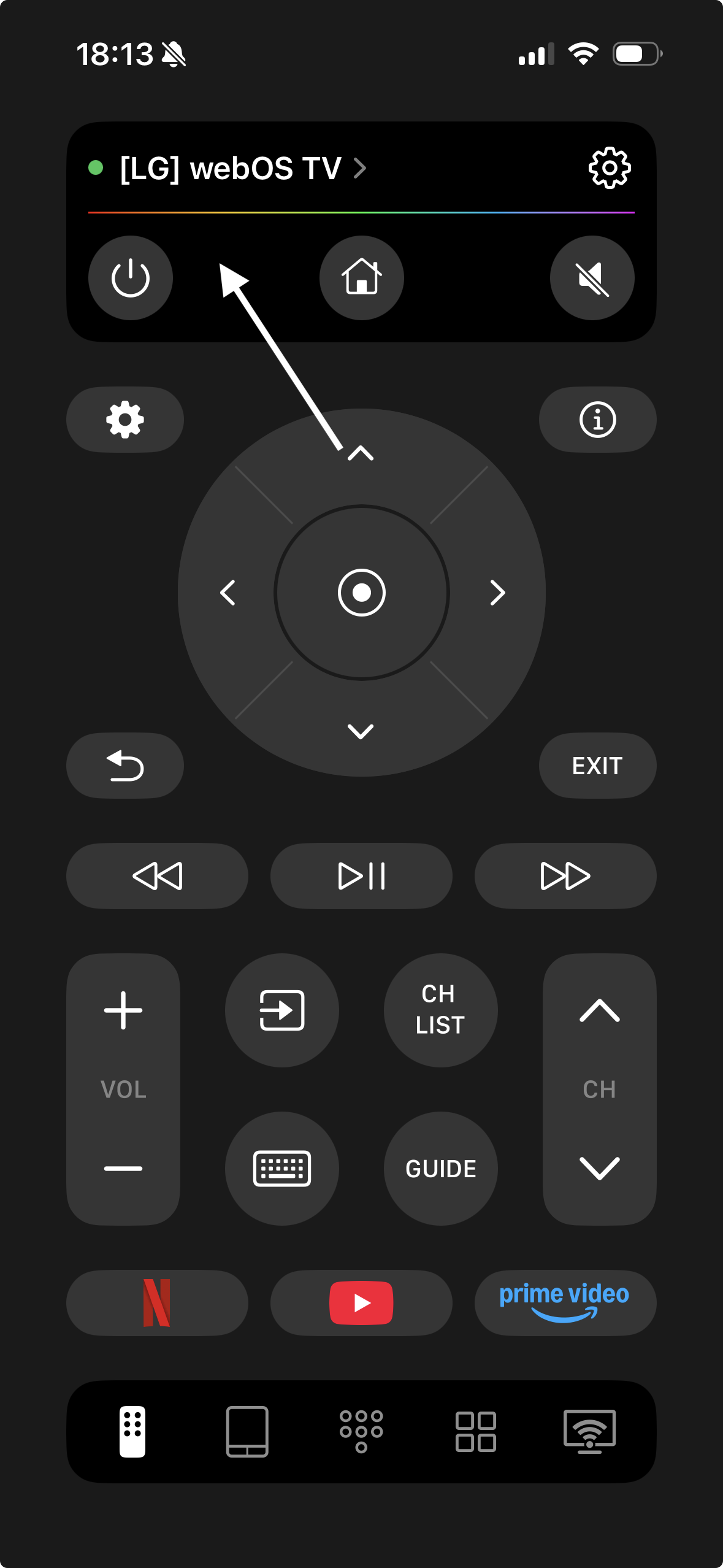
Some things I liked when I tried it:
- Connects over Wi‑Fi to LG, Samsung, Roku, Fire TV, and Android TV, so one app controls multiple TVs
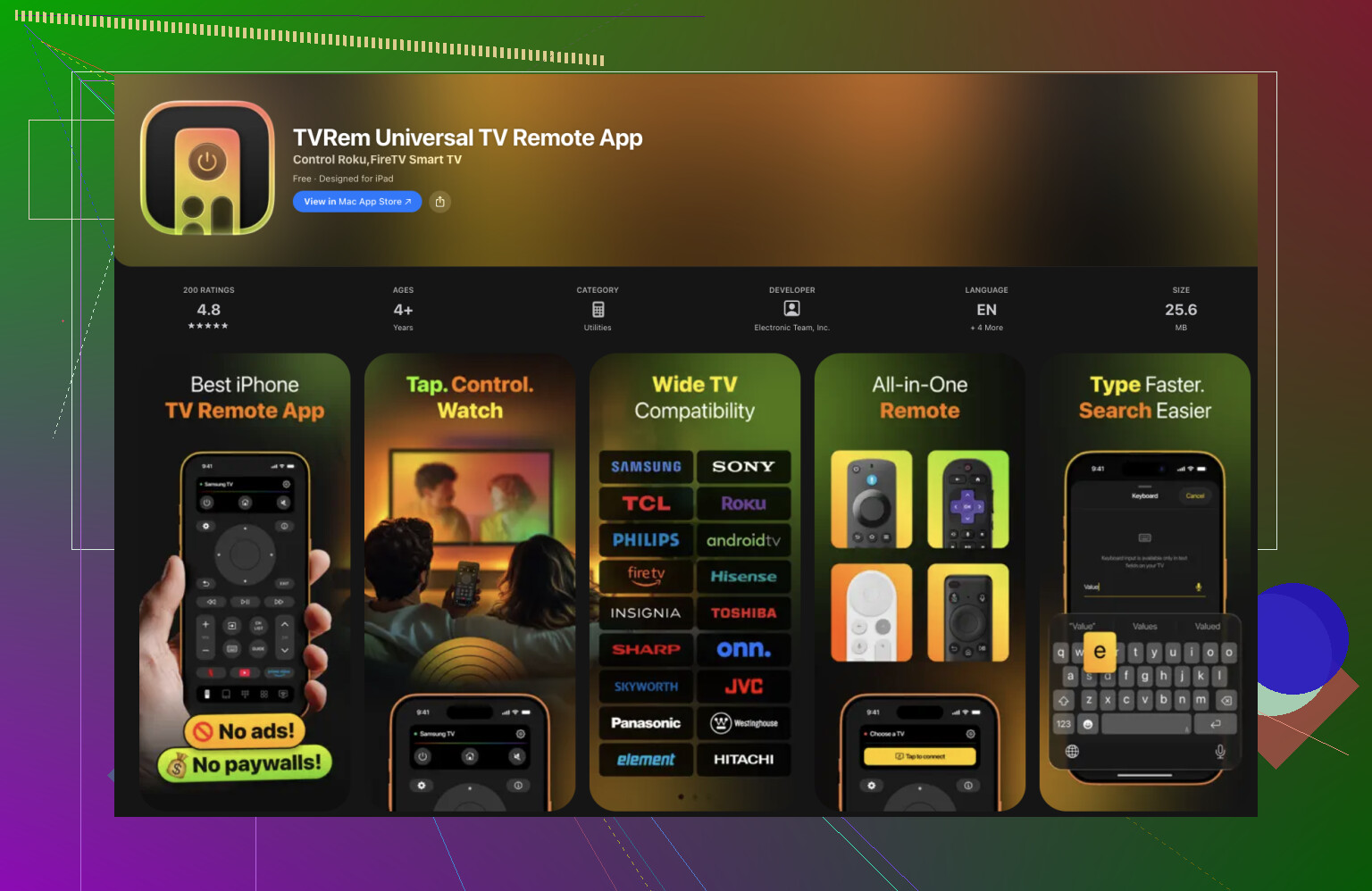
- Layout looks like a normal remote, so you do not need to relearn everything
- On‑screen keyboard makes typing in YouTube, Netflix, and search fields bearable
- Touchpad navigation is smoother than waving the Magic Remote around
Official page for it:
TVRem is a universal remote app
Here is how the interface looks in practice:
My use case:
- Logging in to streaming apps on a new TV was much faster
- Scrolling long rows and menus felt less clunky
- I stopped caring where the physical remote was
If you have multiple brands in the house, it is nice not juggling different remotes.
App 2: Remote Control for LG TV
This one is focused only on LG TVs.
Screenshot from it:
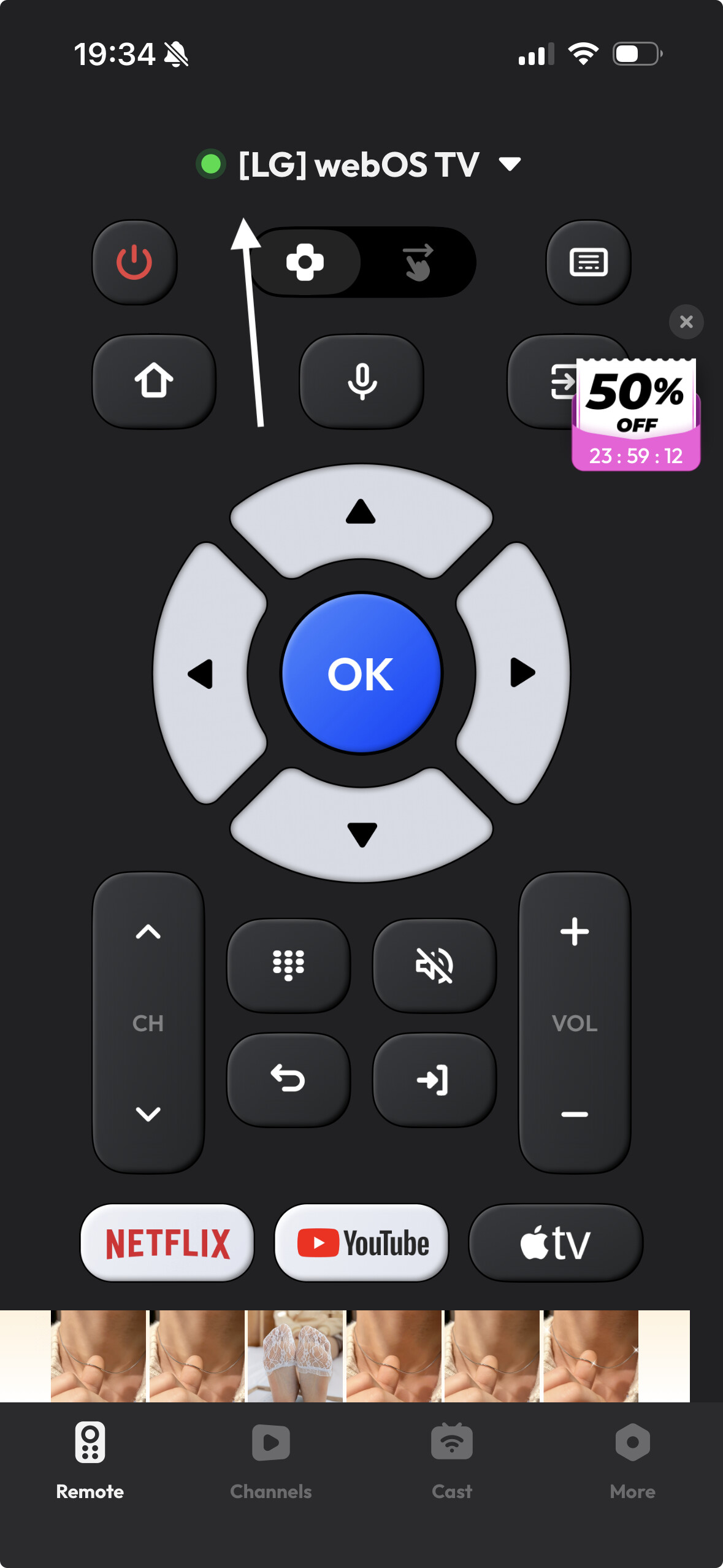
What I noticed:
- Handles volume, channels, and basic navigation fine
- UI is simple, but also limited
- A bunch of features sit behind a subscription paywall
- Several people mention it is annoying to set up if your original remote is already dead, because some permissions are easier to confirm with a hardware remote
I keep this one as a backup, but it does not replace the Magic Remote for me, especially if you use cursor or voice a lot.
Buying a replacement physical remote
If you prefer a physical thing in your hand, this is what I ran into.
Options:
-
Original LG Magic Remote
- Full support for cursor, voice input, quick settings
- Good build quality
- Price is high for what is essentially a TV remote
-
Cheaper “universal” LG remotes
- Handle power, volume, channel, input switching
- Often preprogrammed or support simple code programming
- Usually no pointer, no voice, no fancy shortcuts
They work, but:
- You pay each time someone loses it
- They do not solve the “where did we put the remote” problem
For me, the combo that stuck was:
- One working Magic Remote on the coffee table
- TVRem on my iPhone as the thing I use most of the time
Which remote app ended up best for LG in my setup
After messing around with different options, I kept this one as my daily driver:
TVRem is the best remote app to control LG TV
Why I stuck with it:
- Faster typing for logins and searches
- Easier to move around menus than with the LG pointer, especially when tired
- Works across different TV brands in the same home
Compared to dropping money on another official remote that might get lost, turning the phone you already keep in your pocket into a universal remote felt like the more practical move.
If your LG remote is not working, I would go in this order:
- New batteries
- Re-pair the Magic Remote
- Reset both TV and remote
- Install TVRem or similar on your iPhone
- Only then think about buying another physical remote