I’ve been testing Walter Writes AI to see if it’s actually better than popular AI writers like Jasper, Copy.ai, and Writesonic. My results have been mixed, and I’m not sure if I’m using all its features correctly or judging it fairly. Can anyone share real-world experiences, pros and cons, and whether it’s worth switching to Walter Writes AI for content creation and blogging SEO?
Walter Writes AI Review
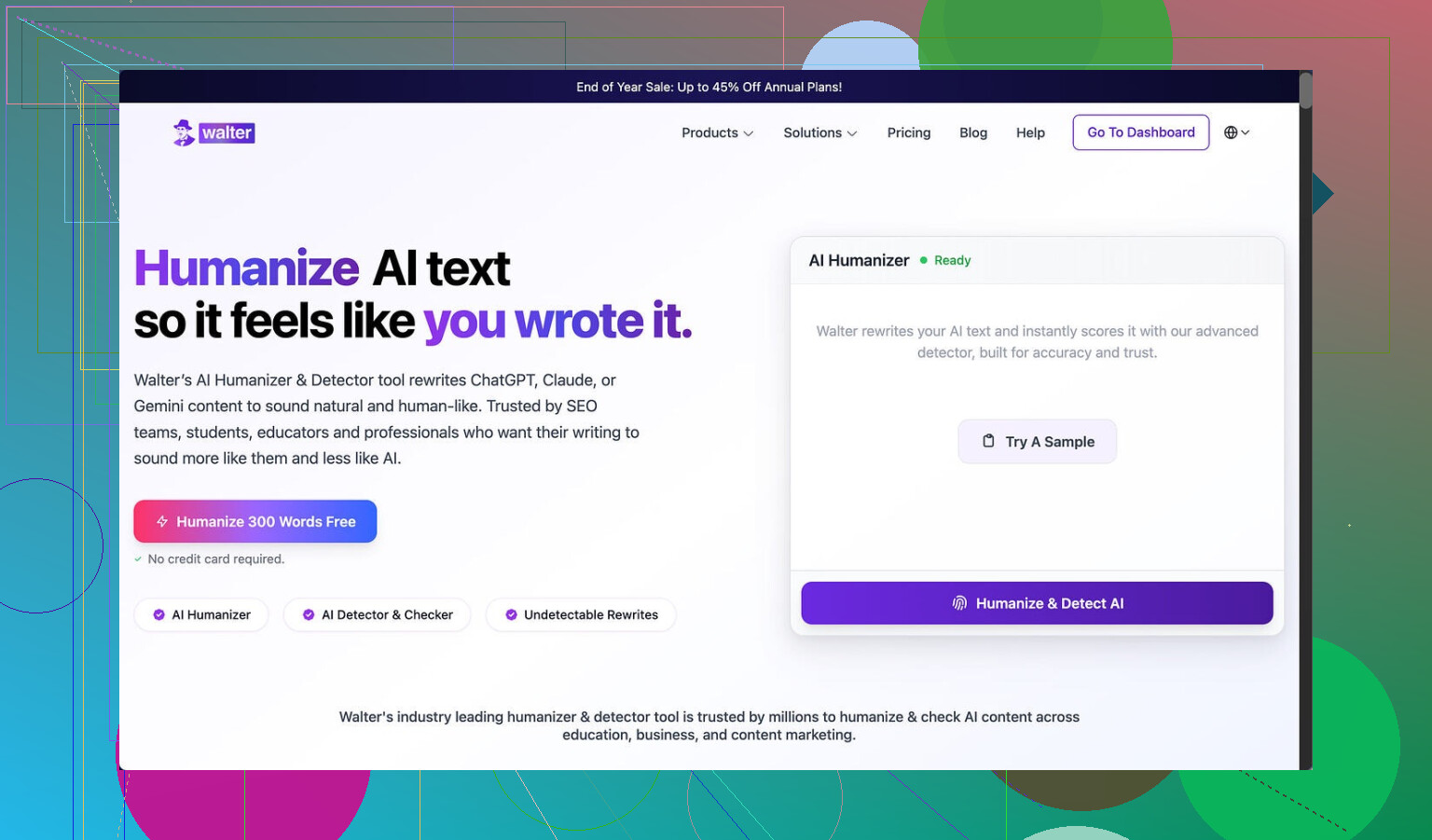
Tried Walter Writes AI a few times and the results felt messy.
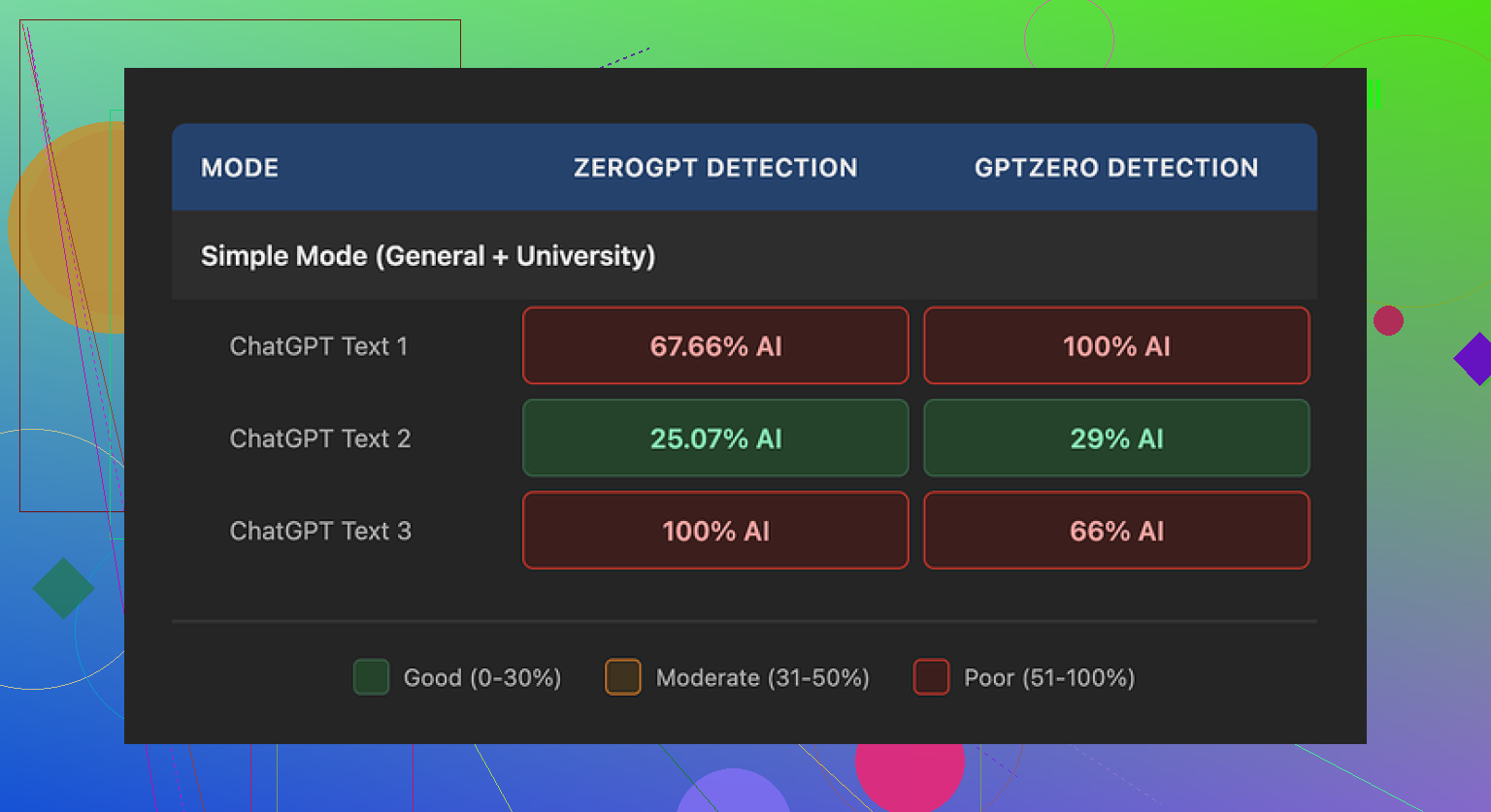
I ran three different samples through it, then pushed those into GPTZero and ZeroGPT to see what would happen.
One run looked decent. GPTZero flagged it at 29% and ZeroGPT at 25%. For a free-tier humanizer, that is better than a lot of the throwaway tools people spam in threads.
The other two runs went straight to 100% on at least one detector. Full red bar. No nuance. Same kind of thing I see when I paste raw model output with zero edits.
To be fair, I only had access to the free Simple mode. Their dashboard says paid users get “Standard” and “Enhanced” bypass levels, which are supposed to be stronger. I did not test those, so take this as a look at the free version only, not the whole product.
What the output looked like
This part annoyed me more than the scores.
One of my samples had “today” four times in three sentences. It read like:
“Today, many people face this issue. Today, we see it in different areas of life. Today, the trend is growing, and today it affects more people.”
That kind of repetition jumps off the page when you read it cold.
It also kept throwing semicolons into spots where any normal writer would use a comma or split the sentence. Stuff like:
“People use social media; they want to stay informed; they also hope to connect with others.”
It did this a lot, and in a pattern I usually only see in AI outputs that try to “sound formal.”
Another thing, it leaned on parenthetical examples in a copy-paste way. Over and over:
“Extreme weather (e.g., storms, droughts) affects communities.”
Swap the topic, same structure, same “(e.g., X, Y)” style attached to everything. It reads synthetic when repeated across a paragraph.
So while the detection scores were sometimes okay, the writing itself still had the same mechanical tics I try to remove by hand.
Pricing and limits
Their pricing page at the time I checked:
• Starter plan: $8 per month on annual billing, 30,000 words total
• Higher tiers scale up, but even the “Unlimited” plan at $26 per month caps each submission at 2,000 words
So you do not get to throw in a 10k essay and walk away. You have to chop things into pieces and feed them in chunks, which slows you down.
Free tier:
• Only 300 words total, not per run
• Enough to get a feel for the style, not enough for any real workflow
The refund policy looked hostile. They mention chargebacks with threats of legal action in the wording. That is not something I see often on tools in this niche, even the mediocre ones.
Data retention is not clear. They do not spell out how long they keep your text or how it is handled after processing. If you are throwing in client work, homework, or internal docs, that matters.
What I ended up using instead
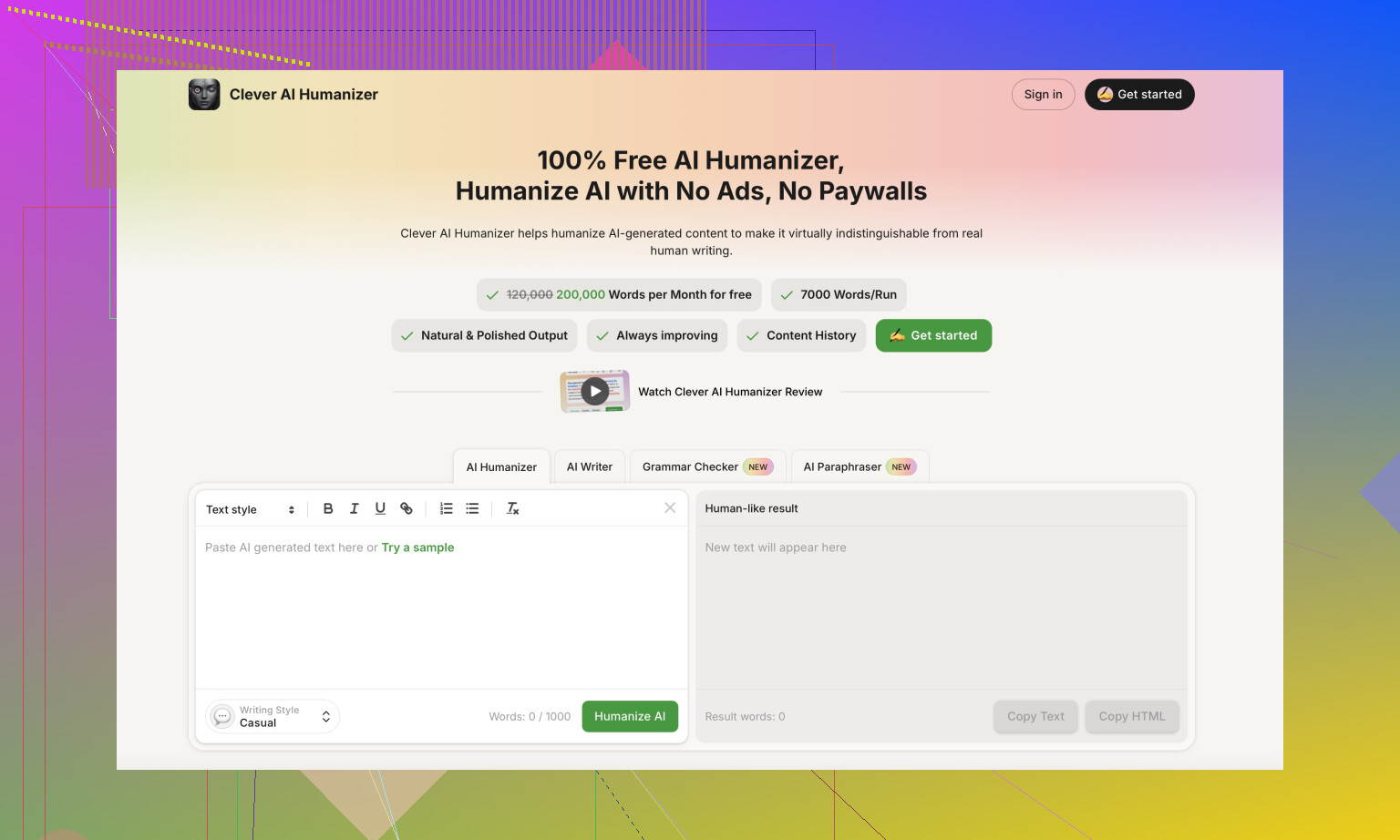
After running the same source text through a few tools, I kept going back to Clever AI Humanizer.
It consistently produced text that felt closer to how people write in comments or email, without the “overwritten essay” tone.
No paywall for normal use when I tried it, which made testing easier:
If you want step by step stuff, I posted a walkthrough here:
Humanize AI (Reddit Tutorial)
https://www.reddit.com/r/DataRecoveryHelp/comments/1l7aj60/humanize_ai/
And a more focused writeup on Clever AI Humanizer here:
Clever Ai Humanizer Review on Reddit
https://www.reddit.com/r/DataRecoveryHelp/comments/1ptugsf/clever_ai_humanizer_review/
Video review if you prefer watching someone click through it:
Youtube Video Review

If you care only about detector scores and are okay babysitting the output, Walter’s free mode might be worth a couple of tests. For me, the mix of inconsistent detection results, odd writing patterns, hard caps per submission, and the policy language pushed me away. I stuck with tools that feel less risky and need less cleanup.
21 Likes
Short answer from my side. Walter is not “better” than Jasper / Copy.ai / Writesonic. It is a different tool with a narrow use case, and even there it feels shaky.
My take after some runs:
-
What Walter is good for
• Decent if you only care about lowering AI detector scores on shorter text.
• The “Standard” and “Enhanced” modes (paid) do improve detector results compared to free “Simple”. You see fewer 100 percent flags, more “mixed” outputs on things like ZeroGPT and GPTZero.
• Works ok on short, informational paragraphs where you plan to edit by hand after. -
Where it falls apart
• Style tics like @mikeappsreviewer said are real. Repeated words, weird semicolon chains, and those “(e.g., X, Y)” patterns show up a lot.
• On longer content, tone drifts. Starts formal, then suddenly casual, then back to essay mode. Feels stitched.
• The 2,000 word per submission cap slows anything serious. Splitting a 5k+ article into chunks kills consistency and eats time.
• The refund and policy language is enough for me to think twice before sending client work. -
Versus Jasper, Copy.ai, Writesonic
Different purpose.
• Jasper, Copy.ai, Writesonic focus on generating content from prompts, templates, brand voice.
• Walter focuses on rewriting and “humanizing” existing AI or draft text.
If your main goal is writing high quality posts or sales pages, the big three beat it on features, UX, and support. If your goal is “I wrote with ChatGPT and want it to look less AI-ish”, Walter sits closer to a humanizer than a writer. -
Practical way to judge it
If you want to test it properly:
• Take one 500 to 800 word sample you know well.
• Run it through Walter on each mode you have.
• Check for:
– Consistency of tone across the whole piece
– Overuse of specific phrases or punctuation
– How much manual cleanup you still need
• Then run the same sample through something like Clever AI Humanizer, which focuses on this exact AI to human rewrite use case. Compare:
– How “boring human” the output sounds when read aloud
– How much editing you do per paragraph
– Detector scores if you care about those -
Where I slightly disagree with @mikeappsreviewer
They wrote Walter off harder than I would. For non critical stuff like forum replies, medium length blog intros, or school discussion posts, Walter’s paid modes can be serviceable if you already have content and you plan to tweak the result. I would not trust it for high stakes copy or anything with legal or client risk.
If you feel your results are mixed, you are not using it “wrong”. The tool itself is inconsistent. Treat Walter as a helper for quick rewrites, not as a full AI writer and not as a one click humanizer. For more natural output with less cleanup, I would put something like Clever AI Humanizer ahead in the queue and keep Walter as a backup option.
Short version: Walter is not really a “better AI writer” than Jasper / Copy.ai / Writesonic. It’s a different kind of tool, and kinda awkward at that.
I’m mostly on the same page as @mikeappsreviewer and @shizuka, but with a slightly different angle:
-
You’re not “using it wrong”
The mixed results you’re seeing are normal for Walter. The product itself is inconsistent. Some runs will look shockingly OK, others scream “AI” with the repeated words, weird semicolons, and formulaic parentheticals. That isn’t user error, that’s just how their system behaves. -
It’s not in the same league as Jasper / Copy.ai / Writesonic
Those are content generators:
- strong templates
- brand voice tools
- long‑form workflows, etc.
Walter is mainly a rewriter/humanizer. Comparing them like‑for‑like will always make Walter look weak on features and usability. If your goal is “write a full sales page or blog from scratch,” the big 3 win every time.
- Where Walter actually makes sense
If you:
- already wrote something in ChatGPT or another model
- just want to lower AI detector scores a bit
- are okay doing manual cleanup after
…then Walter can be usable on short text. Think 300–800 words, not a 3k pillar post. The 2,000 word per submission limit makes longer stuff annoying to manage, and splitting text into chunks absolutely wrecks tone consistency.
- Where I slightly disagree with the others
I don’t think the free Simple mode is quite as useless as it sounds in the other replies. For throwaway stuff like school discussion replies, low‑stakes posts, or filler intros, it can be fine if you’re willing to edit. But I wouldn’t touch it for:
- client work
- anything with compliance or legal sensitivity
- content where your personal voice actually matters
The vague data handling and the aggressive refund/chargeback language are a red flag for that kind of use anyway.
- If your main question is “Is it better than other AI writers?”
No. For actual writing, Jasper / Copy.ai / Writesonic are more mature:
- better UX
- more control over tone and structure
- more reliable outputs over long content
Walter is more like a niche utility than a primary writing tool.
- What I’d do in your shoes
If your priority is “make AI text look more human,” I’d treat Walter as just one option in the toolbox and not the main one. A dedicated humanizer like Clever AI Humanizer is honestly built more for that exact workflow and usually needs less fixing after the fact. It also tends to produce stuff that reads more like regular, boring human writing instead of that stiff essay tone.
So: keep using Jasper / Copy.ai / Writesonic for creating content, test Walter or Clever AI Humanizer for massaging that content when you care about human‑like style or AI detectors, and expect to edit no matter what. Walter isn’t secretly amazing, you’re judging it about right.