I’m looking for a reliable AI headshot generator app for my iPhone to create professional profile photos for LinkedIn and job applications. I’ve tried a few random ones from the App Store, but the results looked fake or low quality. Can anyone recommend an iPhone app that produces realistic, high-resolution AI headshots and is safe to use with personal photos
Best AI Headshot Generator – What I Tried, What Worked, What Sucked
Best AI Headshot Generator
I hit the same wall a lot of you hit. Needed a decent headshot for LinkedIn, my last one was from 2018, did not feel like paying a photographer a few hundred bucks. Plus, scroll LinkedIn for 2 minutes and it looks like half of the people there are AI-generated anyway.
So I went through a bunch of tools and apps and tried to see what holds up when you are picky and you zoom in to 200%.
I tried:
- Web tools (Canva, Aragon, HeadshotPro and the usual suspects)
- iOS apps
- Android apps
- And a “DIY” route using ChatGPT and Gemini
Below is how it went, what I would use again, and what I uninstalled in under 10 minutes.
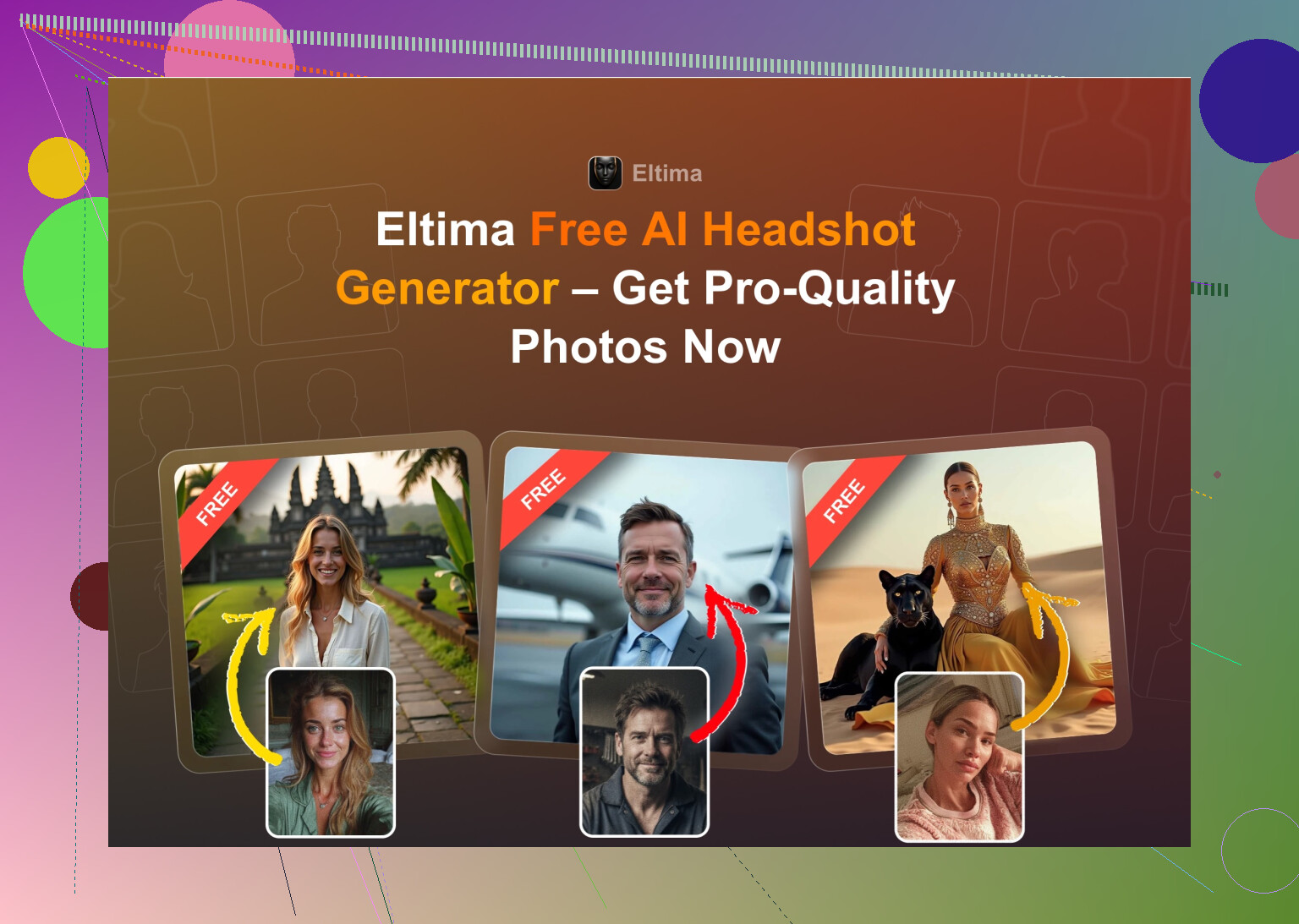
Eltima AI Headshot Generator – the iOS app that surprised me
#1 Eltima AI Headshot Generator App – Best AI Generator App for iPhone
This one kept popping up in random Reddit and Quora threads, so I gave it a shot on my iPhone.
Main things that stood out for me:
- Daily free generations, no hoops. One free image a day.
- It works from a single photo, though I got better results feeding it several.
- It does group headshots, up to 3 people.
- It also generates short videos.
- The results looked the most like me out of all apps I tried.
- It throws something like hundreds of templates at you, way more than the usual “10 office looks”.
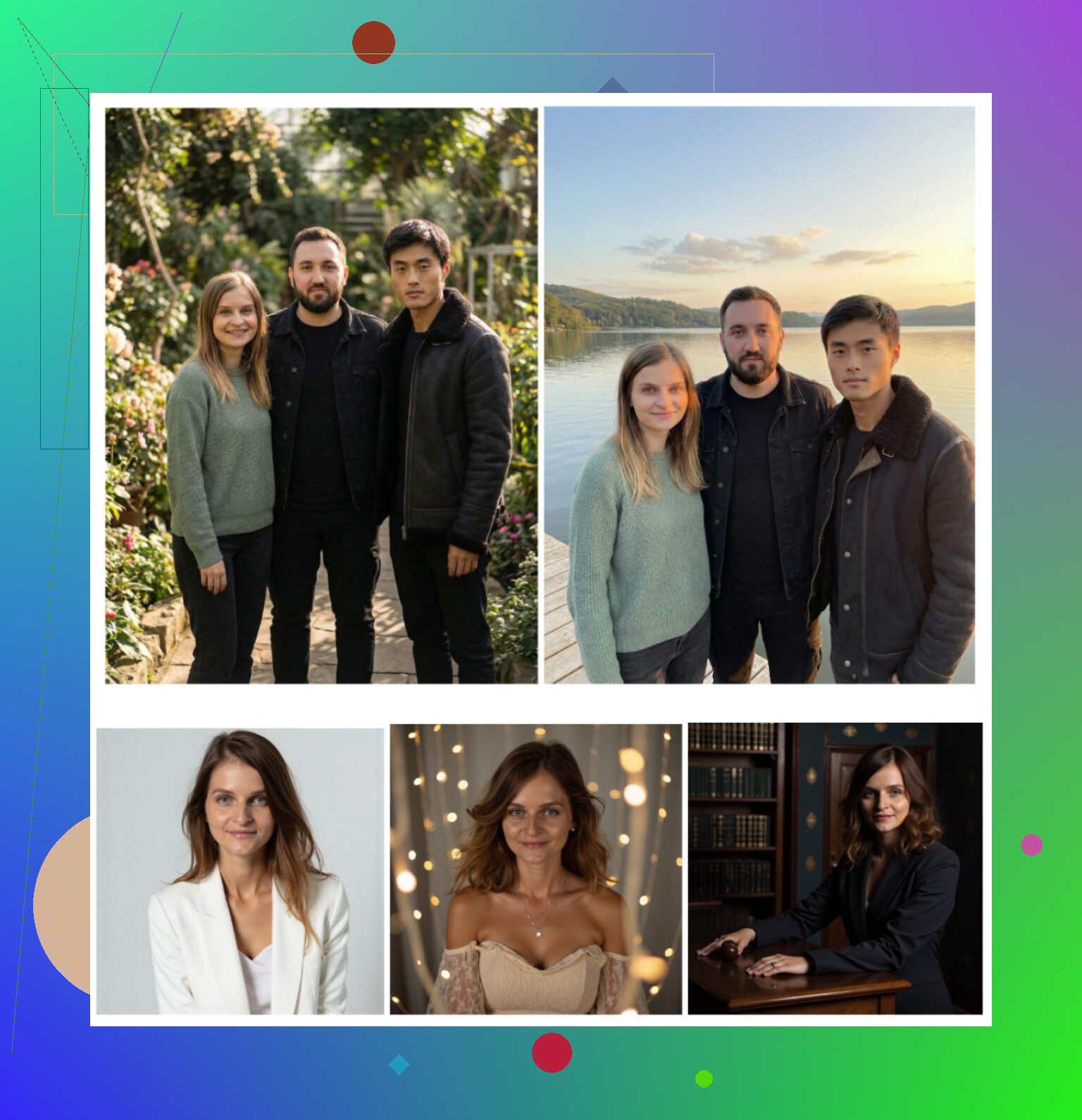
How it performed for me:
-
Photo quality / realism
Looked like real photos. Skin texture stayed human, not wax. Beauty mode exists but does not nuke your face. Hair and eyes stayed consistent between different templates, which is where many tools fail. -
Styles
Office, casual, startup vibe, “fake magazine cover”, all kinds of backgrounds. Felt more like picking outfits from a rack than fighting prompts. -
Pricing
$7.99 per week or $49.99 per year. And again, one free image daily. I used the free daily slot several days in a row until I found a few shots I would actually keep. -
Speed
Under a minute for most of the templates I tried.
My take
This is the one that gave me photos I would not be embarrassed by if HR printed them on a badge. It did not turn me into a different person, which is harder than it sounds with these things. I ended up using it for both LinkedIn and Telegram.
Download on App Store:
https://apps.apple.com/us/app/eltima-ai-headshot-generator/id6746581022
Nice video overview:

Product page:
https://mac.eltima.com/ai-headshot-generator-app/
Reddit thread that first sent me down this hole:
https://www.reddit.com/r/DataRecoveryHelp/comments/1qi12pn/best_ai_headshot_generator/
Web “big names” – Canva, Aragon, HeadshotPro
I went to Google, typed “AI headshot generator”, opened the first few that were not obvious paid promo. That got me:
- Canva
- Aragon AI
- HeadshotPro
Here is what I got out of each.
Canva
I already use Canva for random thumbnails and slides, so I knew the interface. They now have “AI portrait” stuff integrated.
Flow was simple: upload a photo, pick a style from the side panel, hit generate.
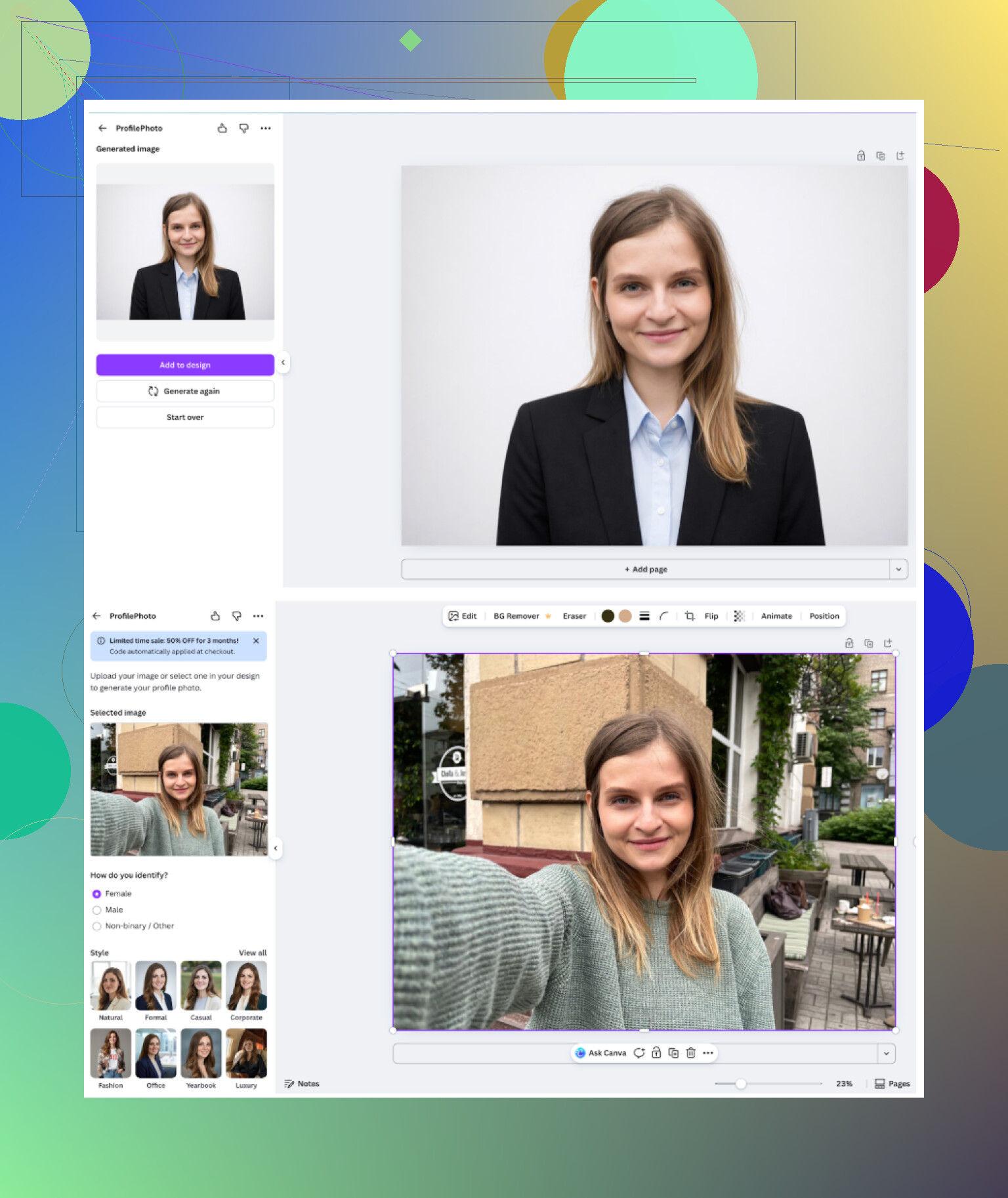
Quick notes:
-
General vibe
It feels like you are inside a design editor that happens to have portraits now. If you already live inside Canva for other work, it will feel natural. -
Pros
- Presets are free at the start
- You can further tweak with all the normal editing tools
- Good if you want your headshot embedded into a slide or banner
- Cons
- Skin sometimes goes into plastic territory
- The good stuff is locked behind paid “coins” or subscription
- Better for “social banner with my face” than serious stand‑alone portrait
- Price
Pro tier sits somewhere above $120 per year, though they run discounts all the time.
Website:
https://www.canva.com/
Aragon AI
Aragon is one I kept seeing mentioned in comments. I tried it on desktop.
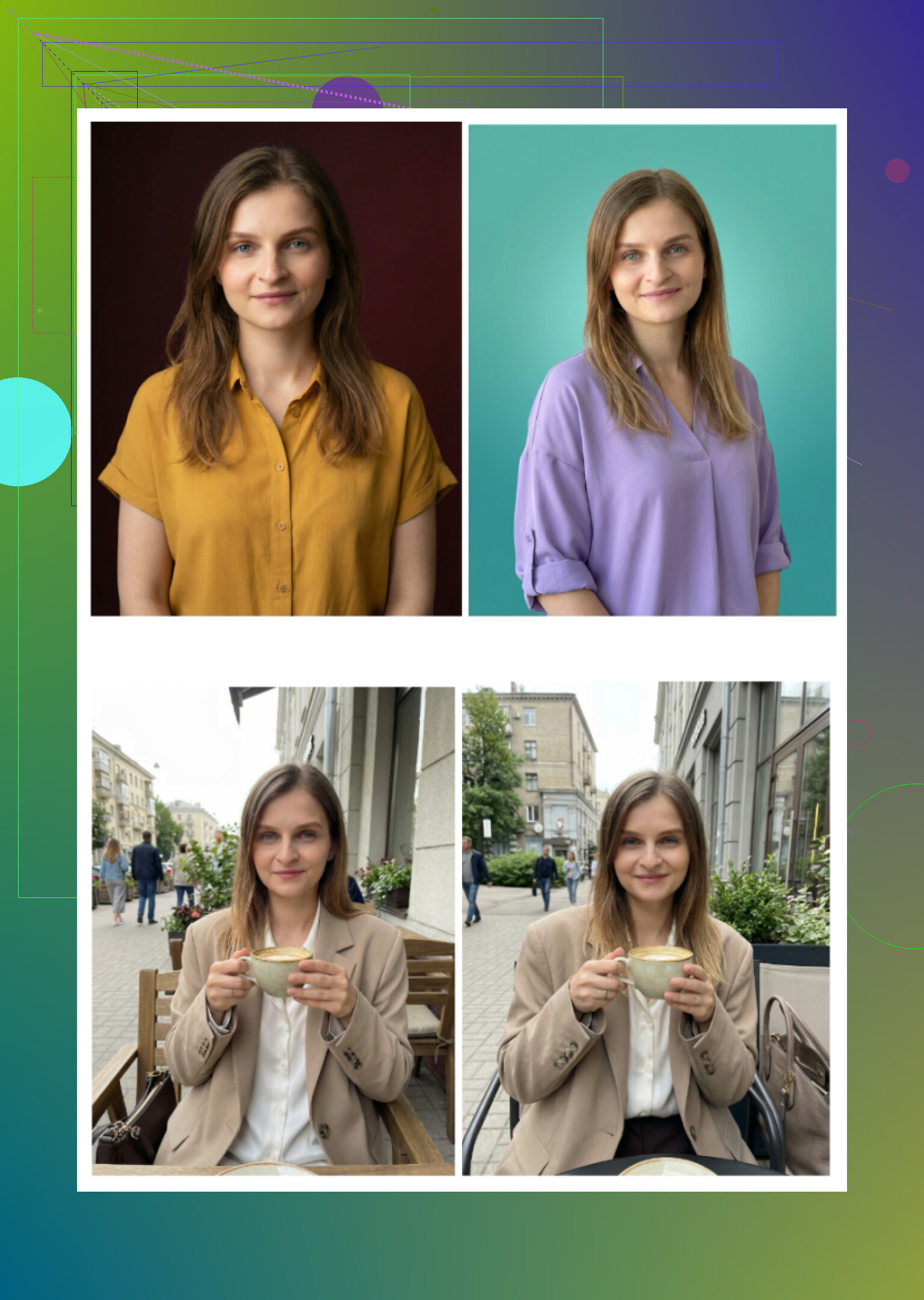
What using it felt like for me:
-
Onboarding
You go through quite a long “who are you / what do you need this for” flow. Around 10 questions before you even upload photos. Then it wants multiple reference photos, not one. -
Pros
- Face similarity was solid. It looked like me, not an idealized cousin.
- Generated batches quickly once the upload was done.
- More “standard headshot” than weird stylized stuff.
- Cons
- Needs at least 6 or more photos for training to give you one batch. I had to dig up older ones.
- Not free. You pay before seeing any outputs.
- The questionnaire felt a bit too long for something you do one time.
- Price
New users land around 12 to 25 dollars for a pack.
Website:
https://www.aragon.ai/
HeadshotPro
HeadshotPro markets itself for corporate use. ID cards, intranet profiles, Safe choice for big companies.
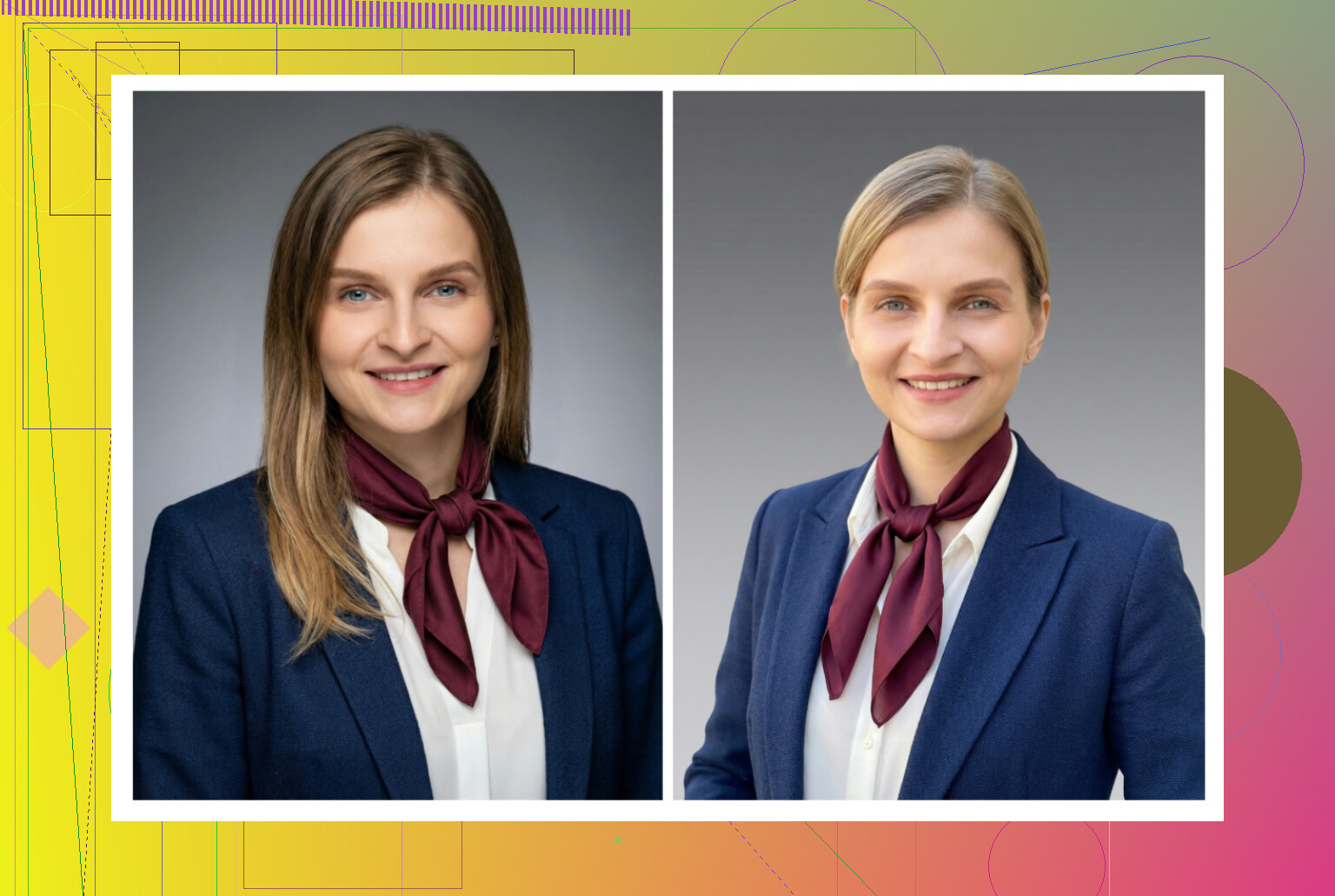
My notes:
-
Overall feel
Everything about it screams “company-approved”. Backgrounds are simple, clothing looks like safe office attire, nothing edgy. -
Pros
- Consistent lighting across images
- Good if your company wants every employee to look like they were shot in the same studio
- Results are safe for anything from law firm websites to bank profiles
- Cons
- Almost zero “fun factor”
- Not much variation, you get office, office, office
- If you want a bit of personality, this is not it
- Price
Plans start around 29 dollars.
Website:
https://www.headshotpro.com/
iOS apps – what I kept on my phone
Here is what I tried on iPhone:
- Remini
- Fotorama
- Collart
- IRMO
- Eltima (already covered above)
I scored them on:
- Ease of use
- How much the output looked like me
- How many looks they offered
- Pricing and free options
- Speed
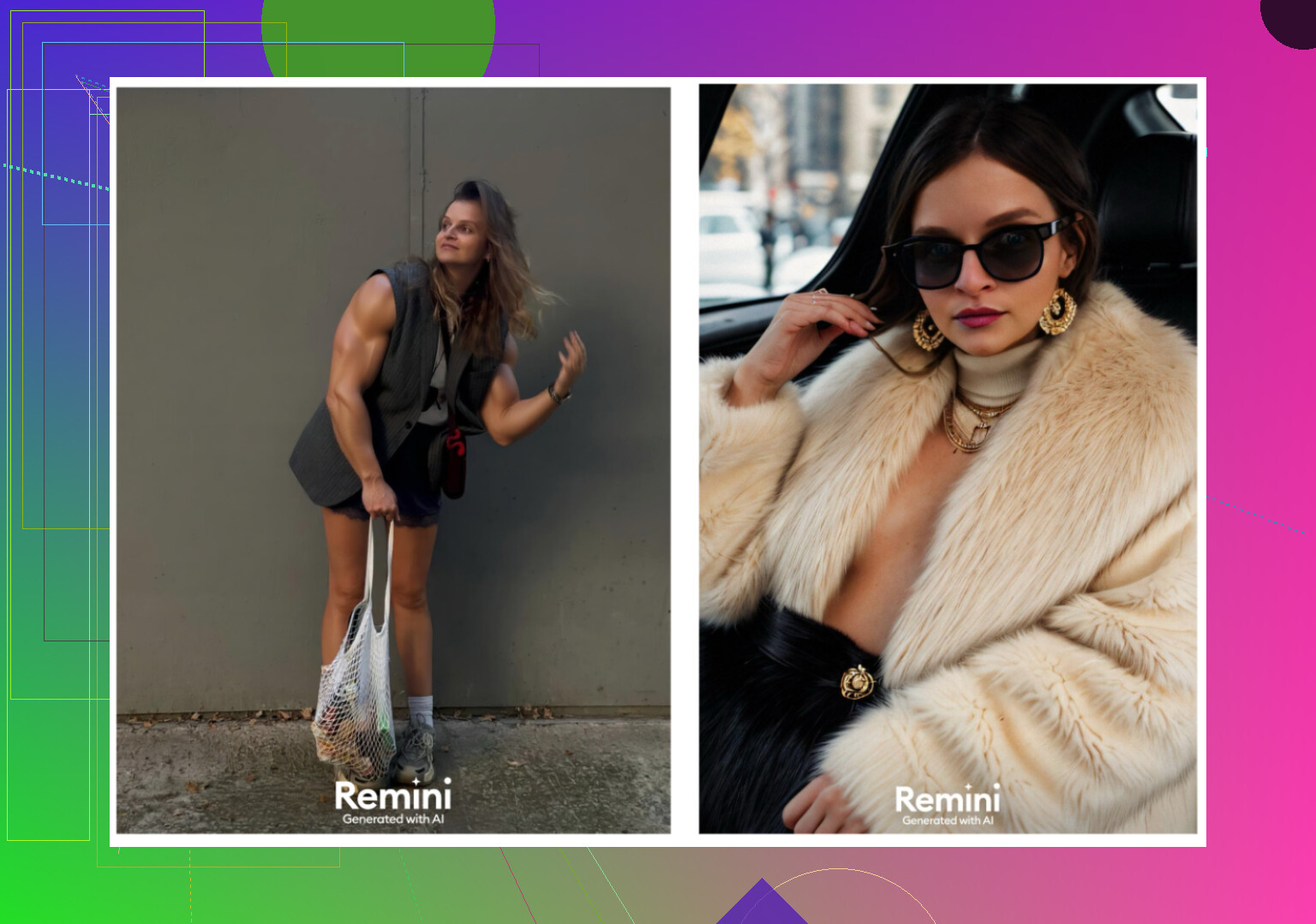
Remini
Remini
-
Ease of use
Straightforward interface. Upload photos, tap style, wait. Nothing confusing here. -
Video from photo
It turns a still into a short AI video. In my case, it generated something odd, including one sequence where it invented a child under the stairs. It looked way off. -
Realism
Video faces looked fake and over-smoothed. Clothes got weird folds or melted edges in some frames. -
Styles
There are plenty of templates, including “professional portrait”. But the quality jumped up and down a lot between generations. -
Price
$9.99 per week or $79.99 per year, plus a free one week trial. -
Speed
My video generation took around 13 minutes. For headshots, still slower than I wanted.
My take
Cool tech demo, not something I would attach to a resume. Body proportions and clothing messed up often and it felt more like a “have a laugh with friends” tool.
App Store:
https://apps.apple.com/us/app/remini-ai-photo-enhancer/id1470373330
Fotorama AI Photo Generator
Fotorama AI Photo Generator
-
Ease of use
The layout is simple enough. You see where to upload, where to pick styles. -
Video from photo
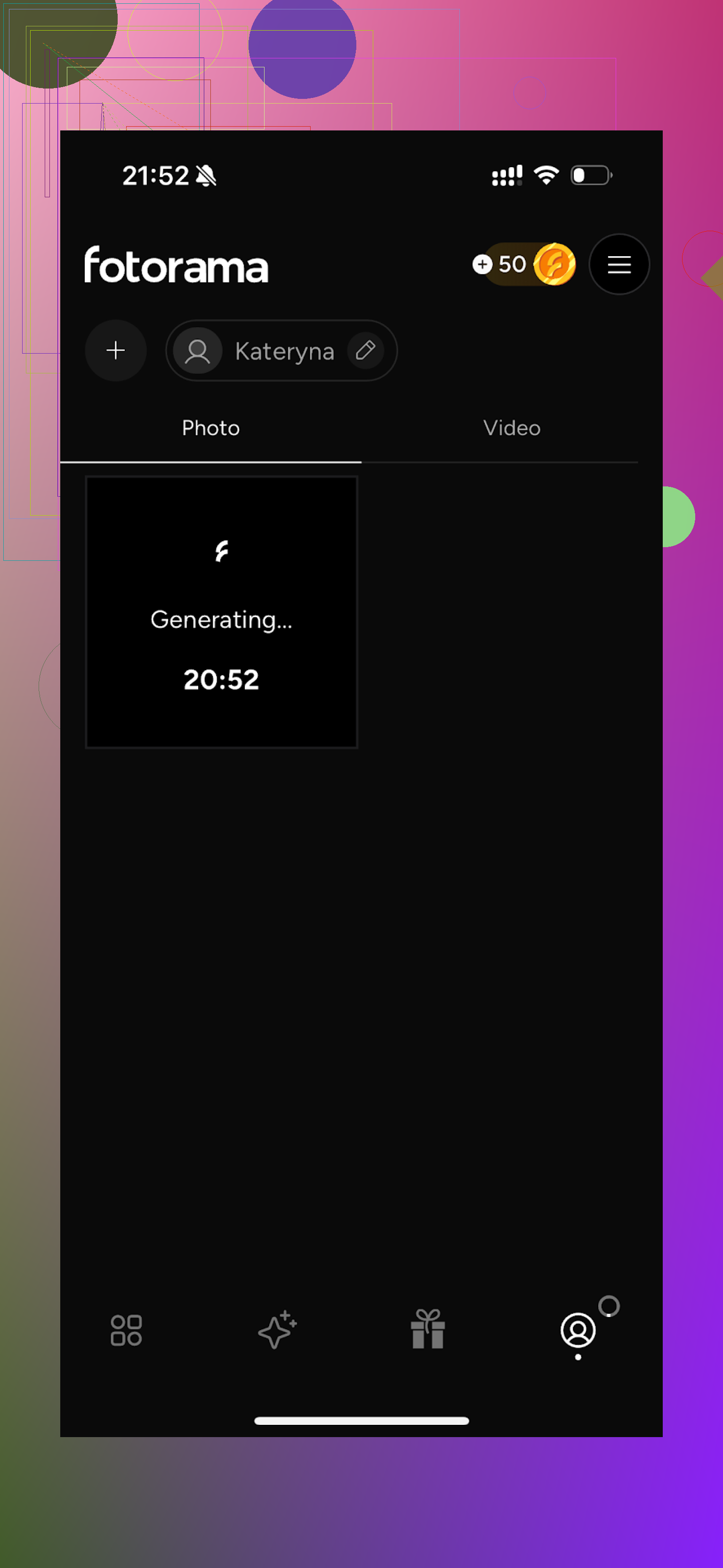
I tried a “photo to something” generation that used coins. First run: app spent about 30 minutes “analyzing” my pictures, never returned a result, still took the coins. -
Styles
It has those fashion shoot, cosplay, and character type looks. -
Price
$11.99 per week or $79.99 per year. -
Speed
Unreliable. That first 30 minute run killed my trust. Later runs were still slow.
My take
The styles catalog looks appealing on paper, but long waits and coin drain turned it into a chore. Felt like a gacha machine for photos; you throw time and coins in and sometimes get nothing useful out.
App Store:
https://apps.apple.com/us/app/ai-photo-generator-fotorama/id6448991166
Collart AI Photo Generator
Collart AI Photo Generator
-
Ease of use
Clean layout. Easy enough to find all the features. -
Video from photo
It can animate pictures. -
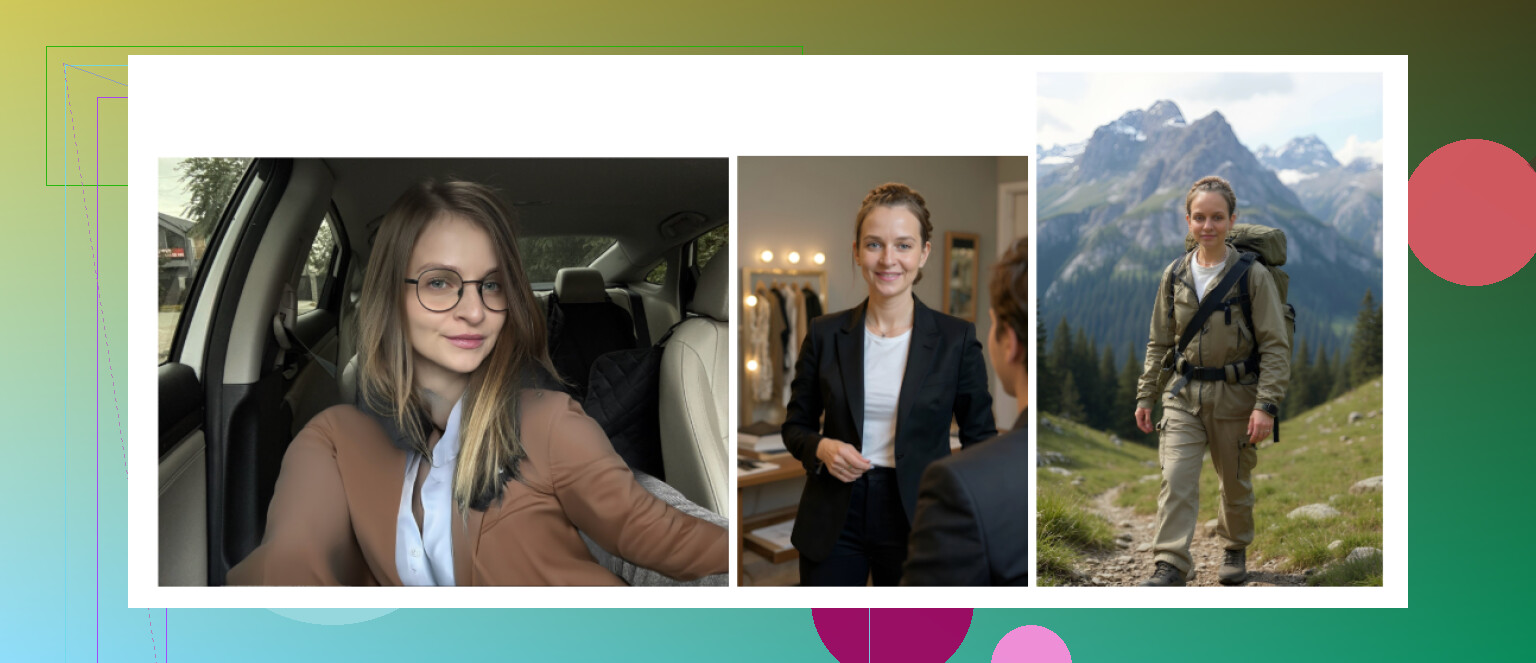
Realism
This is where it fell apart for me. With a single input photo, the results went off the rails. Face shape changed, small details from my reference got lost. -
Styles
Many themes and looks. The problem is, with only one input, the face often does not stay “you”. -
Price
$3.99 per week or $59.99 per year. -
Speed
Fast generation, no long waits.
My take
Fun to tap through different styles, not great for a photo you want to show your boss. I would keep it for memes, not for my LinkedIn.
App Store:
https://apps.apple.com/us/app/ai-photo-generator-collart/id1561940699
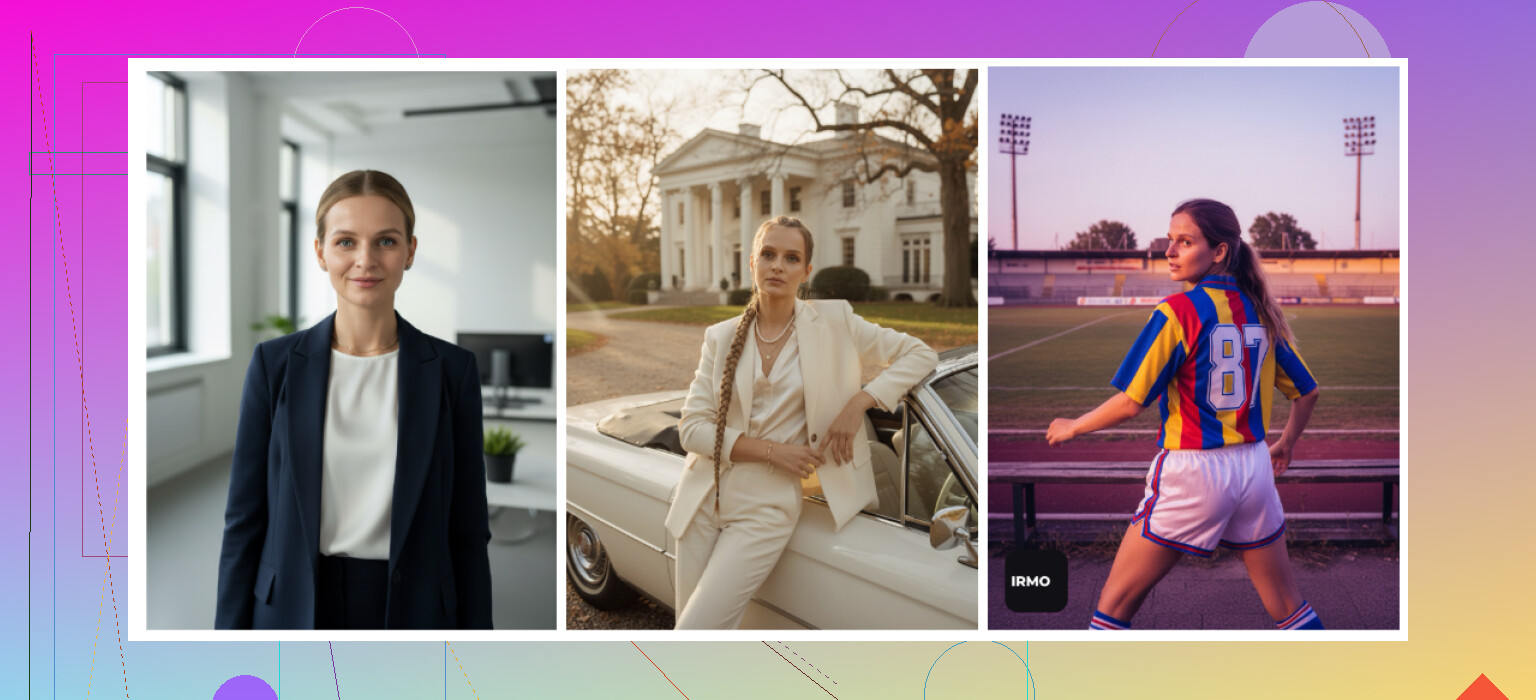
IRMO AI Photo Generator
IRMO AI Photo Generator
-
Ease of use
No learning curve. Upload, pick style, generate. -
Video from photo
Works as expected. -
Realism
Single-photo input again. Some outputs looked like a cousin with similar features, not me. When I compared them side by side with my reference, details were off. -
Styles
Offers a lot of moods and backgrounds. Good variety if you want playful or thematic portraits. -
Price
$5.99 per week or $99.99 per year. -
Speed
Around 2 to 6 minutes per photo, which was acceptable.
My take
If you want something quick and fun, it does the job. If you want a headshot that really holds your likeness, the single-photo limitation hurts it.
App Store:
https://apps.apple.com/us/app/ai-photo-video-generator-irmo/id6444157981
Again, among iOS apps, the only one I kept for serious stuff was Eltima. The others ended up in the “fun toy” bucket for me.
Android apps – fast tests
On Android I tried to avoid obvious ad traps and low rated clones. I focused on:
- Remini
- GIO: AI Headshot Generator
- Momo
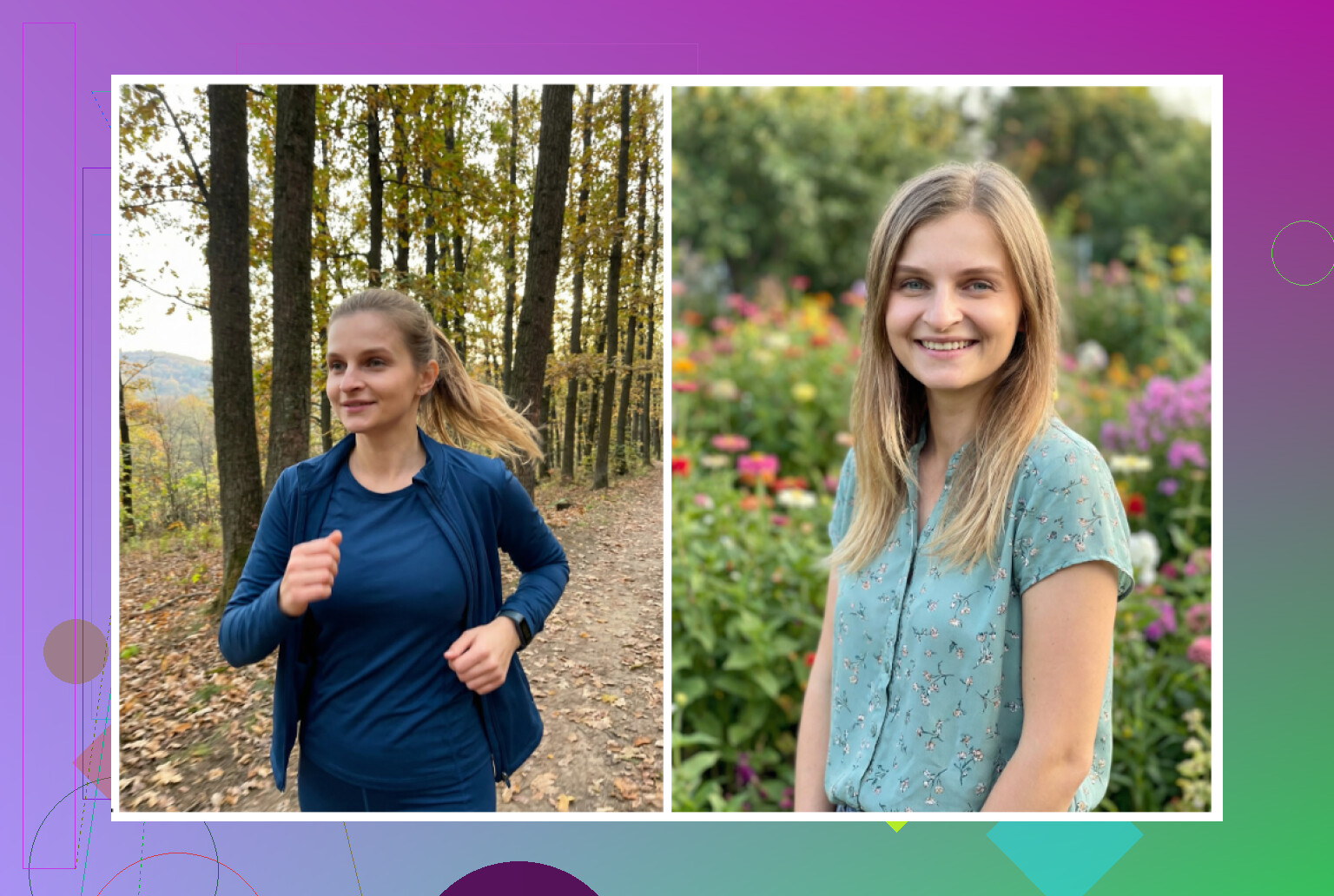
Remini on Android
1. Remini
-
Verdict
Most people already know it as a “photo enhancer”. The headshot / avatar function is decent for social use. -
Pros
- Totally straightforward, upload and wait
- Does a lot of work without asking you to tweak things
- Cons
- It tends to glam you up too much
- Even on office styles, I looked like there was makeup and some face reshaping
- For TikTok or IG it is fine, for serious job stuff it felt off
Google Play:
https://play.google.com/store/apps/details?id=com.bigwinepot.nwdn.international&pcampaignid=web_share
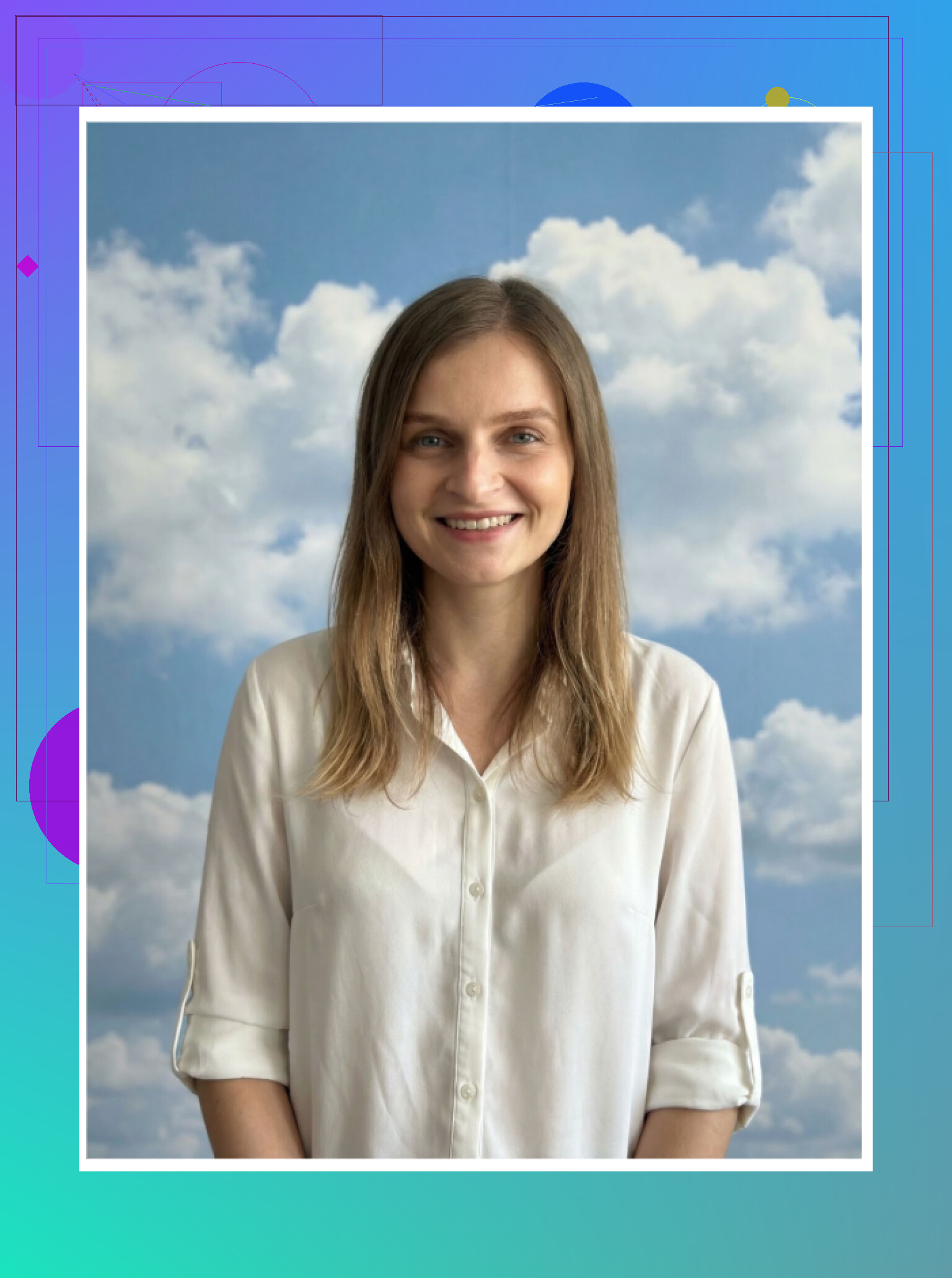
GIO: AI Headshot Generator
2. GIO: AI Headshot Generator
It also has an iOS version, but I focused on Android to avoid repeating the same test twice.
Pros
- Less “plastic” than Remini at times
- Clothing swap worked fairly well and looked more natural
- Some portraits looked believable enough for semi‑professional use
Cons
- Hit rate was low. Too many attempts ended up with weird shoulders, warped ears, or off expressions
- Overall quality lagged behind the price expectations
Verdict
If Remini outputs look too filtered for you, GIO is a possible fallback. Still, I had enough failed photos that I would not rely on it as my main headshot source.
Google Play:
https://play.google.com/store/apps/details?id=com.prequelapp.aistudio&pcampaignid=web_share
Momo
3. Momo

Pros
- Output quality sat between GIO and Remini for me
- I got several photos I could see someone using on a profile without embarrassment
- It did not overdo the smoothing as much in some modes
Cons
- Pricing was higher than I expected for results that did not reach the level of the top iOS app I tried
- Some generations still had subtle uncanny valley issues with eyes or jawline
Verdict
Better than GIO in my tests, still behind Remini on pure modeling quality. And more expensive, which makes it harder to recommend as your first pick.
Google Play:
https://play.google.com/store/apps/details?id=com.scaleup.dreame&pcampaignid=web_share
Zero-budget route – ChatGPT & Gemini
Now to the part people keep asking about: doing this without paying.
Yes, you can get something usable for free using ChatGPT and Gemini, but it requires some patience and trial runs.
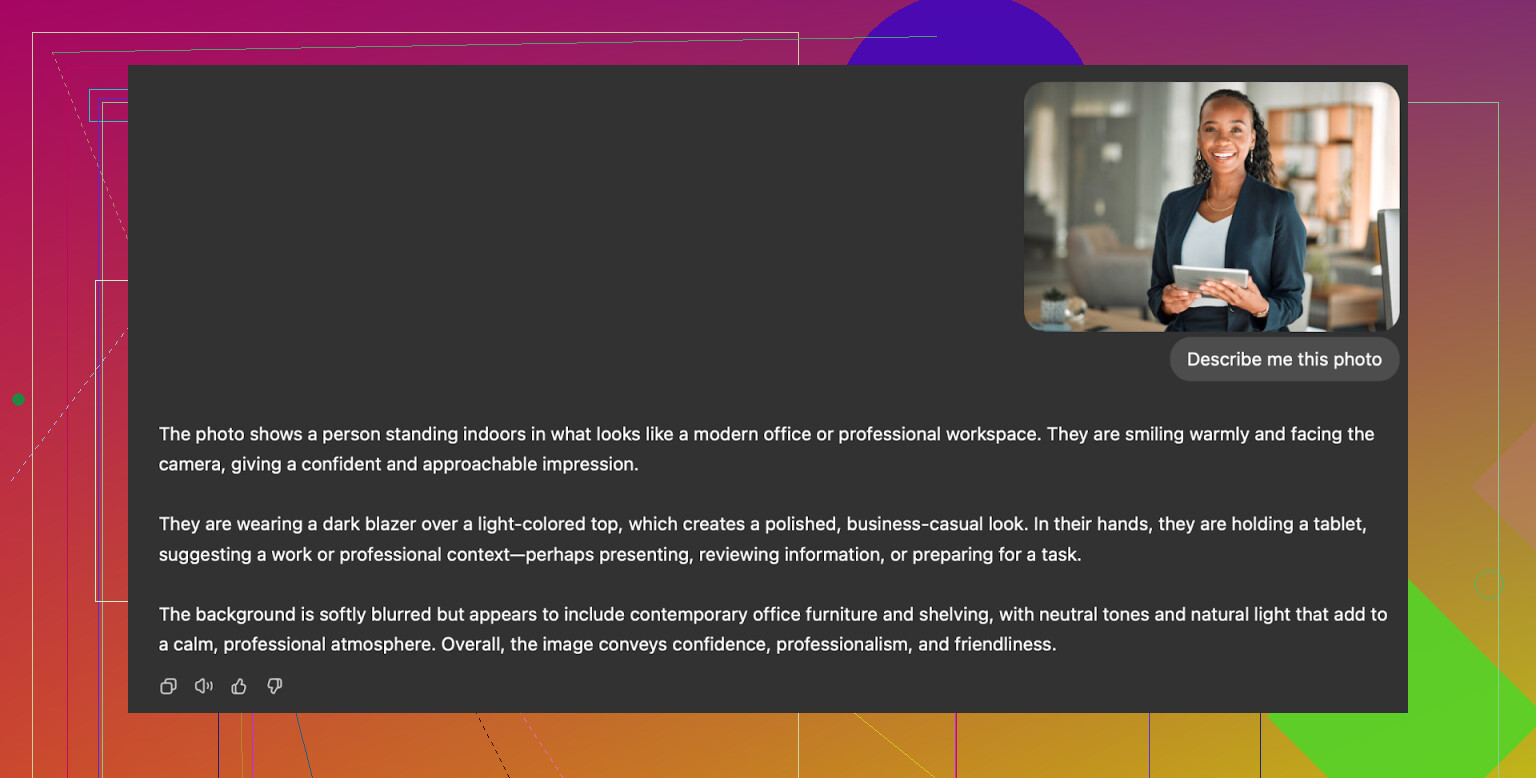
The “description loop” trick
This approach worked for me with:
- ChatGPT image generation (DALL‑E) on chatgpt.com
- Gemini image generation (for example, Nano Banana Pro model) on Google’s side
What I did step by step:
-
Find a reference photo online
Pick a portrait you like. A stock-style headshot with good lighting works best. Paste it into ChatGPT or Gemini and ask for a detailed description of the image. -
Copy the description
Save that text. It usually contains stuff like lighting, pose, outfit, camera angle. -
Start a new chat
Paste the description into a new conversation and refine it. For example, remove references to the other person’s gender or specific features and keep the parts you like: “soft studio light”, “plain dark background”, “business casual outfit”. -
Upload your selfie
Drop your best selfie in that chat and say something along the lines of “Generate a professional headshot of this person in the situation and style described above.” -
Use the image model
For ChatGPT, pick DALL‑E. For Gemini, pick an image model like Nano Banana.
Results I saw:
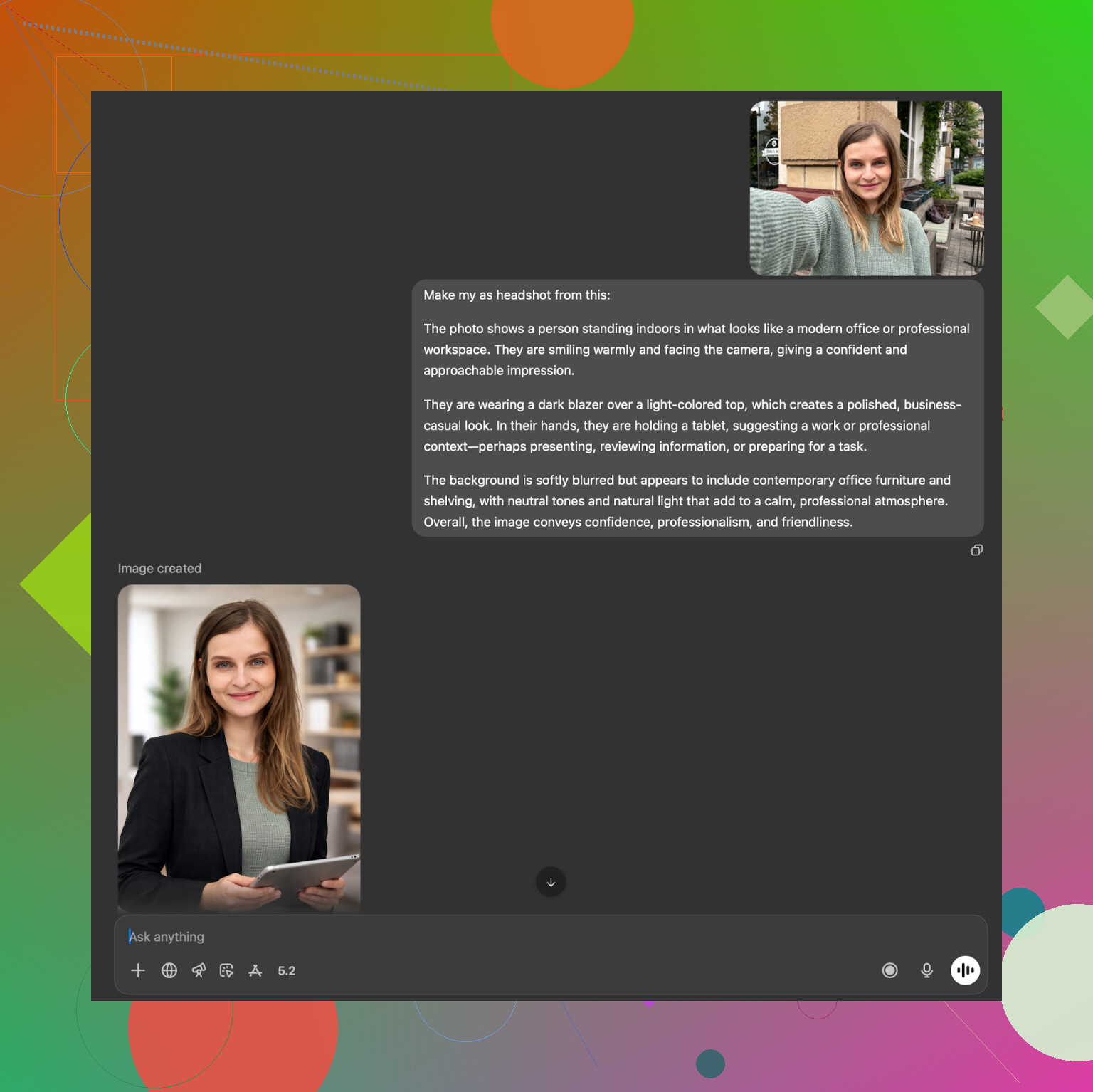
ChatGPT (DALL‑E)
ChatGPT (DALL-E)
It produced someone who looked related to me but not exactly me. Clothes, background and lighting followed the description well. The face though had a “DALL‑E style” to it. Good for “profile picture vibe”, less good if you need a strict likeness.
Website:
https://chatgpt.com/
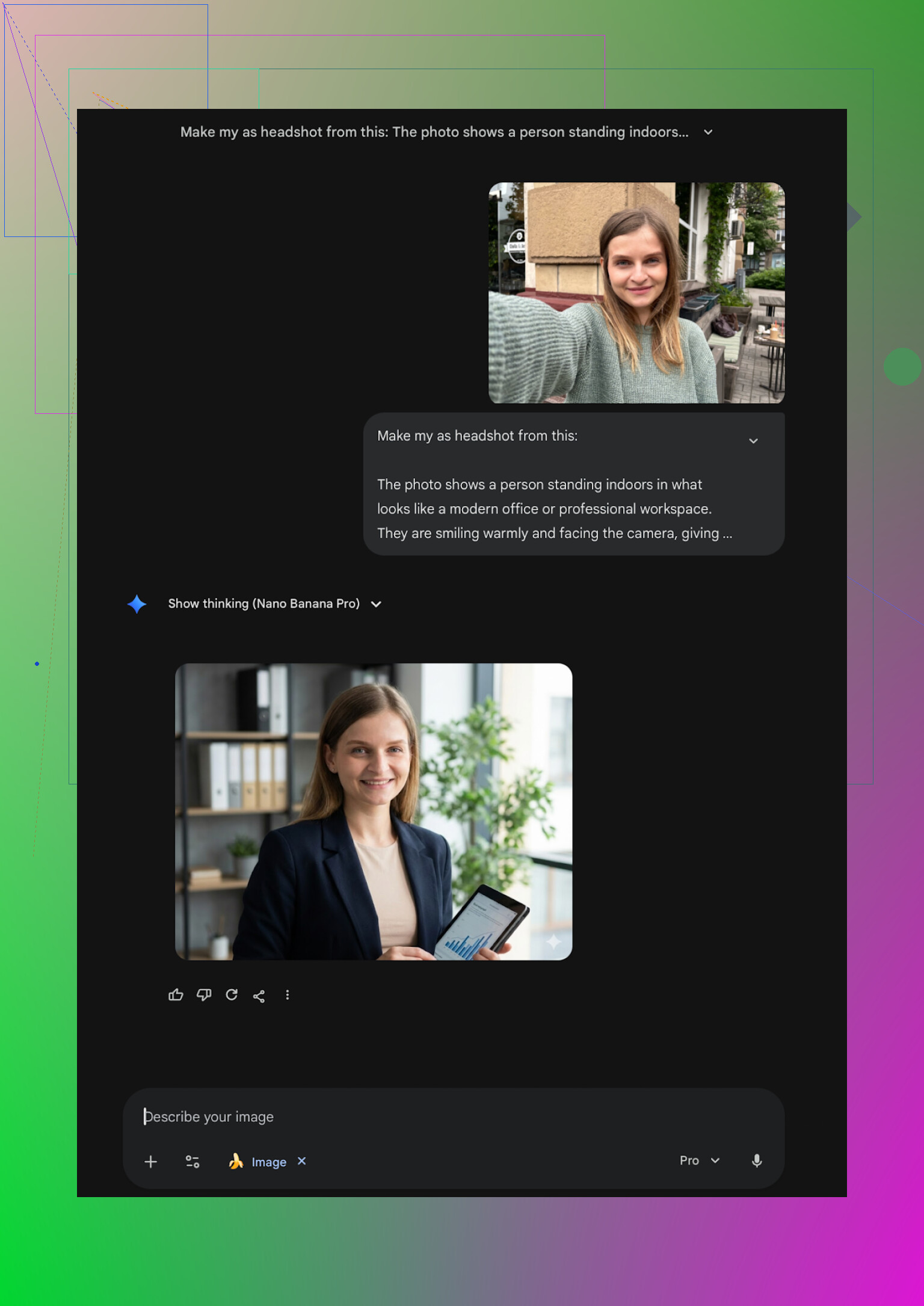
Gemini (Nano Banana Pro)
Gemini (Nano Banana Pro)
Gemini surprised me with more realistic skins and hair. The issue was the safety filters. Sometimes it refused to generate an image close to a real person and asked for more generic prompts.
Website:
https://gemini.google/overview/image-generation/
So if you have time and no budget, this route works. You will likely need several runs and some editing to get something close enough.
What I ended up using
After way too many test runs, folders full of my AI faces, and a few cursed outputs, this is where I landed:
-
For iPhone
Eltima is the only app from this list I would rely on for serious professional use. The daily free headshot is enough if you are patient. The paid tier makes sense once you know it works for your face. -
For web / corporate
If your company or team wants consistent, locked-down corporate style, HeadshotPro or Aragon make more sense than trying to hand tune prompts. For individuals, it feels overkill unless your job is quite strict. -
For playing around
Remini, Collart, IRMO, Fotorama, GIO, Momo are all fine if you want to experiment, post on social, or laugh at odd generations. I would double check any of their outputs before using them on LinkedIn. -
For free tinkering
The ChatGPT + Gemini description loop works if you are comfortable writing and testing prompts. It takes time and patience, but you pay $0 and learn a bit about how the models behave.
I ended up with a handful of AI headshots that look close enough to real photos that nobody questioned them. Once I ran out of fresh ideas for scenarios, those template-based apps made more sense than trying to engineer every single shot manually.
Hope this saves you some time and a few bad subscription choices.
37 Likes
I hit the same problem on iPhone. Most App Store headshot apps made me look like a wax doll or a distant cousin.
Short version for you:
If you want something that looks like a real LinkedIn photo, not an avatar, try the Eltima AI Headshot Generator App first.
Where I agree with @mikeappsreviewer:
Eltima is the only iOS app I’ve tried where:
• Skin still looks like skin, not plastic.
• Face stays consistent across outfits and backgrounds.
• It does not secretly reshape your jaw and nose into some “perfect” model.
Where I slightly disagree:
They loved the daily free image. I think it is nice, but if you are actively job hunting you will chew through the free slots too slow. If you want a new LinkedIn photo this week, not over a month, the paid week makes more sense than waiting one shot per day.
Practical tips from my runs with Eltima for LinkedIn level photos:
-
Input photos
• Upload 4 to 8 clear selfies or photos, not only one.
• Use neutral expressions, no wide open mouth smiles.
• Avoid heavy filters or beauty mode on the source pics.
Output looked closer to me once I did this. -
Styles to pick
For LinkedIn or applications, these worked best:
• Simple office or coworking backgrounds.
• Business casual or plain shirt, no crazy colors.
• Soft lighting, no fake “glam studio” style.
Skip the magazine covers and heavily stylized stuff. Good for social, not for recruiters. -
How to judge if it is “too AI”
Here is what I checked at 200% zoom on my iPhone:
• Eyes: iris not smudged, no double pupils.
• Teeth: no weird extra tooth or fused teeth.
• Ears and earrings: no melted edges.
• Shirt collar: both sides symmetrical, no blended tie.
If any of those look odd, discard that shot even if it looks fine at thumbnail size. -
Pose choice
For LinkedIn I kept:
• Head and shoulders, not full body.
• Slight angle, not fully straight to camera.
• Small closed mouth smile or very light open smile.
Avoid crossed arms and over dramatic poses if you apply to more traditional roles. -
Color vs black and white
Recruiters still expect color. I generated in color, then did light color correction in Photos on iPhone. Usually:
• Small decrease in saturation.
• Small decrease in contrast.
It tones down the “AI gloss” look.
If you want to compare with other tools:
• Remini on iOS made me look too “beautified”, like there was a beauty filter on max.
• Collart and IRMO drifted away from my real face when I used only one input photo.
So for your use case, iPhone only, and serious LinkedIn or job apps, I would start with Eltima AI Headshot Generator App, spend one week, upload a handful of clean selfies, generate a batch, then keep 2 or 3 shots that survive a zoom check.
That workflow gave me a headshot no one has questioned so far, and it does not scream AI even when you zoom in.
Same boat here: needed a “I’m hireable, not an AI mannequin” photo for LinkedIn, used a bunch of iOS apps, most of them turned me into a wax figure with different hair.
Short version: for iPhone, the only one that consistently gave me usable, professional headshots was the Eltima Ai Headshot Generator App. I agree with a lot of what @mikeappsreviewer and @andarilhonoturno already said, but I’d add a few angles they didn’t really hit.
Where I agree with them:
- Eltima’s likeness is way better than the usual suspects. My jawline, nose, hairline all still looked like me instead of a “hotter cousin.”
- Skin texture stays human. Not the ultra-smooth “TikTok filter” vibe you get from Remini or similar.
- Templates are actually practical for LinkedIn and job portals, not just “influencer in a fake loft” stuff.
Where I slightly disagree:
- They were pretty harsh on some other apps. I actually found Remini usable as a backup if you dial back expectations, but it does over-glam things. It’s more “nice Tinder pic” than “serious hiring manager pic.”
- The “one free image a day” on Eltima is fine, but if you’re in an active job hunt and want to iterate fast, I’d honestly treat the weekly sub like a one-off shoot rather than trying to milk the free tier forever.
What I’d do in your case, specifically for LinkedIn / job apps on iPhone:
-
Use Eltima Ai Headshot Generator App as the main tool
- Feed it several clear photos, taken in normal light, no heavy filters.
- Stick to simple office / neutral backgrounds and business casual looks. The wild templates are fun, but they scream AI when a recruiter scrolls by.
- Generate a handful, then zoom way in on eyes, hairline, ears, and clothing edges. Dump anything that looks even slightly melty. At thumbnail size they all look fine, which is the trap.
-
Keep one backup from another app
- If you really want a fallback, Remini is tolerable, but only if you pick the least “beauty filtered” style and avoid using it for anything super conservative like law / finance roles.
- I wouldn’t rely on Collart, IRMO, Fotorama for serious use. In my tests the face kept drifting just enough that it felt “off” when you compared it to a real photo.
-
Reality check with humans
- Before you commit, send 3 or 4 candidate photos to a friend and ask “which one looks the most like me, and least AI?”
- The one that you think is the coolest is often the one that looks the least like you. Been there, picked the wrong one, regretted it later.
If your goal is clean, boring-in-a-good-way LinkedIn photos that don’t look fake at first glance, I’d start with Eltima Ai Headshot Generator App, do one focused week of generations, and then pick 1–2 finalists and stick with those across LinkedIn, resume, and job portals. That’s about as close as I’ve gotten to “virtual photographer” on iPhone without it looking like some weird avatar.
If your main goal is “looks like me, doesn’t scream AI” on LinkedIn, I’d treat the iPhone options like this.
1. Eltima Ai Headshot Generator App as the primary tool
Pros:
- Very strong likeness from just a few selfies, especially compared with what @andarilhonoturno and @mikeappsreviewer described for the more “toy” style apps.
- Skin texture stays believable and it does not automatically glam you like Remini.
- Tons of professional templates, so you can match different industries (corporate, startup, more relaxed) without writing prompts.
- One free generation per day is actually useful if you are not in a rush.
Cons:
- Subscription is not cheap if you only need one good headshot; I personally see it as a 1–2 week “virtual photoshoot” and cancel.
- So many templates that it is easy to drift into styles that look a bit too polished or staged for conservative fields.
- Group headshots are a nice idea, but for strict professional use I would still shoot a real group photo if possible.
I disagree slightly with how harsh some people are on the rest of the field. As @vrijheidsvogel hinted, apps like Remini or even Collart can be fine for less formal contexts, but for actual job applications you want the thing that breaks the least, not the one with the flashiest filters.
2. Where the other apps fit
- Remini: Good as a backup for a more social or portfolio style headshot. It smooths and beautifies a bit too much and can look subtly off in a serious LinkedIn feed.
- IRMO / Collart / Fotorama: Fun for experimenting, not ideal for “this is my actual professional identity.” Face drift and inconsistent detail become obvious if a recruiter ever compares it to a real photo of you.
3. Practical way to use Eltima without redoing what others already wrote
Instead of cycling through endless templates, pick:
- 1 neutral, light background, business casual outfit.
- 1 slightly warmer / softer background if your industry is creative or startup oriented.
Generate a small batch, then:
- Check at 200 percent zoom for odd ears, hands, collars or jewelry.
- Show 3 finalists to a friend and ask which one feels most like “you in a good light,” not “AI’s ideal version of you.”
From everything you and others described, the straight answer is: use Eltima Ai Headshot Generator App as the serious, recruiter-safe option, and keep the more “fun” apps only if you also want Instagram or dating profile pics. For LinkedIn and job portals, the extra realism and consistency win over gimmicks every time.
Skip AI and take a real iPhone portrait. It looks more credible and avoids face drift.
Stand beside a large window during daytime. Use a plain wall, Portrait mode, 2x zoom, and the rear camera. Place the phone at eye level, about six feet away. Ask a friend to take 20 photos while you slightly change your angle and expression.
Wear a plain shirt or jacket. Keep the background uncluttered. Pick one photo, crop it to head and shoulders, then lower saturation and contrast by 5 to 10 percent in Photos. Takes 10 mins and costs nothing.
The risk nobody here flagged: if your AI headshot looks noticeably sharper than you do on the actual video interview, that gap can work against you. Recruiters do a quick face-match when you show up on the call, and ‘wait, that’s not really you’ is a bad first impression to start from. So whatever tool you use, keep it close to a normal Tuesday version of yourself, not the polished one.
That’s why @fuzzycircuit_52’s window-and-a-friend approach isn’t the boring fallback people think it is. If someone can hold your phone for ten minutes, a real portrait sidesteps the whole ‘does this still look like me’ problem entirely.
If you’d rather stay in the AI lane, Eltima’s fine for it, and the thing I’d give it credit for is that it doesn’t drag you through a twenty-question intake before you can upload anything, which a couple of the web services do. Just resist stacking three different fake studio looks. Pick one plain setup, generate, and stop before it starts flattering you into someone else.