My Sharp Roku TV remote app suddenly stopped connecting to my TV, even though both devices are on the same Wi-Fi network. I already tried restarting the app, the TV, and my phone, but the remote app still won’t find or control the Sharp Roku TV. I need help figuring out why the Sharp Roku TV remote app is not working and how to get it connected again. Or maybe suggest another remote app to use. Thanks
Sharp Roku TV remote app, what I ended up using
If you’re trying to find a remote app for a Sharp Roku TV, the main thing I ran into is this: Sharp doesn’t run its own separate app system for these TVs. The TV side is Roku. So when you control it from your phone, you’re usually dealing with Roku-compatible remote apps.
A quick first pick I tried was TVRem - Universal TV Remote.
https://apps.apple.com/us/app/tvrem-universal-tv-remote/id6746162794
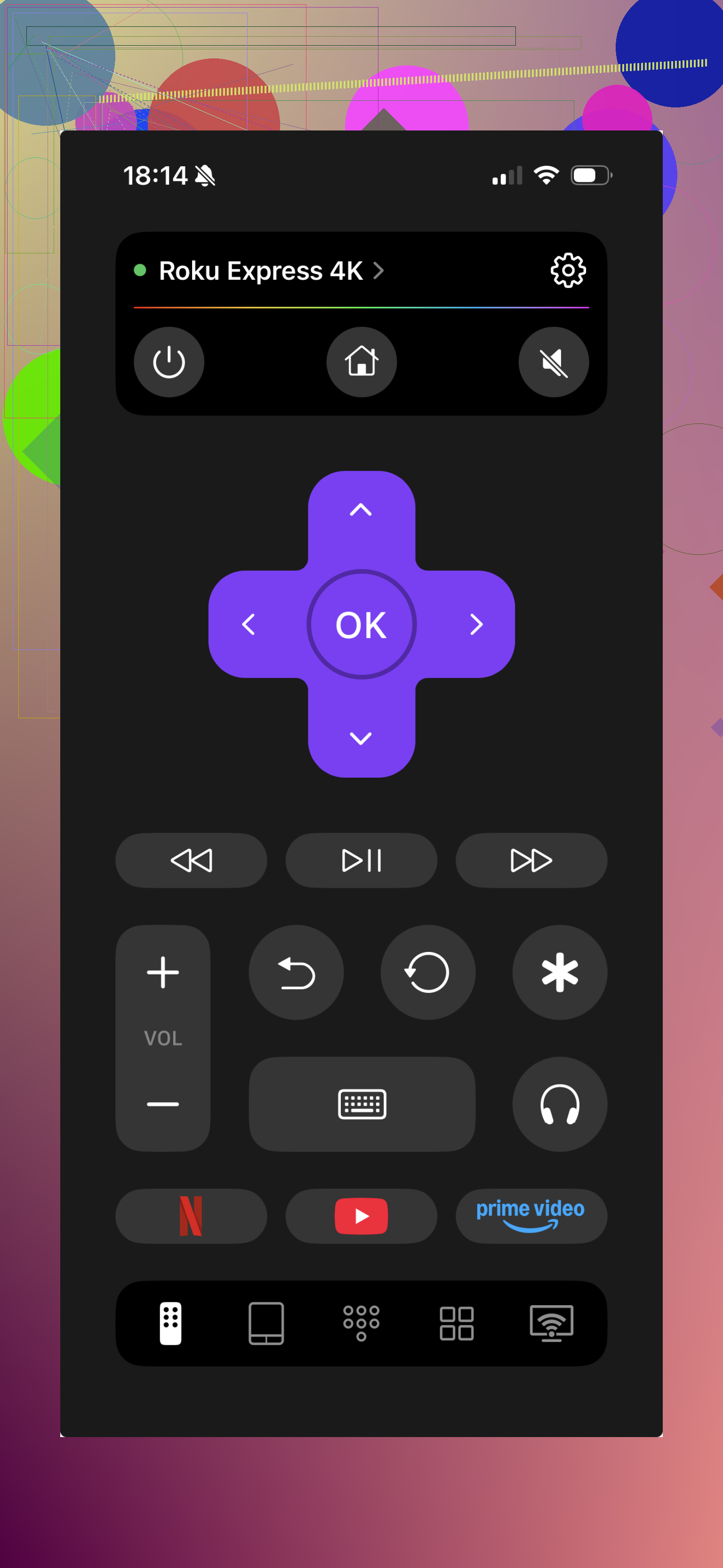
It works over Wi-Fi, and in my case it was simpler than messing around with brand names. Sharp Roku TV showed up like any other Roku TV. It also supports other platforms, including Fire TV and Google TV / Android TV, so if you have more than one TV at home, it saves time.
What mattered to me day to day was the boring stuff. D-pad controls. Volume. Typing with the phone keyboard instead of pecking letters one by one on the TV screen. Shortcut buttons. If your physical remote is gone, dead, or half the buttons quit, this gets you back in fast.
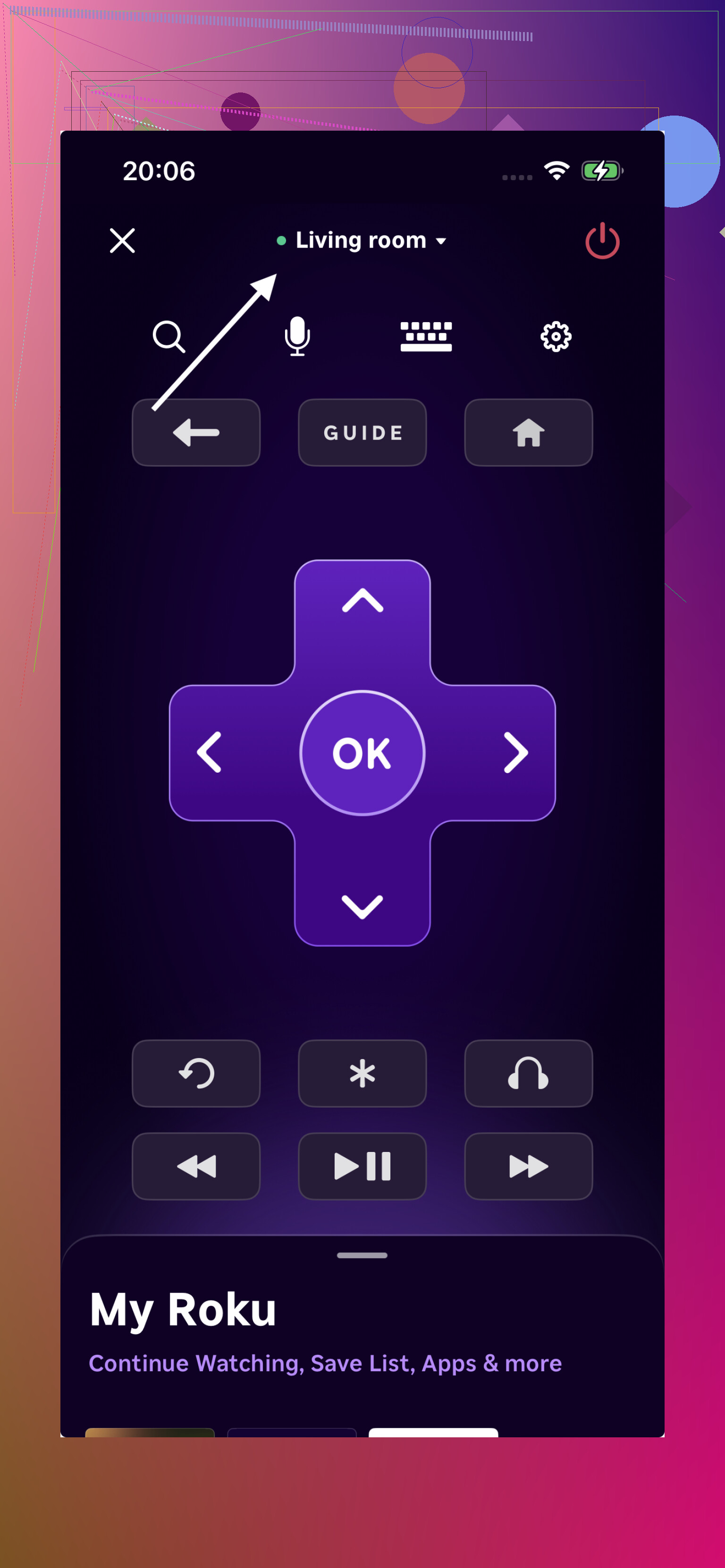
For the Sharp Roku sets though, the official Roku app is still worth keeping in mind. I used it as a backup and it felt stable. Since the TV runs on Roku, the app fits better with the system and tends to behave the way you’d expect, assuming your TV is on the same Wi-Fi.
What I’d do
If you want the easy route, no digging through model numbers, no trying to figure out which remote matches which TV, start with TVRem. I found it quicker to set up, and it covers enough devices where you don’t get stuck over small compatibility stuff.
If you want the official path, use the Roku Mobile App. It works well, but your TV needs to be properly connected to Roku and on the same Wi-Fi network as your phone. If thsoe two things are in place, you’re good.
4 Likes
Same Wi-Fi is not always enough on Roku TVs.
A few things I’d check before swapping apps, since @mikeappsreviewer already covered the app side.
-
On the TV, go to Settings, System, Advanced system settings, Control by mobile apps. Set it to Permissive. If it got changed to Limited or Disabled, your phone app won’t see the TV.
-
Turn off VPN on your phone. Also disable iCloud Private Relay if you use iPhone. Those break local device discovery a lot.
-
Check if your router split devices between 2.4 GHz and 5 GHz with client isolation turned on. Same network name does not mean same local lane. Some mesh systems do this and Roku app discovery fails.
-
Forget Wi-Fi on your phone, reconnect, then test again. I’ve fixed this more than once with that dumb step.
-
On the Roku TV, check Settings, System, About, and confirm it still has an IP address. If the IP looks missing or weird, reconnect the TV to Wi-Fi.
-
If your app has a manual IP connect option, use the TV’s IP address. I kind of disagree with the idea of jumping straight to another remote app first. If discovery broke, a second app often fails too.
-
Router reboot. Not fun, but it fixes a lot of Roku pairing issues.
If none of that works, remove the TV from the Roku mobile app, delete the app, reinstall it, and pair again. I had this happn after a Roku OS update once, and the control-by-mobile-apps setting had flipped on its own.
Same Wi-Fi is only half the story with Roku stuff. If @mikeappsreviewer and @hoshikuzu already had you checking app settings and discovery basics, I’d look at the part people skip: permissions and network behavior on the phone itself.
On iPhone, make sure the remote app has Local Network access enabled. Go to Settings > the app > Local Network. If that got toggled off after an iOS update, the app can sit there acting blind even when the TV is right there.
Also check whether your phone is using a guest Wi-Fi or some “private Wi-Fi address” combo that your router handles weirdly. I’m not saying private address is always the issue, but I have seen it break device discovery on some routers. Toggle it off for that network just to test.
Another sneaky one: if your Sharp Roku TV is connected by Ethernet and your phone is on Wi-Fi, some routers treat those like seperate zones. Shouldn’t happen, but it does. If possible, put both on Wi-Fi temporarily and see if the app finds it.
If the app still won’t detect it, try a dumb test:
- open Netflix or YouTube on the TV
- use the phone app’s cast/connect feature if it has one
- if casting works but remote doesn’t, it’s probably the app permissions, not the TV
I actually kinda disagree with switching apps too fast. If discovery is broken at the network level, most apps will fail the same way. But if you want to test that theory, the official Roku app and a universal remote app can at least tell you whether it’s an app bug or a network issue. That part from @mikeappsreviewer is worth keeping in mind.
One last thing: on the TV, try System restart from the Roku menu, not just power off/on. Roku TVs are annoyingly picky about that. I’ve had a “dead” app connection come back only after doing the menu restart, which is very on-brand for tech being dumb lol.
I’d add one thing the others didn’t really hit: check whether your Roku TV is stuck in a weird sleep state. On some Sharp Roku TVs, Fast TV Start and low-power standby can make mobile remotes flaky. Try this path on the TV: Settings > System > Power > Fast TV Start, toggle it off, then do a full shutdown by unplugging the TV for a minute. That sometimes works better than a normal restart.
I also wouldn’t rely too much on the “same Wi-Fi” label. @hoshikuzu and @viajeroceleste are right about permissions and network behavior, and @mikeappsreviewer is right that app swapping alone won’t magically fix discovery. But testing with a second app can still be useful as a diagnostic.
If you want that test, TVRem - Universal TV Remote is one option. Pros: simple layout, keyboard input, works with multiple TV platforms. Cons: if the issue is your router or Roku discovery, it may fail exactly like the Roku app, so it’s not a guaranteed fix.
One more oddball check: on your phone, disable battery saver or background restrictions for the remote app. Some phones get aggressive and block local scanning. If the app only stopped working suddenly, that kind of phone-side setting change is honestly pretty common.