I need advice on how to take a good LinkedIn headshot that looks professional without hiring a photographer. I tried using my phone at home, but the lighting looked harsh, the background was distracting, and my photos didn’t feel polished enough for my profile. I’m updating my LinkedIn for job applications and want a headshot that makes a strong first impression.
A bunch of people are making LinkedIn headshots with AI now, and yeah, the output has gotten decent. I tried it too. Still, the old rules did not go anywhere. AI saves time. It does not fix bad choices on its own.
Here’s one I made with AI:
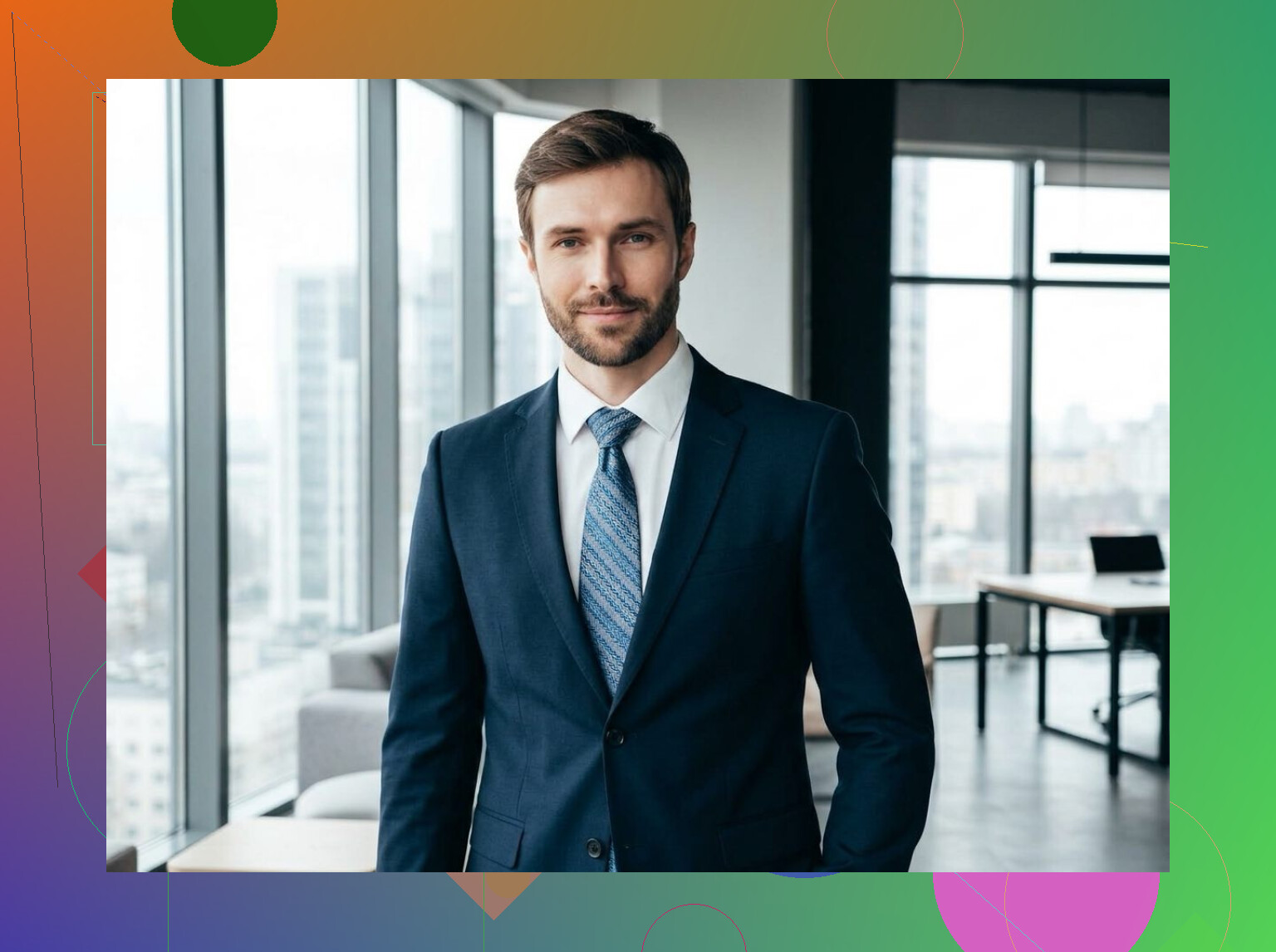
What mattered most for me was lighting. Window light did more for the result than any app setting I touched. I stood facing soft daylight, skipped the ceiling lights, and avoided hard shadow lines across my face. When the source photo looked normal, the AI version looked normal too. When the source photo looked off, the AI kept the same problems and polished them into a cleaner mistake.
Background is one of those things people ignore until the photo looks weird. I found plain backgrounds worked best. Neutral wall, soft office look, nothing busy. If there’s stuff behind you pulling attention, your face stops being the point. On LinkedIn, that hurts fast.
Crop matters too. Keep it shoulders up, close enough for people to recognize you in a tiny circle. Full body shots feel wrong there. I tested wider crops and they looked more like social posts than profile photos.
Expression took me a few tries. A stiff grin looked fake. A dead-serious face looked colder than I wanted. The better shots had a relaxed expression, something you’d use when meeting a coworker for coffee, not posing for a magazine cover.
AI tools help when your starting photo is solid. I saw this with Eltima AI Headshot Generator . It gave me clean, polished, studio-style results, but only from photos where the angle, light, and face were already decent. Garbage in, nicer-looking garbage out. Kinda harsh, but true.
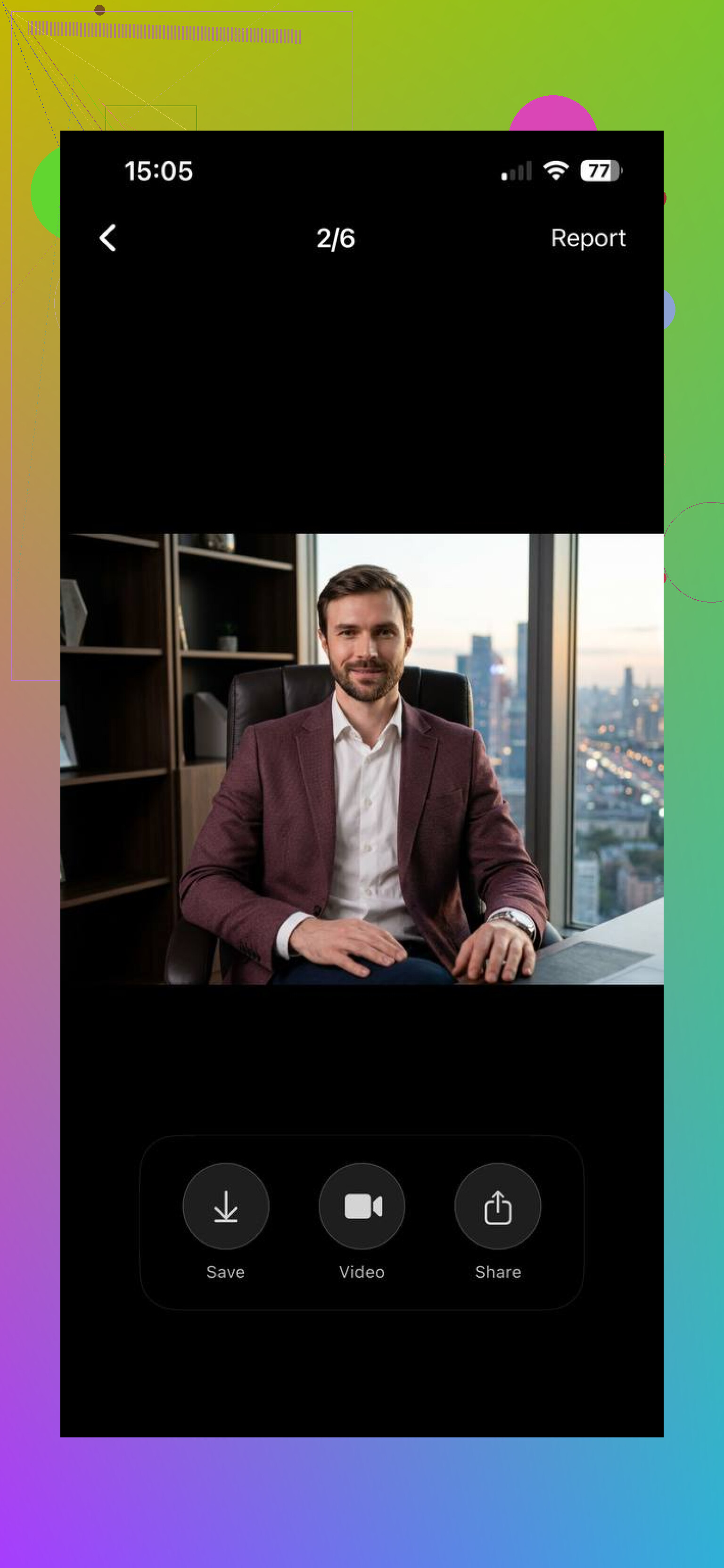
So if you’re making a LinkedIn headshot , I’d keep it simple. Good light. Clean background. Tight crop. Normal expression. AI speeds up the process. The basics still do the heavy lifting.
You can also read this Medium article to learn how to make a professional LinkedIn profile photo.
12 Likes
Skip portrait mode for this. I know people love it, but phone blur around hair, ears, and glasses often looks cheap on LinkedIn. A sharp photo with a real background beats fake blur.
A few fixes helped me more than filters or AI. @mikeappsreviewer covered light and crop well. I’d add setup and posture.
Put your phone on a stack of books or a tripod at eye level. Not lower. Low angles make your jaw and nostrils the star of the pic, which is not ideal lol. Use the rear camera if possible, then a 3 second timer or remote shutter. Rear cameras are usualy sharper.
Stand about 3 to 5 feet from the camera. Too close distorts your face. Most phones use wide lenses, and faces start looking off fast. If your phone has a 2x lens, use it.
Turn your body about 30 degrees, then face your eyes back toward the camera. Chin slightly forward and a tiny bit down. This sounds dumb, but it fixes the flat passport-photo look.
Clothes matter more than people think. Wear solid colors. Mid-tone blue, gray, green, burgundy work well. Pure white blows out easy. Busy patterns look messy in the small LinkedIn circle.
Take 40 shots, not 4. Tiny changes in expression matter a lot. Pick the one where you look alert, not over-rehearsed. A friend choosing the final 3 helps too, becuase most of us pick the weird one.
One thing I’d push back on a little from @mikeappsreviewer and @andarilhonoturno: people obsess over “professional” so hard that they end up looking like they’re applying to be a hostage. LinkedIn does not need studio-drama lighting and a frozen smile. It needs “clean, competent, approachable.”
Try this instead. Go outside on a bright but cloudy day and stand near a plain wall or building entrance with some depth behind you. Not direct sun. Open shade. That usually beats indoor phone pics, honestly. Phone cameras struggle way more inside than people admit.
Also, don’t over-edit skin. A tiny cleanup is fine, but when people smooth everything, it gets weird fast and screams AI or filter. Same with whitening teeth into LED headlights.
Big underrated thing: wear what you’d actually wear to a decent work meeting. Not a full interview costume if that’s not your field. If you work in tech, legal, design, sales, etc, the “right” headshot vibe is a little different.
And check the thumbnail view before uploading. A photo can look nice full-size and still fail in the tiny LinkedIn circle. If your face isn’t instantly readable, it’s probly the wrong one.
One thing I’d add to what @andarilhonoturno, @sonhadordobosque, and @mikeappsreviewer said: fix the camera before fixing yourself. Phone lenses get oily fast, and that slight haze makes home headshots look weirdly soft and low-end. Wipe the lens first. It matters more than people think.
Also, I slightly disagree with the “plain wall only” idea. Sometimes a totally blank wall looks sterile. A simple background with depth can work better if it’s not messy. Think hallway, office corner, bookshelf blurred naturally by distance, not fake blur.
My checklist would be:
- use the highest resolution setting
- turn off beauty mode
- tap your face to set exposure, then lower brightness a touch
- take photos at different times of day, because the same room can look completely different
- check how it looks as a tiny LinkedIn circle before choosing
For expression, don’t aim for “smile.” Aim for “I’m listening.” That usually looks more natural.
If you want to polish the final image, can help with cleanup and consistency.
Pros:
- saves time
- can improve background and overall polish
- useful if your source photo is already decent
Cons:
- won’t fix bad posture or bad light
- can make skin or edges look artificial
- easy to overdo and end up looking fake
Best test: if a coworker would recognize you instantly, it’s probably a good LinkedIn photo.