I accidentally deleted important files on my Mac and emptied the Trash before realizing I still needed them. I’m looking for the best Mac data recovery software that can recover deleted files safely without making things worse. If anyone has recommendations or tips on what to do next, I’d really appreciate the help.
Mac recovery apps on macOS, what I’d pick after trying a bunch
I’ve gone through a pile of Mac recovery tools over the past few years. After all of that, I still end up pointing most people to Disk Drill. Not because it wins in every single area. It doesn’t. I keep landing there because it hits a decent middle ground. Recovery quality is solid, the app doesn’t fight you, and it plays nicely with newer Macs.
A lot of Mac recovery software falls into two bad buckets. One is stripped down and misses stuff you need. The other feels built for people who enjoy terminal windows and cryptic menus. Disk Drill sits between those two, which is why I kept coming back to it.
Why it worked better for me on Mac
What stood out first was how native it felt on macOS. It didn’t look like some lazy port. In my use, APFS support was decent, Apple Silicon support wasn’t a mess, and it handled outside storage without much drama. I used it on external SSDs, USB sticks, SD cards, and even Time Machine volumes.
The best result I got from it was on a damaged APFS drive. Other apps either returned junk or stalled out. Disk Drill pulled back enough usable files to matter. Not perfect, still annoying, but way better than I expected.
Stuff I liked
- It did well on deleted files and formatted drives.
- File preview felt trustworthy, which saved me time.
- It includes backup and disk image tools, useful when a drive is acting weird.
- Photo and video recovery was better than average, including RAW camera files.
- The layout is easier to deal with than most higher-end recovery apps.
Other Mac recovery tools I wouldn’t ignore
The “best” app depends on what happened to your drive. I wouldn’t treat this like one-answer territory.
PhotoRec
Free, ugly, and weirdly effective. I’ve had good luck with it on SD cards and on file systems that were in rough shape. The tradeoff is rough. You lose original names and folder structure a lot of the time, so cleanup after recovery is a pain.
iBoysoft Data Recovery
This one felt easier for beginners. APFS support seemed fine in my testing, and for common file loss cases it did the job. I didn’t love the subscription setup. That part gets old fast.
Data Rescue
Older tool, still useful. I wouldn’t call it my first pick now, but I’ve seen it do alright on external drives and simpler recoveries where you don’t need anything fancy.
The part people screw up
If your files disappeared, stop writing to the drive. Right away.
That mistake ruins more recoveries than the software choice. On SSDs, this gets worse because of TRIM. On modern Macs, deleted data can get wiped for good faster than people expect. I’ve seen people keep using the same machine for hours, then wonder why recovery turned up scraps.
Do this before you make things worse
- Install the recovery app on a different drive if you have one.
- Save recovered files somewhere else, never back to the same drive.
- If the disk looks unstable, clone or image it first.
- Skip random repair tools until after you recover what matters.
I’ve seen people run repair apps first, rescan five times, reboot over and over, then lose the small recovery window they had. Bad sequence. Recovery first, cleanup later.
My short answer
If a friend wanted one low-risk recommendation for Mac data recovery and didn’t want a long lecture, I’d still say Disk Drill.
If you know your way around recovery tools, or your case is more specific, one of the others might fit better. For most people though, Disk Drill felt like the least annoying path with the fewest surprises.
13 Likes
If you emptied Trash on a Mac, I’d rank your options by risk first, not by marketing.
Disk Drill is still the easiest pick for most people. I agree with @mikeappsreviewer on that part. Where I differ, I would not keep scanning the internal SSD over and over if your Mac uses APFS and TRIM, which most newer Macs do. On internal SSDs, deleted files often vanish fast. If the files matter a lot, your best move is to stop using the Mac and recover from another machine or target an external drive.
My short list:
-
Disk Drill
Best balance of scan quality, preview, and Mac support.
Works well for APFS, external drives, SD cards, USB drives.
Safer for regular users because the interface is hard to mess up. -
R-Studio
Better if you know what you’re doing.
Stronger for damaged volumes and manual recovery work.
UI is not friendly. Easy to make a bad choice if you rush. -
PhotoRec
Free. Strong on raw file carving.
Bad at filenames and folder structure.
Best for photos, videos, docs from cards or formatted media. -
UFS Explorer
Good for tougher jobs.
Costs more. Feels nerdy. Not my first rec for a quick home recovery.
What I’d do in your case:
Stop using the Mac.
Do not install recovery software onto the same drive.
Recover to an external drive.
If the files were on an external disk, your odds are much better.
If they were on the internal SSD, act fast. TRIM is brutal, no joke.
If you want the least annoying option, Disk Drill is the one I’d start with. If Disk Drill finds previews of your deleted files, your chances are decent. If previews are broken or missing, results are usualy poor.
Also, this helped me compare tools fast:
best Mac data recovery software video guide
One more thing. If the deleted files were in iCloud Drive, Photos, or another synced app, check the service’s Recently Deleted section before you spend money. People miss that step all the time.
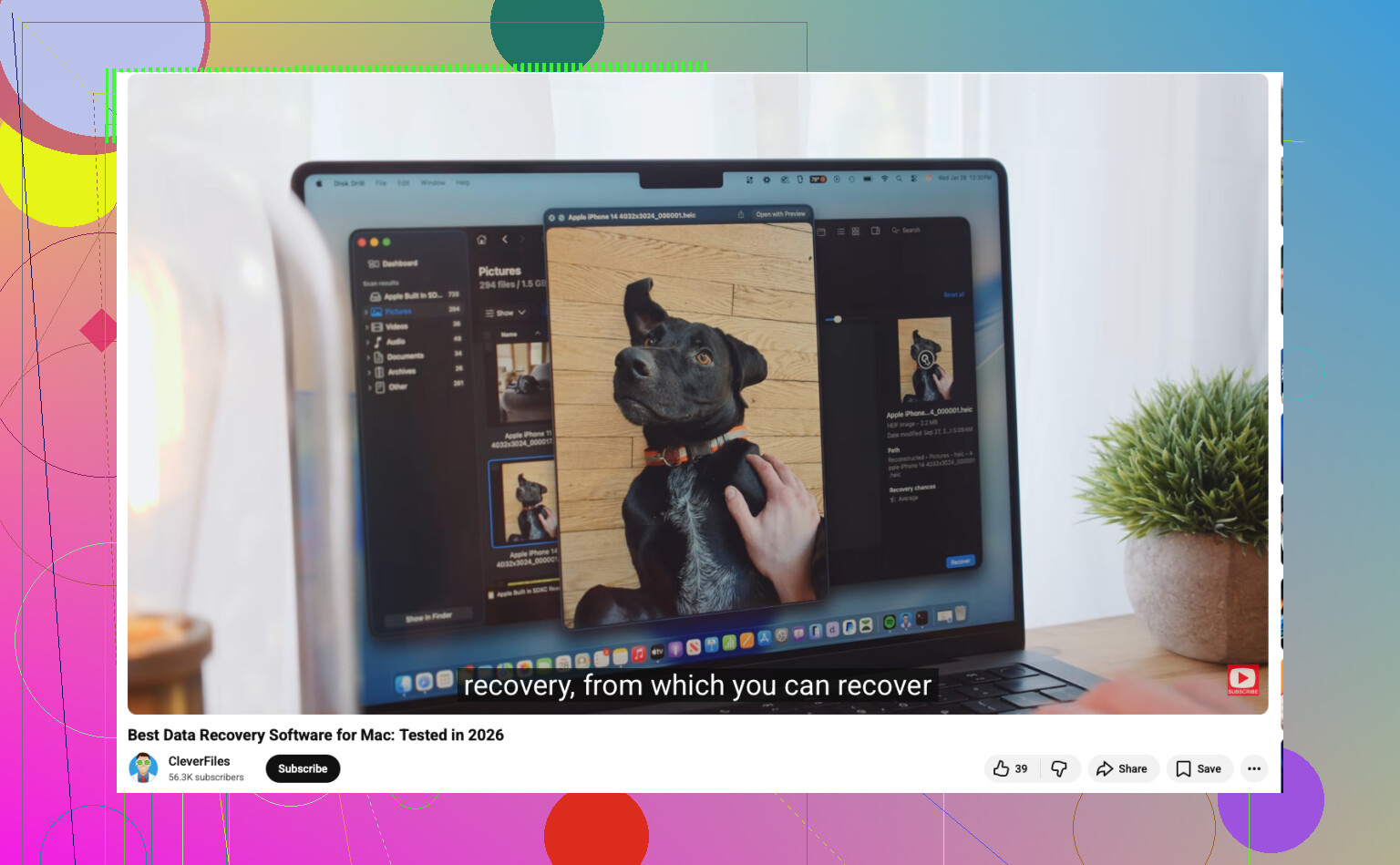
If the files were deleted from your Mac’s internal SSD, I’d be a little less optimistic than @mikeappsreviewer sounds, mostly because modern Macs can make deleted data disappear fast. Not impossible, just not the “install 6 apps and keep trying stuff” situation people hope for.
For actual Mac data recovery software, Disk Drill is still the most practical pick for normal people. Not because it’s magical, but because it usually gives you a clear scan, decent previews, and doesn’t feel like it wants a computer science degree. I also think people underrate the preview feature. If a file previews correctly, that’s often the best sign the recovery won’t be garbage.
Where I kinda disagree with @yozora is that I wouldn’t jump straight to heavier tools unless Disk Drill fails. Stuff like R-Studio and UFS Explorer can be great, sure, but they’re also the kind of apps where one wrong click and now you’re googling what a partition map is at 2 a.m. Ask me how I know lol.
A few things people forget:
- Check iCloud Drive Recently Deleted
- Check Photos Recently Deleted
- Check Time Machine snapshots
- Check whether the file was in an app-specific trash or recovery folder
If none of that works, then yeah, Disk Drill for Mac is probly the best first try. If the data is insanely important, skip DIY and use a pro recovery service before you keep poking at the drive.
Also, this Apple thread is worth skimming for extra Mac file recovery advice: Apple forum tips for recovering deleted files on Mac
If Trash is already emptied, I’d split this into two cases that the others only touched lightly.
Case 1: internal Mac SSD
I’m actually a bit more pessimistic than @yozora and @nachtdromer here. On newer Macs, once APFS + TRIM have done their thing, software recovery can go from “possible” to “basically nothing useful” pretty fast. In that case, the best app is the one that tells you the truth quickly, not the one that keeps giving false hope.
Case 2: external drive, SD card, USB, older HDD
Much better odds. This is where tools matter more.
For that, Disk Drill is still the most sensible first pass.
Pros of Disk Drill
- easy to use
- good file preview system
- solid for external media
- less confusing than pro-grade tools
- can help identify whether recovery is realistic fast
Cons of Disk Drill
- not cheap if you only need it once
- internal SSD results on modern Macs can still be disappointing
- deep scans can return lots of junk filenames
- not the strongest option for heavily damaged file systems
Where I differ a little from @mikeappsreviewer is this: I would not keep hopping from app to app on the same Mac hoping one has magic powers. If Disk Drill shows clean previews, great. If it finds only fragments, switching through five competitors usually wastes time.
If Disk Drill fails, then go more specialized:
- R-Studio for advanced recovery
- PhotoRec if you only care about raw file extraction
- UFS Explorer for messy technical cases
Also check something people skip: cloud/web versions of services. Sometimes files are gone locally but still recoverable from iCloud Drive on the web, app version history, or backup snapshots.
So my ranking is:
- Disk Drill for first try
- R-Studio for advanced users
- PhotoRec for free/raw recovery
- Pro lab if the files are truly irreplaceable
Short version: for normal users, Disk Drill is the best Mac data recovery software to start with, but on an internal SSD, speed matters more than software choice.