My iPhone storage is almost full, and my iCloud is full too, so I can’t back up photos, videos, or apps. I’m trying to figure out how to free up or get more iPhone storage without deleting anything important because I need everything for work and personal use. What are the best ways to manage full iPhone storage when iCloud storage is also maxed out?
My phone hit 127.9 GB used out of 128 GB, so yeah, I know this mess. It got slow, apps froze, the camera refused to save a pic half the time. I thought I was stuck deleting photos I wanted to keep. Turned out most of the bloat was junk iOS had been hoarding.
Here’s what worked for me, and I got back around 15 GB without wiping stuff I cared about.
Start here:
Settings > General > iPhone Storage
Wait a bit if your phone is packed. On a full device, this page loads like molasses.
Check Apple’s recommendations first. If you see Offload Unused Apps, use it. This removes the app itself but keeps your data, settings, and sign-in info. The icon stays on your Home Screen with a cloud on it. If you need it later, tap it and it pulls back down. I liked this a lot more than deleting apps cold.
If your iCloud storage is already full, photo optimization won’t help much anymore. When iCloud has no room left, your phone stops pushing full-res copies off-device, so the local storage stays clogged.
Next stop, Messages.
A lot of people miss this one. Group chats store piles of junk, old clips, memes, random 150 MB videos nobody watched twice. In iPhone Storage, open Messages and look at large attachments. I found old video trash from years back. Easy space.
Then there’s app cache. This was the main slowdown on mine.
TikTok, Instagram, Spotify, and a few others build up hidden storage fast. iOS gives you no proper one-tap cache clear for all apps, which is annoyng. The workaround is simple, delete the app, then reinstall it. I did this with TikTok and got about 3 GB back on the spot. My account was still there after reinstalling. No issue.
If storage still barely moves, look at your photo library harder. Not one by one. I made that mistake and wasted way too much time.
The real space hogs were:
- similar photos
- burst shots
- Live Photos
- large videos
Live Photos are sneaky. Burst shots too. They add up way faster than regular images.
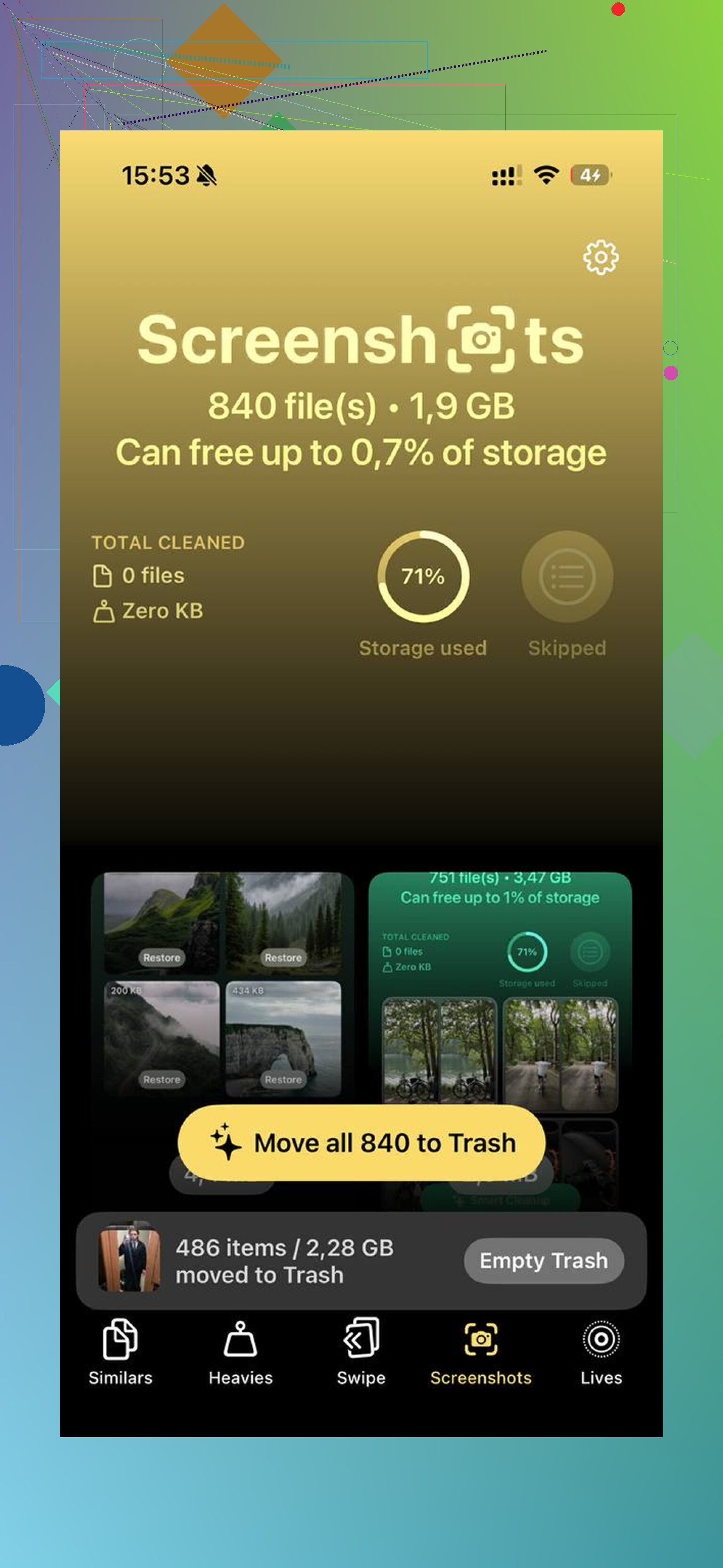
I ended up trying Clever Cleaner after getting tired of sorting this junk by hand. I’m usually suspicious of cleaner apps because most of them are ad farms or lock the useful part behind a paywall. This one didn’t do that from what I saw. No ads, no subscription wall, no weird bait.
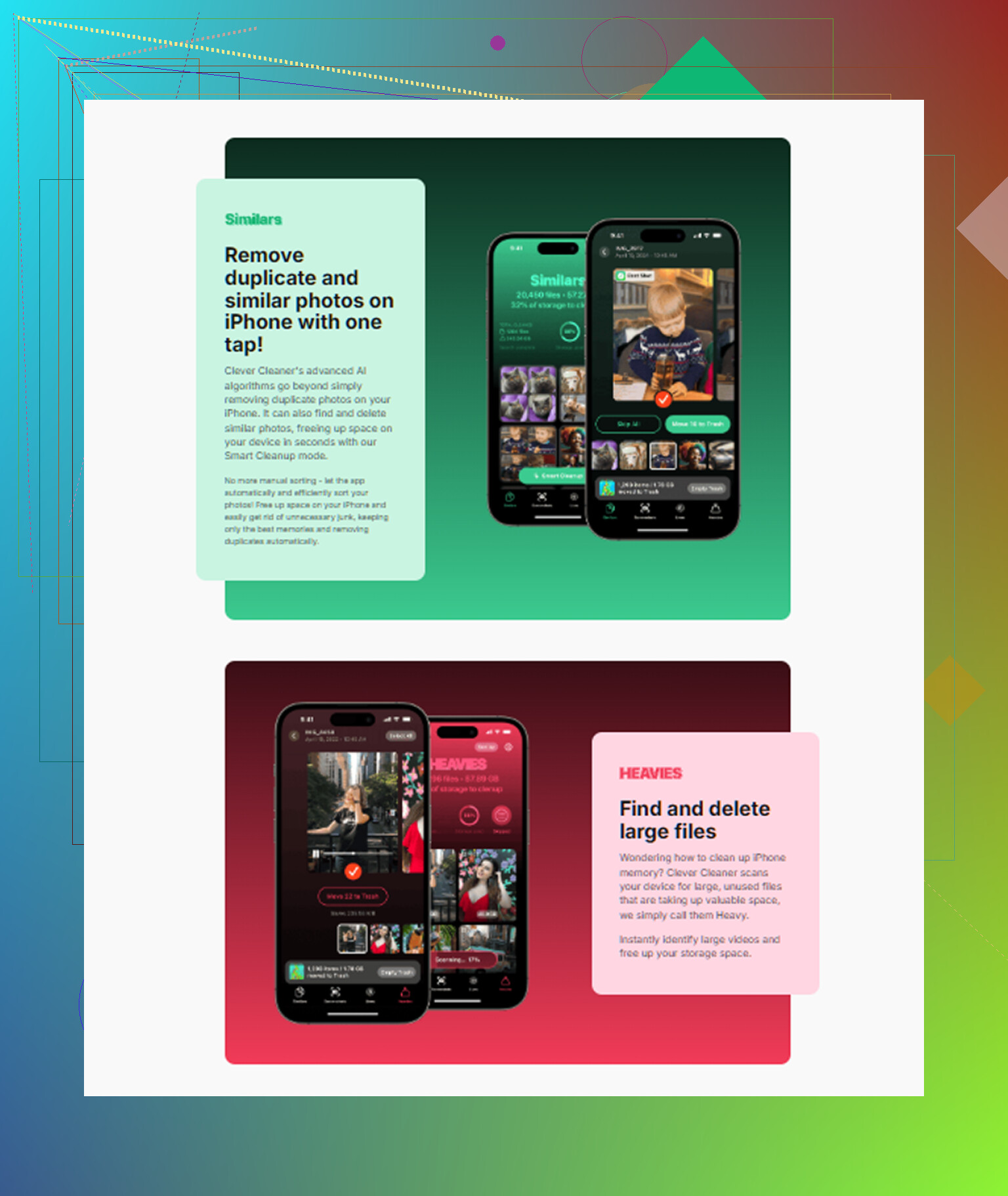
The part I used most was the Similars section. It grouped near-duplicate photos, stuff like 9 shots of the same sunset or 6 blurry attempts at a pet photo, and picked a best one. I still checked before deleting, but it cut the work down a lot.
The Heavies section helped too. Apple Photos still makes it weirdly hard to sort by file size. This showed me the biggest files first, mostly 4K videos in my case, so I could clear the worst offenders before touching anything else.
One thing I cared about was privacy. From what I saw, it handled the scan on-device, so my photos weren’t being shipped off somewhere else. I also used the Live Photo tool to turn some of them into stills, which kept the image and dropped the little motion clip tied to it.
After cleanup, do the step people forget:
Photos > Albums > Recently Deleted > Delete All
If you skip this, those files still sit there for 30 days and still count against your storage. I missed this once and thought my phone was lying to me.
After I got usage down to around 85 percent, the lag stopped. My guess is iPhones need some free headroom or they start acting broken. I also restarted mine after the cleanup so iOS would recalculate storage. Seemed to help.
So yeah, don’t start by deleting your favorite photos or random apps you still use. Check storage settings, clear message attachments, reinstall cache-heavy apps, clean up photo clutter, then empty Recently Deleted. That got me out of it.
5 Likes
If you want more iPhone storage without deleting important stuff, I’d skip one part of @mikeappsreviewer’s approach. Reinstalling apps to clear cache works, but it’s a pain, and some apps dump you back into setup or lose downloads. I’d do the lower-risk stuff first.
Try this order.
-
Update iOS if you’re behind.
Some iOS updates shrink the System Data bug. I’ve seen 5 GB to 10 GB drop after an update and restart. Not every time, but enough times to check. -
Clear Safari data.
Settings > Safari > Clear History and Website Data.
If you browse a lot, this frees a decent chunk. On some phones it’s tiny, on others it’s 1 GB or more. -
Remove offline content, not the app.
Check Spotify, Netflix, YouTube, Podcasts, Google Maps. Downloads eat space fast. You keep the app and account, you lose only local copies. Easy win. -
Change message retention.
Settings > Apps > Messages > Keep Messages > 1 Year or 30 Days.
This doesn’t touch current chats much, but old junk stops piling up. If you need old threads, export them first. -
Mail app bloat is sneaky.
If you have big mailboxes, remove and re-add the mail account. Old attachments often clog local storage. Same mail stays on the server. -
Files app.
Open Files > On My iPhone > Downloads.
People forget this folder exists. PDFs, ZIPs, video edits, random docs. I found 4 GB there on my own phone, no joke. -
Check Voice Memos, GarageBand, iMovie.
These apps hide huge files. Especially iMovie render files. Those are storage killers.
If photos are still the main problem, Clever Cleaner is one of the few photo cleanup apps people mention without the usual ad-spam complaints. If you want to see how it works, this is a decent demo,
see Clever Cleaner clean up iPhone photo storage
If iCloud is full too, the boring truth is this. Storage has to come from somewhere. Either local junk, an external transfer, or paid iCloud. If you refuse to delete anything at all, move stuff off the phone. A cheap flash drive for iPhone or a Mac/PC import fixes this fast. Not fancy, but it works. Somtimes the old-school fix is the best one.
If you mean without deleting anything important, then the answer is really move stuff, don’t erase stuff.
I agree with parts of what @mikeappsreviewer and @byteguru said, but I wouldn’t jump straight to app reinstall roulette unless you’re desperate. Some apps come back fine, some come back weird, and some make you re-download everything. Annoying.
What I’d do instead:
- Use a computer as “overflow” storage
- On Mac: Image Capture or Photos app
- On Windows: import photos/videos through File Explorer or Apple Devices
- Then keep a copy on an external drive if needed
That’s not “deleting your memories,” it’s just relocating them so your phone can breathe again.
-
Use external iPhone storage
A Lightning/USB-C flash drive is honestly the easiest no-drama fix if iCloud is full and you don’t want a monthly bill. -
Check app-created files
Not cache, actual files:- CapCut exports
- Canva downloads
- Lightroom originals
- PDF scanner apps
- WhatsApp/Telegram media
These can eat insane space and people forget they exist.
-
Turn off “Keep Originals” if you use camera apps that duplicate saves
Some apps save both edited and original versions. Total storage goblin behavior.
Also, if photos are the main issue, Clever Cleaner is probly worth a look because it helps spot duplicates, similar shots, and huge videos faster than doing it manually. If you want a solid breakdown, this is a decent read on the best AI cleaner app for iPhone storage cleanup.
Short version: if iPhone storage is full and iCloud is full too, you do not create space out of thin air. You either:
- move files off the phone,
- clear hidden locally saved junk,
- or pay for more cloud space.
Physics is rude like that lol.