Ever tried moving files from your Android to your Mac and felt like you just unlocked some secret boss level in tech frustration? It’s wild that in 2025, plugging Android into macOS sometimes feels more like a standoff than a handshake. Here’s the gritty reality and a couple of things I’ve tried that won’t make your head explode.
That “Just Plug It In” Myth
Macs talking to Android over USB isn’t smooth by default. Out of the box, macOS is like, “Android who?” If you expect it to just pop up a folder, keep dreaming. You can’t drag and drop stuff unless you do a little dance.
What I Tried (Spoiler: It’s Not Pretty)
Apple’s Finder? Nope. Nada. Finder will ignore your phone like a bad ex. First time, I toggled USB options three times, rebooted everything, and still nothing. Android’s MTP protocol is the culprit—macOS doesn’t play nice.
You’ll probably hear about this “Android File Transfer” app from Google. Honestly, it’s…barely hanging on. Works sometimes, crashes often, and has the vibe of something coded in 2009 and never updated since. If you plug in your phone and nothing happens, or you see that “Couldn’t connect to device” pop-up, you’re not alone.
Other Options: Stuff That Actually Works
All right, let’s get down to business. If old school drag-and-drop is your jam, you need an extra bridge. Try something built for this maddening Apple-Android split.
-
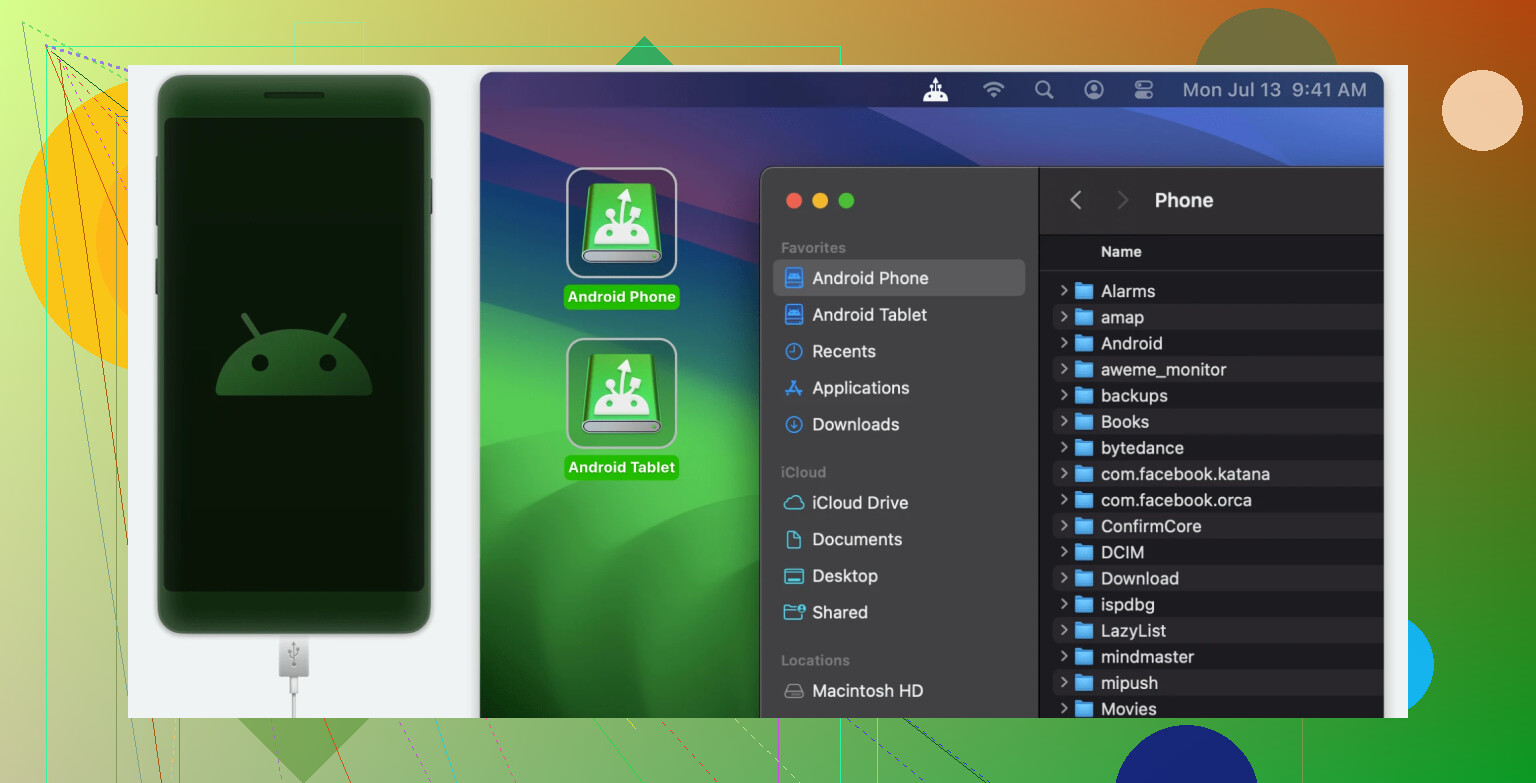
Option 1: Yes, there’s MacDroid. It’s made for people who don’t want to rage-quit after ten failed transfer attempts. Install it, plug your phone in, set it to File Transfer (MTP) on the Android side, and like magic, your phone shows up in Finder as a usable drive. IMHO, it’s way less awkward than fumbling with Android File Transfer and seems to work with big or small files just fine.
-
Option 2: Cloud stuff (Google Drive, Dropbox, etc.), but who wants to upload and download just for a quick pic? Also destroys your quota if you’re on some stingy Wi-Fi.
-
Option 3: Bluetooth? Save yourself—unless you’re only moving a text file. Might as well mail yourself a letter.
-
Option 4: Fancy apps like AirDroid, Pushbullet, or FTP servers on your phone—but now you’re just stacking apps on apps.
Quick One-Liner
Moving stuff by USB from Android to Mac sucks unless you use a bridge app like MacDroid—it’s the least painful way I’ve found so far.
Anyone else suffered through this? Got a weird trick or app that actually works? Drop it below. I need new ideas before I throw my cable out the window.