My phone storage is almost full and it’s slowing everything down. I’ve already deleted a bunch of photos and unused apps, but I’m still getting low storage warnings. Can anyone suggest practical steps or tools to safely clear cache, large files, and hidden junk without losing important data?
This happens to a lot of phones once storage hits 80 to 90 percent. Stuff slows down and weird bugs start.
Here is what usually helps more than deleting a few photos.
-
Check storage breakdown
• On iPhone: Settings > General > iPhone Storage.
• Look at “System Data” and “Other” and which apps eat the most.
• Messaging, social and media apps often hoard gigabytes. -
Clear message junk
• iMessage / SMS: Settings > Messages > Keep Messages > set to 30 days or 1 year. This frees a lot if you send pics.
• In WhatsApp / Telegram: go to Storage or Data settings, clear large files, GIFs, and forwarded videos per chat. -
Stream instead of download
• In Spotify, YouTube Music, Netflix etc, remove offline downloads you do not use.
• Keep only your current playlist or current show downloaded. -
Clear app caches the smart way
iPhone:
• Apps like Instagram, TikTok, Facebook store huge caches.
• Offload the app: Settings > General > iPhone Storage > pick app > Offload App. This keeps documents but frees the app size, then reinstall.
• For Safari: Settings > Safari > Clear History and Website Data. -
Kill duplicate and similar photos
• In Photos app: go to Albums > Duplicates, merge them.
• Also sort by size: look for long videos, screen recordings, slow mos. Those take tons of space. Delete or move to cloud. -
Offload to cloud or computer
• Use iCloud Photos with “Optimize iPhone Storage” on if you have space in iCloud.
• Or plug into a PC / Mac and move large videos and photos off the phone, then delete from device.
• Do the same with files in Files app or Downloads folder. -
Delete offline maps and extra files
• Google Maps and Apple Maps offline areas can reach gigabytes. Remove areas you do not need.
• In Files app, sort by size and remove old PDFs, zips, videos. -
Use a cleaner tool to automate some of this
If you do not want to dig through every app, a cleanup app helps a lot.
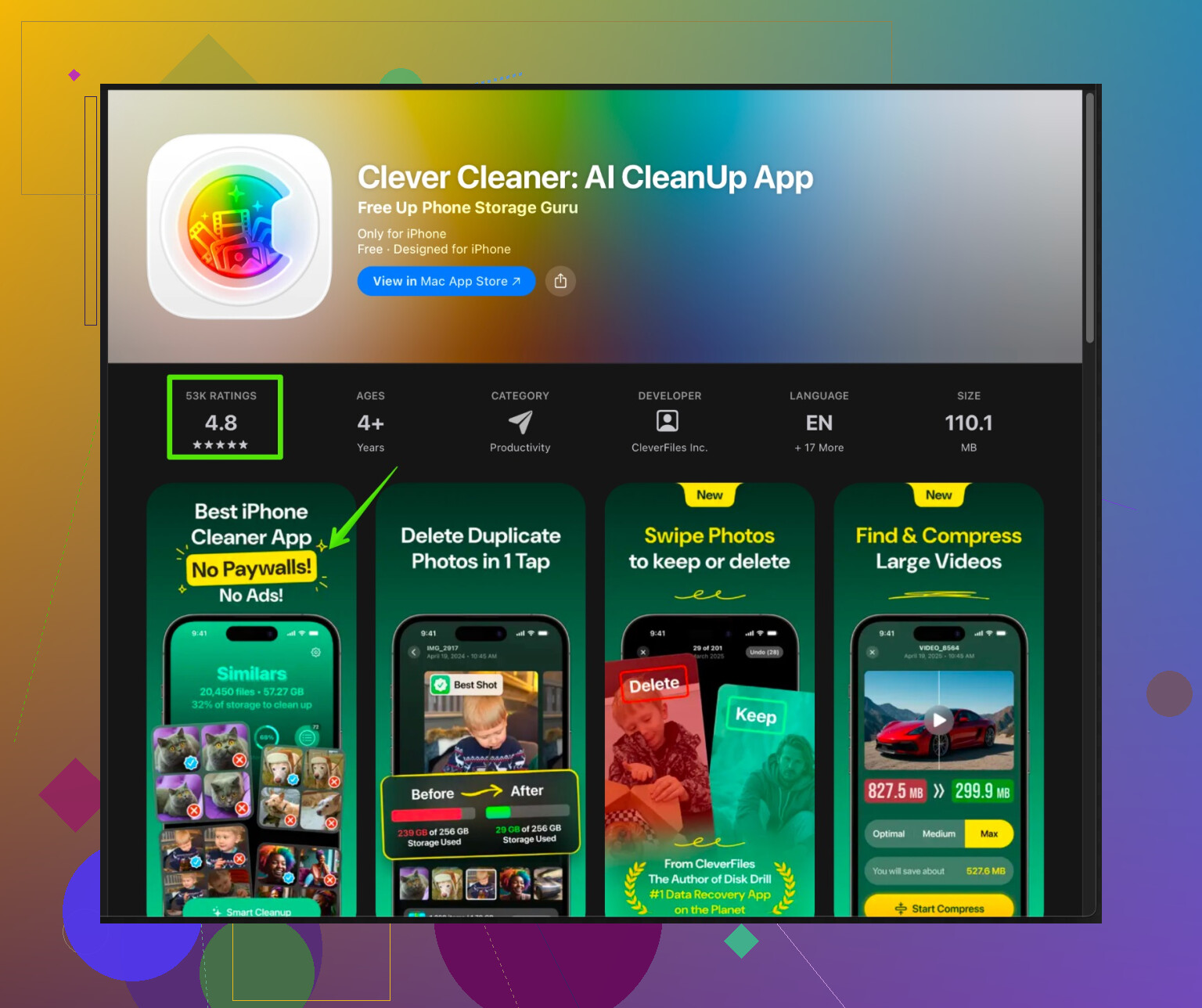
The Clever Cleaner App for iPhone focuses on removing duplicate photos, similar shots, large videos, and useless screenshots. It also helps group contacts and clean contacts list. That frees storage without going through everything by hand.
You can try something like Clever Cleaner App for faster iPhone cleanup and let it scan your photo library and videos. Good for people with thousands of pics. -
Watch for “System Data” bloat
• If System Data is huge and nothing fixes it, backup to iCloud or computer, then erase and restore. This often shrinks System Data a lot.
• Do this only after full backup. It takes time but fixes the worst storage issues.
If you go through messages, media apps, large videos, and use something like Clever Cleaner App for photos and contacts, you usually free several gigabytes and stop those low storage warnings for a while.
Couple of extra things you can try that build on what @nachtschatten already said, without just repeating the same checklist.
-
Check where the hidden junk really is (iOS & Android)
The built‑in storage screen is nice, but it can be vague. Try a “disk map” style view:- Android: apps like DiskUsage or Storage Analyzer show a tree map of exactly what folder is huge. You’ll often find some random “Downloads” or “WhatsApp/Media/WhatsApp Video/Sent” eating gigs.
- iOS: not as flexible, but the Files app > “On My iPhone” and “Downloads” sorted by size can still reveal forgotten stuff.
-
Delete “sent” media you never rewatch
Both WhatsApp and Telegram have “Sent” folders with copies of every pic/video you’ve sent to people. You already have the original in Photos, so:- In WhatsApp: go to a chat > tap name > Media, Links & Docs > sort by “Largest” and delete from there.
- On Android using a file manager: WhatsApp > Media > WhatsApp Images/Video > “Sent” folder. You can safely nuke most of that.
-
Trim auto‑downloads and auto‑saves so the problem stops coming back
Everyone cleans once, then 3 months later it’s full again. Turn off the faucets:- WhatsApp / Telegram: disable auto download of videos in groups or on mobile data.
- Instagram / TikTok settings: turn off “Save original posts / stories / reels to device” so it isn’t duplicating everything you upload.
- Some camera apps save both RAW and JPEG. If you never edit RAW, turn that off.
-
Heavy games & “temporary” content are the real villains
Deleting a few photos is like bailing out the Titanic with a spoon. Check for:- Games over 2–3 GB that you haven’t opened in months. Game saves are usually in the cloud now, so you can reinstall later.
- “Creative” apps: video editors, CapCut, VN, Lightroom, etc. Open each and clear projects, exports, and caches from inside the app. Old edits and drafts can be multiple GB.
-
Podcasts & audiobooks quietly explode in size
This one gets people a lot:- Podcasts: set your app to keep only last 1–3 episodes per show and auto‑delete played episodes. Manually remove downloaded backlogs.
- Audible / audiobook apps: many keep finished books downloaded. Remove any you finished months ago.
-
On Android: actually clear app cache (not just data)
I’ll mildly disagree with relying only on offloading like @nachtschatten mentioned for iOS. On Android:- Settings > Storage > Apps > sort by size > open a heavy app > Clear Cache.
- Do not hit Clear Data unless you’re fine logging in again and losing local settings.
Media apps, browsers and social apps can drop hundreds of MB each this way.
-
Offload selectively to cloud or PC, not everything
Full cloud sync sounds nice, but if your network is bad or your cloud is tiny, it becomes a mess. Instead:- Move only the super‑heavy stuff: 4K videos, long screen recordings, time‑lapses. Copy them to a PC or external drive, confirm they’re there, then delete from phone.
- Weekly habit: connect to a computer, sort DCIM by file size, archive anything huge that you don’t really need on‑device.
-
Turn down camera “clutter” before you shoot more
This prevents the next storage crisis:- Disable always‑on HDR duplicates if your phone saves both HDR and non‑HDR.
- Use 1080p video instead of 4K unless you actually need 4K. It’s a massive space saver.
- Limit burst photos and “live photo” style shots if they’re on by default.
-
Use a smart cleaner app, but only for the stuff it’s actually good at
Most “phone booster” apps are trash, but a focused cleaner for media can be useful. Since you mentioned already deleting a bunch of photos by hand, you’ll probably save time using something that does the boring sorting for you.
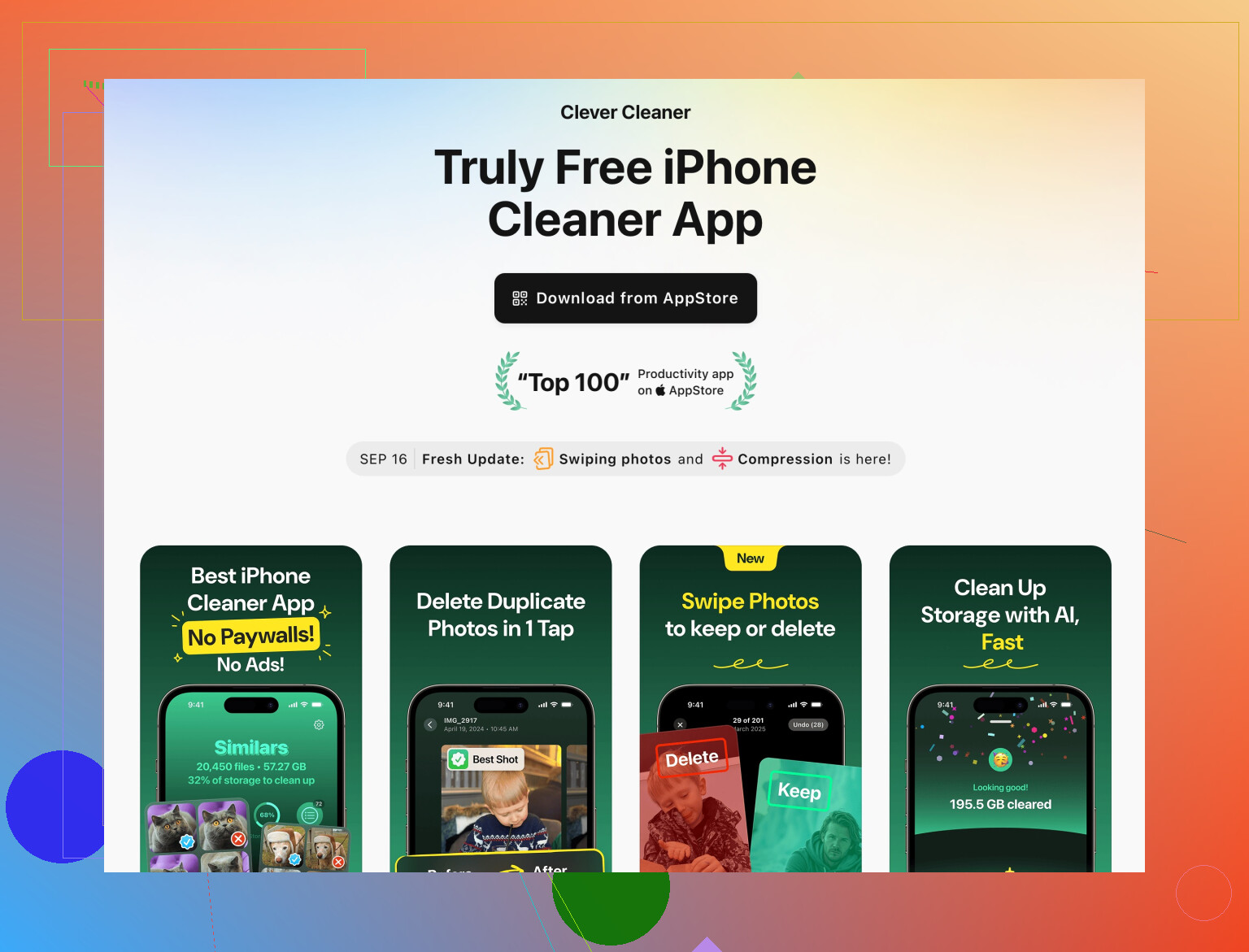
A good option on iPhone is the Clever Cleaner App for deep iPhone cleanup. It’s geared toward:- Finding and removing duplicate & near‑duplicate photos
- Surfacing giant videos and useless screen recordings
- Cleaning up junk screenshots
- Tidying contacts so they’re not duplicated all over
This is the kind of thing that’s painful to do manually once you have thousands of pics. You run a scan, review what it suggests, and only confirm deletions you’re comfortable with. That’s safer than random “1‑tap clean” tools that nuke stuff blindly.
-
If “System” is bloated, don’t rush a full reset just yet
Before going nuclear like “backup, erase, restore,” try:
- Update to the latest OS version
- Restart the phone after big cleanup steps a couple of times
Sometimes the storage report catches up and “System” shrinks a bit. If it’s still absurdly huge (like 20+ GB on a smaller phone) then yeah, the backup + erase + restore trick that @nachtschatten mentioned can help.
If you go through: games, podcasts/audiobooks, sent media folders, big video edits, and then let something like Clever Cleaner App handle the photo/video clutter, you should claw back several GB pretty fast without doing a full wipe.
And then, sadly, the most important “tool” is a monthly calendar reminder so you don’t end up in the red zone again 
34 Likes
Remove offline downloads from streaming and navigation apps. Open Netflix, YouTube, Spotify, Apple Music, and Google Maps. Delete downloaded films, playlists, videos, and offline map areas you no longer use.
One HD film often takes 2 to 5 GB. A large music library or offline map might use several more. Your content stays linked to your account, so you’re not losing purchases or playlists. Re-download items later when needed.
Start with Settings > Storage, find the largest app, then check its Downloads section. This takes 5 mins and avoids deleting personal files by mistake.
Deleting stuff doesn’t free the space right away. On iPhone everything you remove sits in the Recently Deleted album for a month, and those files still count against your storage the whole time. So if you cleared a bunch of photos and the warning didn’t move, that’s probably why. Go into Photos, open Recently Deleted, and empty it manually. Same trap exists in the Files app trash.
The streaming download tip from @zeroninja3763 is the fastest real win in this thread, honestly. One or two downloaded seasons can outweigh a whole photo library, and you get it back in minutes. I’d start there before touching anything fiddly. Where I’d slow down is the erase-and-restore idea for System Data. That’s a last resort, not a cleanup step. It can eat an evening, and half the time System Data just reflects caches the OS rebuilds anyway, so you’re back near where you started in a week.
Clever Cleaner is fine for the photo and video pile if you don’t feel like scrolling through years of shots by hand, and I do reach for that kind of tool. My one gripe is that it only touches media. It won’t do a thing about app caches, downloaded podcasts, or that bloated System Data line, so don’t expect it to solve the whole warning on its own. Run it for the pictures, then handle the app side yourself.