I’m trying to compare two photos on my iPhone to spot small differences, but I can’t find a built-in iOS feature that lets me view them side by side or switch between them easily. I recently took several similar pictures and need help choosing the best one without downloading another app. Is there a simple way to do this in Photos?
I kept running into the same dumb wall on iPhone. You want to compare two photos at the same time, and the built-in Photos app still makes you flip between them like it's 2014.
What the Photos app does wrong
There is no proper side-by-side view in Photos. You open one image, then the other, then swipe back, then forward, trying to remember whether the first one had better focus or if the second one was the one where nobody blinked. I did this with a batch of pet photos last week and gave up halfway through. If the differences are small, sharpness, slight blur, a face turned a bit, the native app is rough to use. A lot of people end up keeping both shots, and your storage pays for it later.
If you need one combined image, use Shortcuts
For before-and-after pics, quick collages, or sending a comparison to someone, iPhone does have one clean workaround. It takes a minute to set up, then it works fine.
- Open the Shortcuts app and create a new shortcut with the plus button
- Add Select Photos, then turn on Select Multiple
- Add Combine Images, then set it to Horizontal
- Add Save to Photo Album
- Give the shortcut a name and, if you want, place it on your Home Screen
- Run it, pick two photos, and it saves a new merged image into your library
This part is solid for making a single side-by-side file. I used it for progress pics and for comparing edits. The catch is obvious. It creates another image. If your main goal is sorting through five near-duplicates and keeping one, this does not fix the mess. It adds one more file.
For duplicate-looking shots, a sorter works better
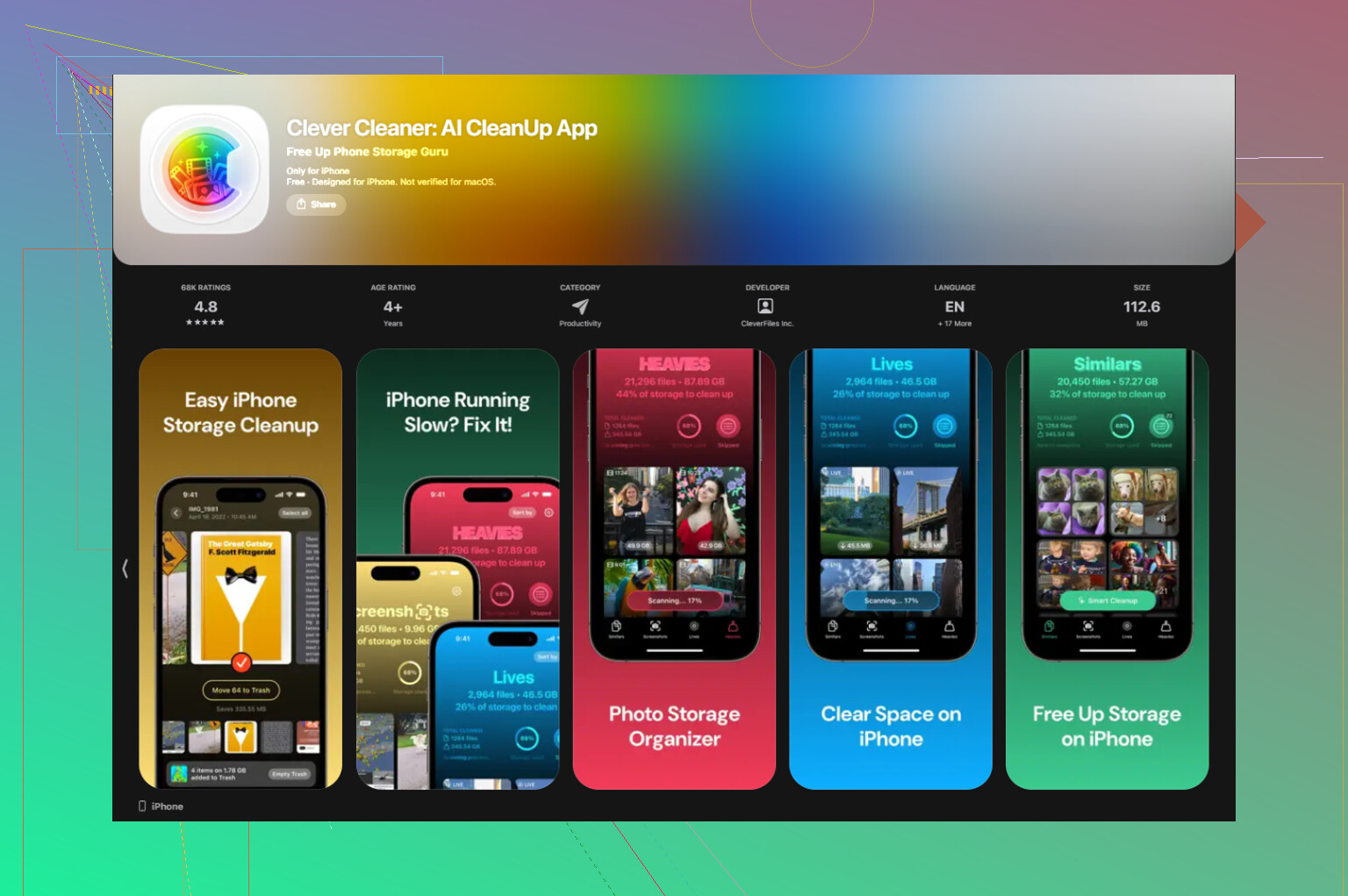
If you're trying to decide which photo survives from a bunch of near-identical shots, swiping in Photos is slow, and the Shortcuts route is clunky. I had better luck using Clever Cleaner.
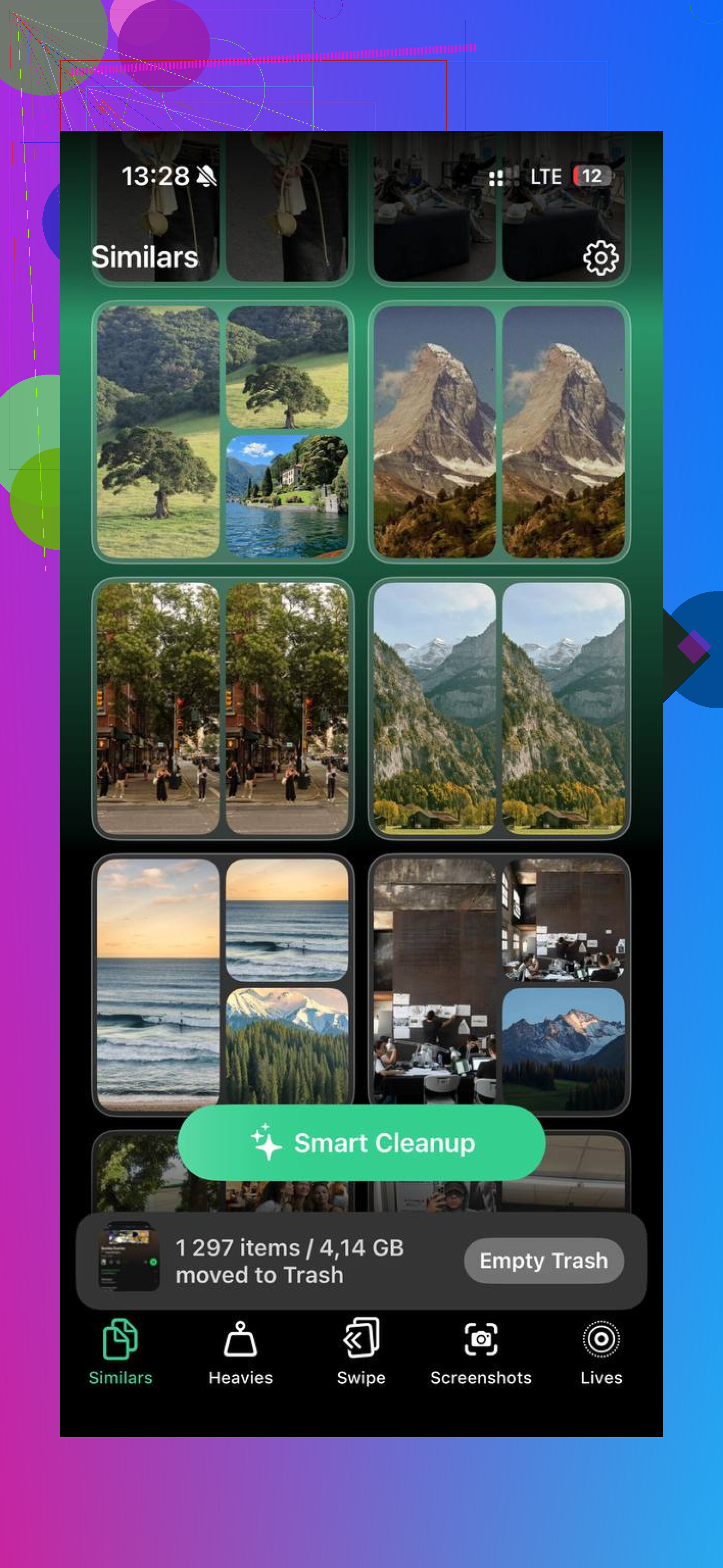
The part I cared about was the Similars tab. It scans your library and groups photos which are close enough to count as duplicates in real life, burst shots, same angle with tiny changes, three versions of the same selfie where one is clearly less blurry. It picks a Best Shot for each group, and from what I saw, the picks were decent more often than not. It seemed to catch blur and awkward closed-eye frames pretty well. You still check the group yourself, which I prefer anyway.
How I used it:
- Open Clever Cleaner and go to Similars
- Let it scan the photo library and build groups automatically
- Open each group and look at the photo marked as the Best Shot in green
- Change the pick if you think another one looks better
- Confirm deletion, the files move to the app's trash first
- Empty the trash later once you've looked things over
Stuff inside the app I ended up using too
The Heavies tab is blunt, in a good way. It lists the biggest files first with exact sizes. If a few huge 4K clips are eating half your space, they show up right away.
The Screenshots tab is quicker than digging through Apple's own screenshot album. I liked seeing the size of each file before tossing it.
Swipe mode felt less annoying than I expected. Photos get grouped by month. Swipe left to delete, right to keep. When your library is a junk drawer, this is easier on the brain than reviewing ten thousand items in one wall of thumbnails.
Also worth noting, everything runs on-device. My photos did not get sent off somewhere else.
What ended up working for me
I landed on a split setup. Shortcuts for making one side-by-side image when I needed to show a comparison. Clever Cleaner for the bigger job, picking winners from lookalike shots and clearing the rest. That combo covered both problems without paying for anything.
On an older library that had never been cleaned, the scan took a few minutes and freed up more space than I expected. Mine was in the same ballpark people usually mention, around 10GB to 15GB. If your camera roll has years of duplicates, screenshots, and burst junk, you'll feel it fast.
14 Likes
iOS still does not give you a true side by side photo compare tool in Photos. So if your goal is pixel peeping two near-identical shots, the built-in app is weak.
I partly disagree with @mikeappsreviewer on one point. Flipping between photos is annoying, but it is not totally useless if you use a small trick. In Photos, pinch out to zoom on the first image, then swipe to the next while staying at roughly the same zoom level. It is clunky, yep, but for checking focus on eyes or text it helps more than people think.
A few built-in options worth trying:
-
Use Select, then compare thumbnails in the grid.
This works best for 3 to 6 similar shots. You see them together, though not large. -
Use burst mode picks.
If the photos came from a burst, open the burst stack and tap Select. iPhone often flags sharper frames. -
Use Favorites as a temporary shortlist.
Heart the best 2 or 3, then review only those. It saves some back-and-forth.
If you want smarter grouping of lookalikes, Clever Cleaner makes more sense. Its similar-photo sorting is better for cleanup than iOS Photos. That is where it helps most, not for fancy viewing, but for picking winners fast.
Also, this Apple forum thread explains the same limitation pretty clearly:
Apple Photos side by side comparison discussion
So, short answer. No, iPhone does not have a built-in side by side compare mode. You either use workarounds in Photos, or use something like Clever Cleaner for similar-shot review. Kinda dumb, but thats where iOS still is.
Nope. iOS still does not have a real built-in side-by-side photo comparison mode in Photos. That part of @mikeappsreviewer and @andarilhonoturno is basically right.
Where I sorta disagree is this: the built-in app is not completely hopeless if your shots were taken back-to-back. Open the first photo, note the frame number at the bottom, then scrub through nearby shots using the filmstrip when you swipe up or lightly browse from the library view. It is still awkward, but a bit faster than fully opening and closing each one like a caveman.
A couple built-in things not mentioned yet:
- Markup trick: duplicate one photo, mark a tiny circle or arrow on the detail you care about, then compare that edited copy against the other image. Weird workaround, but useful for checking facial expression, focus point, or object position.
- Portrait/Landscape rotate: sometimes rotating the phone and zooming into the same area makes tiny differences easier to catch, especailly for sharpness.
- Albums for temporary sorting: dump the 4 or 5 candidates into a new album so you are not hunting through the full camera roll.
If your real problem is lots of near-duplicates, not just viewing two pics, then Clever Cleaner is honestly more practical. Its similar-photo cleanup is a cleaner way to review lookalike images and keep the best one without all the manual flipping. Also worth a read if you want a better breakdown of smart similar photo cleanup on iPhone.
So yeah, short answer: no native side-by-side compare on iPhone. Just workarounds, or an app if you want this to be less annoying.
No built-in side-by-side mode, yeah. On that part, @andarilhonoturno, @sternenwanderer, and @mikeappsreviewer are all basically right.
Where I slightly disagree is that iOS is not always terrible for comparing. If you are choosing between a few nearly identical shots, the quickest native trick for me is this: open one photo, zoom into the exact detail you care about, then back out to the library and long-press the neighboring photo for a larger preview. It is not elegant, but it is faster than fully opening every single image.
Another native option people overlook: use the Contacts Sheet style share preview. Select two images, hit Share, and preview them there before sending or saving anything. Not true compare mode, but sometimes enough to spot which frame has better composition.
If your real goal is cleanup, not just viewing, Clever Cleaner is more useful than Photos. Pros: groups similar shots well, surfaces best candidates fast, and makes duplicate review less tedious. Cons: still not a true precision compare viewer, and automatic best-shot picks are not always the one you would choose. Good for culling, less ideal for pixel-level inspection.
So the answer is still no, iPhone does not have a proper built-in compare tool. It has workarounds, and that is about it.