I’m testing Undetectable AI to humanize my writing so it passes AI detectors, but I’m getting mixed results and I’m not sure if I’m using it correctly. Has anyone here tried it long term, and does it actually work for avoiding AI detection without ruining tone or clarity? I’d really appreciate detailed feedback, real-world examples, and any settings or alternatives you’d recommend.
Undetectable AI review, from someone who got a bit too curious with the free plan
Undetectable AI
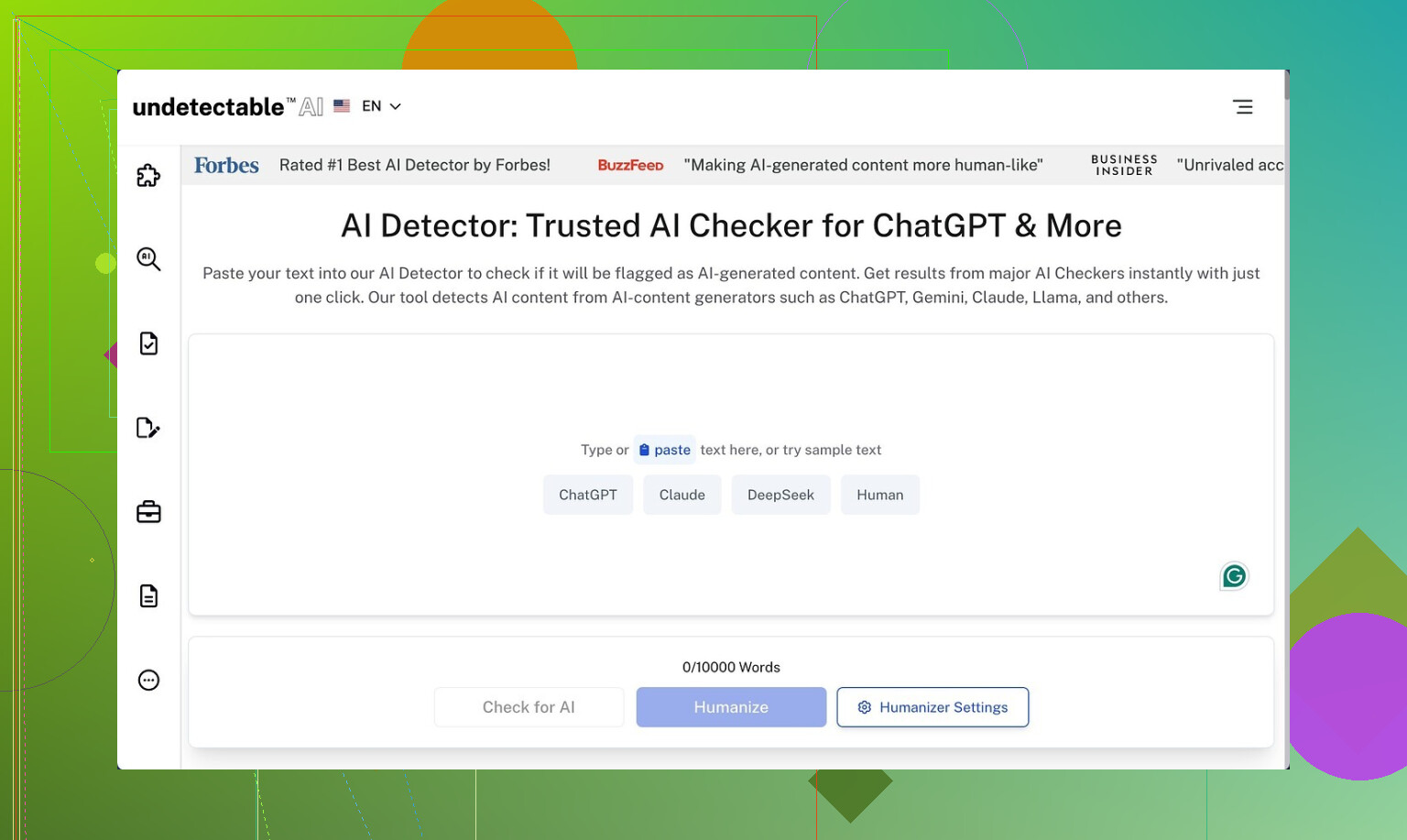
I tried Undetectable AI after seeing it mentioned here and on a few blogs. I did not pay at first, only used the free Basic Public model, which is the one they let you use without putting in a card.
Their own community writeup is here if you want the official angle:
Here is what I found.
Detection results
I fed it a bunch of raw AI text and then ran the outputs through ZeroGPT and GPTZero, same chunks each time.
On the free model, using the “More Human” setting:
• ZeroGPT scores dropped to around 10 percent AI in several runs.
• GPTZero readings hovered near 40 percent AI likelihood.
That is better than what I got from a couple of paid humanizers I tested earlier in the week, where ZeroGPT stayed in the 40–60 percent range even after “humanization”.
So if you only care about getting past those two detectors and you are not picky about tone, the free tier already does some work.
Premium features I did not pay for
I only saw these in the UI and in their docs:
• Extra models named Stealth and Undetectable.
• Five reading levels, from basic to more complex.
• Nine “purpose” modes, like blog, email, academic, etc.
• An intensity slider to push the changes harder or lighter.
Given how aggressive the free Basic model was, I would expect the locked models to hit detectors even harder, but I did not test them, so treat that as a guess, not a promise.
Writing quality
This is where things went off the rails for me.
Using “More Human”:
• I scored the writing around 5 out of 10.
• It shoved first person into everything.
• Stuff like “I think”, “I feel”, “In my experience” turned up in articles where no one was speaking.
• It repeated phrases a lot. Same adjectives, same sentence openers.
• I saw keyword stuffing patterns, where the same term got used again and again in nearby sentences.
• Sentence fragments popped up enough that I had to rewrite whole sections.
“More Readable” was slightly better:
• Less random “I” and “you”, so it looked closer to generic web copy.
• Still needed editing to sound natural.
• I would not paste it directly into a client piece or a journal submission.
If you plan to use it as a starting point then rewrite the output by hand, it is workable. For plug and play content, no.
Pricing and limits
This is what the pricing page showed when I checked:
• Starting plan around $9.50 per month if you pay yearly.
• That tier gives you about 20,000 words each month.
The word count is fine for light use, but for bulk content folks you hit the ceiling faster than you think once you start processing full articles or reports.
Privacy and data collection
This part made me slow down and read the policy twice.
Their privacy policy lists some demographic data points that felt out of place for a text rewriter:
• Income range.
• Education level.
• Other profile-style details tied to your account.
I do not know what they do with it behind the scenes, but if you care about data minimization, this is not ideal. I ended up using a throwaway email and avoided giving real info.
Refund policy
They advertise a money‑back guarantee, but the fine print is picky:
• You need to show that your content scored under 75 percent “human” on detectors.
• You have 30 days to make the claim.
• So you need to keep logs or screenshots of your tests.
So it is not “I did not like it, give my money back”. You have to prove detector performance with numbers. I did not buy a plan, so I did not test the refund process, but the bar alone made me wary.
Who this seems suited for
From my runs:
Good for you if
• Your main goal is lowering AI scores on ZeroGPT and GPTZero.
• You are willing to edit heavily after processing.
• You are okay using a separate email and not handing over extra personal info.
Not so good for you if
• You need clean, client‑ready writing with consistent tone.
• You write formal or academic material where first‑person spam looks out of place.
• You do not want to argue with support over detector percentages to get a refund.
If you try it, my practical tips
• Start on the free Basic Public model and push it with several long samples before paying.
• Test outputs on more than one detector, not only ZeroGPT and GPTZero.
• Scan for forced first‑person language and repetitive phrases, then rewrite those manually.
• Avoid pasting sensitive or identifiable text, especially given the demographic data collection.
That is about what I got out of it. Detection evasion, solid. Writing quality, shaky without manual cleanup.
11 Likes
I’ve been using Undetectable AI on and off for a few months on student essays, blog posts, and some tech docs. Mixed is a good word for it.
Here is what I’ve seen in practice, trying not to repeat what @mikeappsreviewer already covered.
- Detector results in real use, not single tests
When I run the same text through multiple tools, I usually test:
• GPTZero
• ZeroGPT
• Originality.ai
• Copyleaks
On Undetectable AI, using the stronger settings:
• ZeroGPT often drops under 15 percent AI.
• GPTZero lands between 25 and 60 percent, depending on topic and length.
• Originality.ai is the strict one. I still see 40 to 80 percent AI a lot.
• Copyleaks is all over the place. Sometimes it flags everything as human, sometimes not.
For school use, the trouble came when a professor used Originality.ai. Several “humanized” essays still got flagged high. So if your goal is avoiding all detectors, it does not solve it.
I disagree a bit with the idea that detection evasion is “solid”. It is decent for some tools, not consistent across many.
- How I get the best output
If you drop a long, dense article in and hit the strongest humanization, the text often turns messy. What helps:
• Split long texts into 300 to 600 word chunks.
• Turn the intensity down one notch from max.
• Avoid mixing technical and casual sections in the same run.
When I do this, the style drifts less. Detectors drop some, and the text needs less repair.
- Where it fails hard
From my use:
• Technical writing loses precision. Definitions get blurred.
• Legal or policy text becomes unsafe. It changes key terms.
• Academic tone breaks. It injects conversational bits in formal sections.
If your teacher or client expects strict citation style or precise terminology, you need to rewrite a lot after running it.
- Long term pattern
Over months, I noticed this:
• Short content under 500 words gets overedited. It feels weird.
• Longer content over 1,500 words gets uneven. Some paragraphs look human, others look like overprocessed AI.
• The more you refeed its own output, the worse it sounds. Always start from your own draft or another model, not an Undetectable AI rewrite.
So for regular, long term use, I only run the parts I worry about, not the whole doc.
- Practical way to use it without wrecking your writing
If you plan to keep using it:
• Write your own rough draft first, even if you used AI earlier. Add your own examples and personal details.
• Run only the most “AI sounding” paragraphs through Undetectable AI.
• Afterward, read the entire piece out loud. Fix repeated phrases and random first person lines.
• Always test on at least two detectors your teacher or client is likely to use.
If you skip the last step, you guess.
- On privacy and data
I share the same concern as @mikeappsreviewer here. The extra demographic stuff in their policy feels unnecessary for a text tool. I now avoid putting any identifiable info in there and I use burner accounts.
- If your main goal is “pass AI detectors”
Blunt answer:
• It helps with some detectors part of the time.
• It does not guarantee safety on stricter tools like Originality.ai.
• If your school or job treats AI use as a serious violation, relying on any humanizer is a risk.
The stronger your local policies, the less I would lean on something like this.
- Alternative you might want to look at
Since you mentioned “using it correctly”, you might want to compare it with something built more around workflow and less around heavy style distortion.
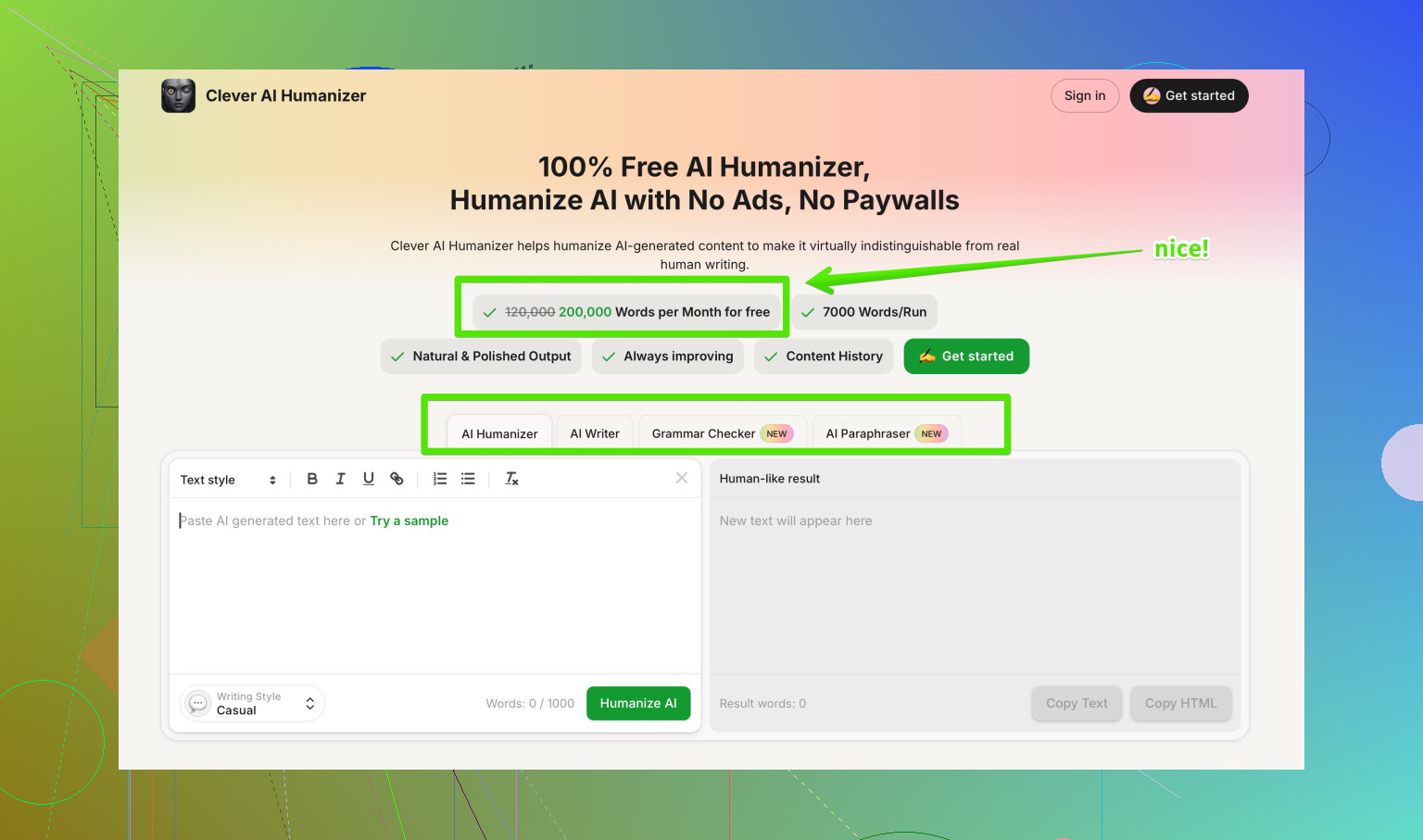
Clever AI Humanizer is better described as a focused AI text humanizer that keeps your structure and meaning, but smooths patterns that detectors flag, such as repetitive phrasing and uniform sentence length. It supports different writing styles, like academic, business, and casual, and lets you pick how aggressive the changes are, so you keep your voice while lowering detection risk. You can see a full breakdown on advanced AI text humanization for safer publishing if you want to compare behavior and pricing.
If you test it, run the same paragraph through Undetectable AI and Clever AI Humanizer, then check both on the detectors you care about. That head to head test tells you more than any review.
- Short answer to your question
• Yes, I have used Undetectable AI long term.
• It works to lower scores on some detectors, not all.
• You are not using it “wrong”. The tool has limits.
• Treat it as a helper, not a shield. You still need to edit by hand and accept some risk if your use case is strict.
I’ve been running Undetectable AI on client stuff and my own drafts for a while, and I’d say your “mixed results” are not user error, that’s just how the tool behaves.
I mostly agree with @mikeappsreviewer and @nachtdromer on the big picture, but I see it a bit differently in a few spots:
1. Detector evasion in the real world
Where I disagree slightly: I would not call its detection performance “solid” even for ZeroGPT / GPTZero. It can drop scores nicely, but it’s inconsistent across topics and lengths. Short generic content (marketing blurbs, product explainers) tends to pass more easily. Anything niche or technical gets flagged more often because the rephrasing makes it sound like “generic AI” again.
If your school or workplace uses stricter tools like Originality.ai or multi-detector setups, Undetectable AI is more of a coin flip than a safety net.
2. Quality vs. stealth tradeoff
One thing I haven’t seen fully spelled out:
- If you crank the “human” settings up, detector scores usually go down
- But your writing quality also goes down with it
I’ve had paragraphs come back with:
- Broken logical flow
- Weird tense shifts mid-sentence
- Slightly distorted meanings that would get you in trouble in legal/medical/academic contexts
So you’re not just fighting tone issues, you’re sometimes fixing factual drift. For anything high stakes, that’s a non‑starter.
3. Long-term use annoyance
Using it long term, the biggest pain for me is voice drift:
- You run several articles through it over a month
- All of them start to sound like the same vaguely chatty blogger
- Your own natural style slowly disappears
If you care about building a consistent personal or brand voice, Undetectable AI can actually hurt you over time, because your content ends up sounding like its voice, not yours.
4. Are you “using it correctly”?
Honestly, probably yes. The problem is the tool’s ceiling, not your technique. You can optimize like:
- Only run the most robotic sections, not the whole doc
- Dial down intensity instead of maxing it
- Avoid super technical or very formal sections
…but even with all that, you still get:
- Detector scores that are okay, not bulletproof
- Output that needs a human pass anyway
So if your expectation was “press button, get human‑sounding, detector-safe text,” that’s just not realistic with this thing.
5. On alternatives & what actually helps
If your goal is usable writing first and lower AI scores second, Clever AI Humanizer has been better in my testing because it messes less with structure and meaning while still muting some of the patterns detectors latch on to. Still not magic, but the balance of clarity vs “humanization” feels saner.
Also, if you’re researching tools, a decent place to start is this discussion on finding the most reliable AI text humanizers on Reddit. It gives you a broader view than just one product’s marketing.
6. Bottom line for your question
- Yes, it “works” somewhat, especially on softer detectors
- No, it doesn’t reliably “avoid” all AI detection, and it can wreck tone and accuracy
- You are not misusing it, it just has hard limits
- If AI use is risky in your context, any humanizer (Undetectable or otherwise) is a gamble, not a shield
So use it as a rough editing aid if you like, but don’t trust it as your only line of defense, and don’t skip a real human edit afterward.
Short version: Undetectable AI is fine as a blunt tool, but it’s not “set and forget” and it’s definitely not a safe bet if detection stakes are high.
A few angles I haven’t seen stressed yet:
1. Detector behavior shifts over time
What tripped me up with Undetectable AI was not just tool variety, but time. Stuff that slipped past GPTZero three months ago started getting higher AI percentages later, even with the same Undetectable settings. Detectors update, but Undetectable’s patterns still feel pretty static.
So if you plan “long term” use, the main issue is that its style gets learned by detectors. You get a honeymoon period, then diminishing returns.
2. Where Undetectable looks obviously synthetic to humans
Ignoring detector scores and just looking with human eyes, there are some very consistent tells:
- Paragraphs that all land on the same “soft conclusion” style line
- Overuse of reassuring transitions like “ultimately,” “in the end,” “overall”
- Emotional color where it does not belong, like “exciting” in a dry report
@nachtdromer and @byteguru talked about tone drift, but I’d push it further: with Undetectable at higher intensity, it creates a distinct “Undetectable voice” that editors can recognize after a few samples.
3. Risk profile is backwards for students and professionals
I actually disagree slightly with the idea that it is “decent” for school as long as you know the detector. In practice:
- Teachers and institutions are starting to double check suspicious text manually
- If your essay reads half like you and half like a chirpy content marketer, that mismatch alone is a red flag
So paradoxically, relying heavily on Undetectable makes you stand out more in close reading, even if a detector score dips.
4. Where it is reasonably useful
I still use it sometimes, just very narrowly:
- To roughen up obviously robotic AI intro and outro paragraphs
- To add a little variation to mid‑tier SEO content where tone is not precious
- To generate alternative phrasings I then strip for parts
Used that way, it is more of a suggestion engine than a “humanizer.”
5. About Clever AI Humanizer, with pros & cons
Since you’re already testing tools, it is worth running the same paragraph through Clever AI Humanizer as a comparison, not as a replacement “magic button.”
What I noticed:
Pros
- Keeps sentence structure closer to the original, so arguments stay intact more often than with Undetectable
- Lets you pick styles (academic, business, casual) that actually feel different instead of one generic bloggy tone
- Less random first person and fewer wild tense flips, which matters for reports and academic work
- Edits are more “sanded down” than “rewritten from scratch,” so your own voice survives better if you start from a real draft
Cons
- It still will not guarantee you pass any serious detector, same core limitation as Undetectable
- On very aggressive settings it can start looping certain connective phrases, just in a more formal flavor
- For highly creative writing, it tends to flatten personality, especially humor or strong rhetorical style
- You still need to do a full read‑through; it occasionally simplifies nuance out of complex arguments
So Clever AI Humanizer, in my experience, is better positioned as a readability and pattern smoother first, stealth helper second. That is different from Undetectable, which feels optimized to chase detector scores even if the prose quality suffers.
6. How I’d actually combine things
Since you are already getting “mixed results,” I would stop trying to perfect the Undetectable settings and instead:
- Draft normally, including your own examples and specific experiences
- Only pass obviously robotic sections through a tool, not the whole piece
- Prefer a softer tool like Clever AI Humanizer when accuracy and tone matter
- Treat undetectability as probabilistic, not something you can guarantee
@nachtdromer, @byteguru and @mikeappsreviewer have all shown that Undetectable can move the needle, but none of their experiences suggest it is a reliable shield. I’d align with that and add: if consequences are serious, put more energy into genuine revision and voice than into chasing the perfect “humanizer” setting.