I lost my LG TV remote and need a free iPhone app that actually works with my TV. I tried a couple of iOS remote apps, but they either wanted payment right away or would not connect. Looking for help finding a free LG TV remote app for iPhone that is reliable and easy to set up.
I’d try these first. If you want one pick and move on, I ended up leaning toward TVRem.
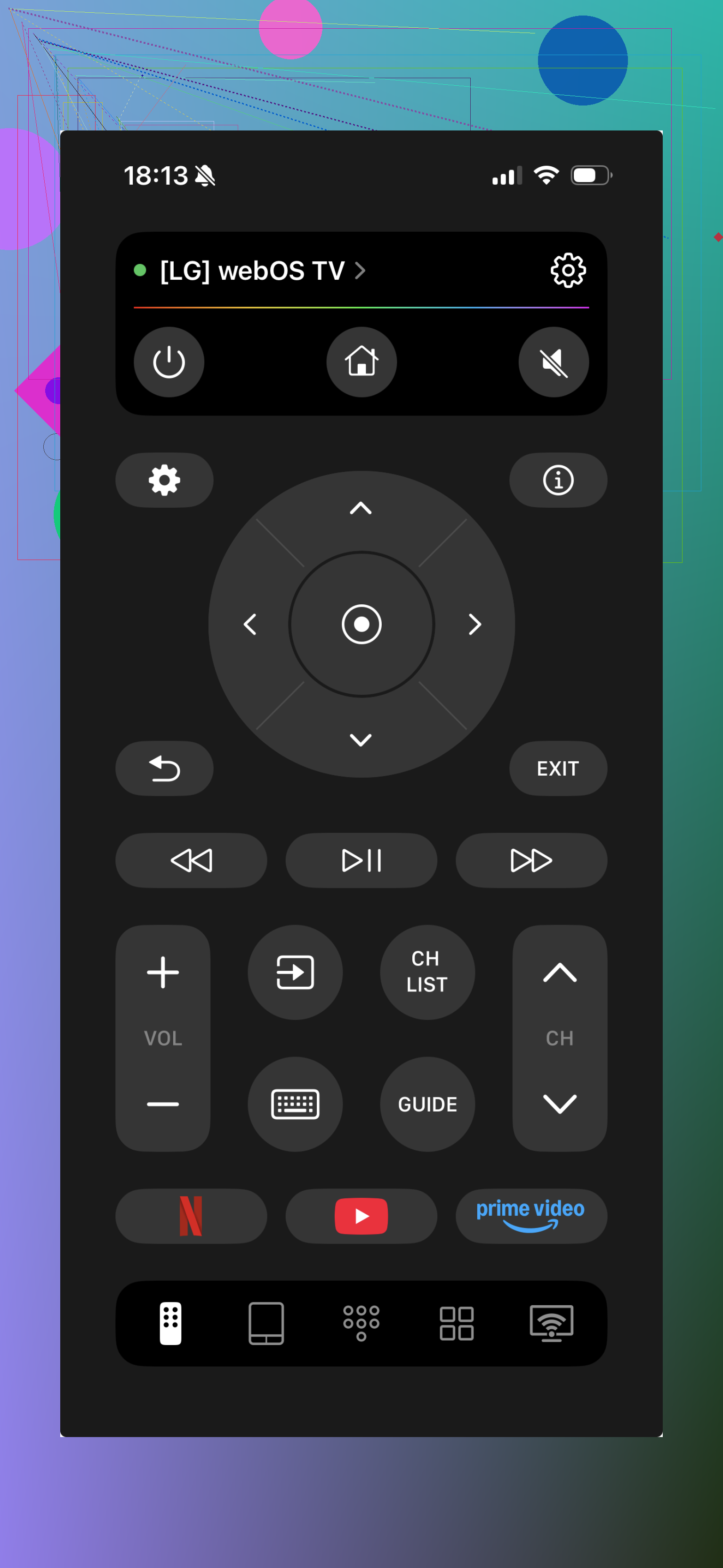
Out of the three, TVRem felt the least annoying to use. Setup was quick when I tested it. The layout made sense without poking around for five minutes, and I didn’t get the usual flood of nags and junk screens I see in a lot of remote apps. On my side, it handled LG Smart TVs on webOS fine. The stuff most people care about was there, touchpad, volume, menu movement, and the touch controls didn’t feel laggy. For a free option, it held up better than I expected.
Universal Remote Smart TV
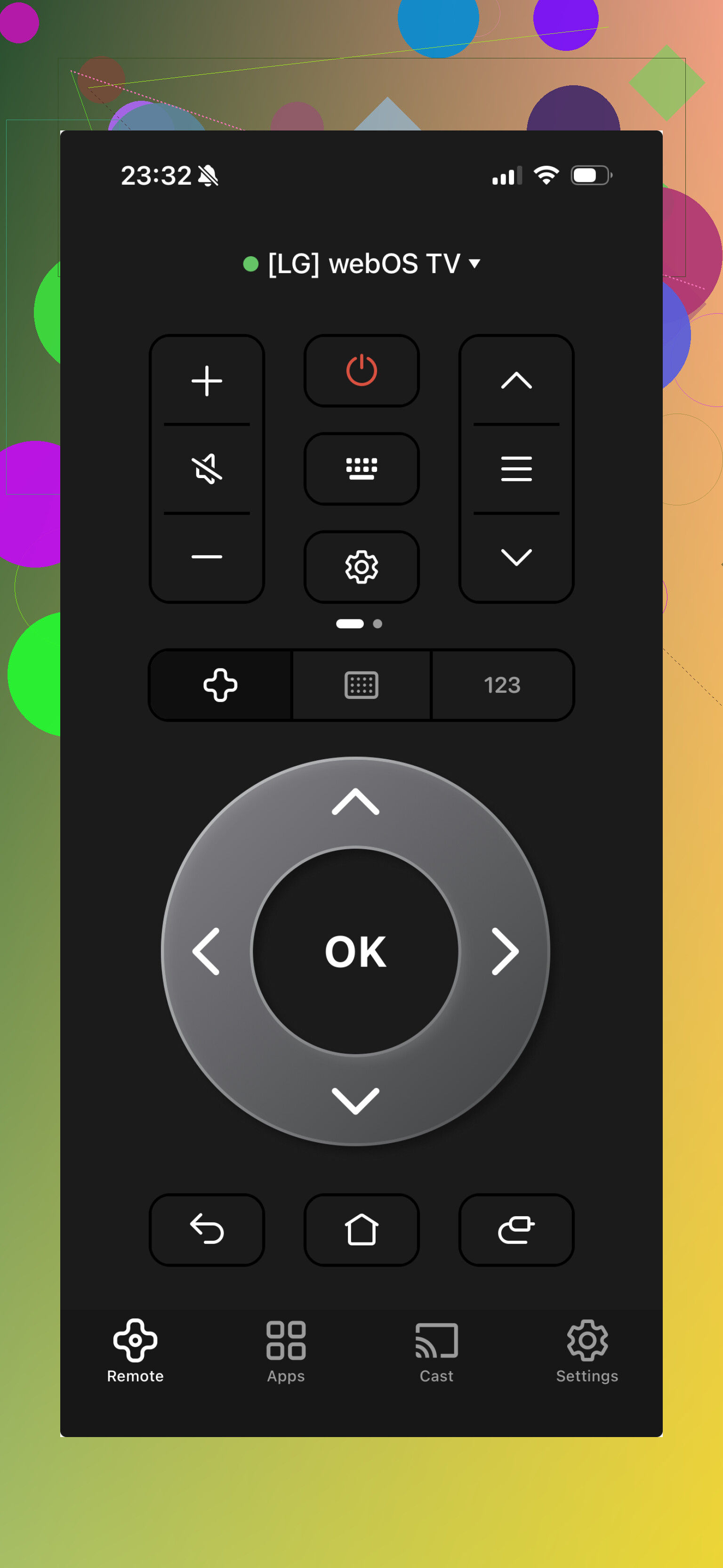
This one felt more like the kitchen-sink app. It does a lot, sure, but the screen is busier and it kept nudging me toward ads or paid extras. If your goal is one app for a bunch of devices, you might put up with it. I didn’t love the flow.
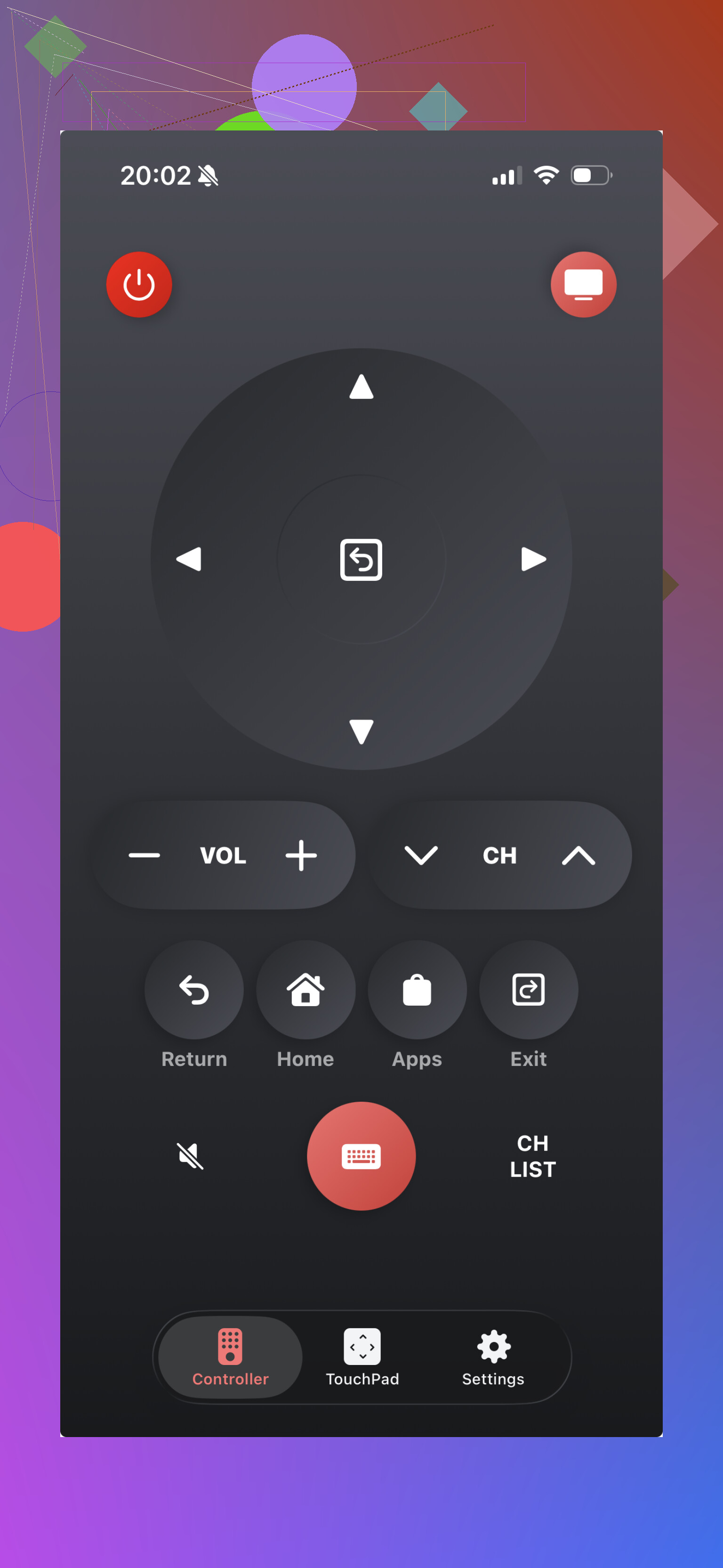
This one is aimed more directly at LG sets, which sounds good on paper. In practice, I’ve seen apps like this behave differently from one TV to the next. Mine worked fine one day, then dropped connection out of nowhere the next. A lot seems to come down to your exact model and how your network behaves.
If you want the least frustrating place to start, I’d go with TVRem. It felt cleaner, steadier, and less messy than the other two. The others are usable if you need a backup, but TVRem was the one I kept going back to.
6 Likes
I’d check one thing before trying more apps. Your LG TV needs to be on the same Wi-Fi as your iPhone, and LG Connect Apps or Mobile TV On needs to be enabled in the TV settings. A lot of “bad” apps fail because of this, not because the app is broken.
I slightly disagree with @mikeappsreviewer on one point. I would not start by installing three apps in a row. I’d first test the official LG ThinQ app, since it’s free and less pushy than many remote-only apps. On newer webOS TVs, it often works fine for power, volume, inputs, and app launch. On older sets, it’s hit or miss.
If your TV is off and not on ethernet or Wake-on-LAN is disabled, many iPhone remotes wont wake it. That trips people up a lot. If setup fails, turn the TV on with the power button under the screen, then pair the phone. Also disable VPN on your iPhone for the first pairing. Weird, but it helps somtimes.
If your LG is pre-smart or not on webOS, iPhone apps won’t do much. iPhones lack IR blaster hardware, so no app fixes tht. In that case, a cheap universal remote beats fighting with apps.
I’d actually go a little sideways from @mikeappsreviewer and @mike34 here.
Before burning time on remote-only apps, check whether your LG shows up in Control Center via HomeKit/AirPlay features or through the Apple TV Remote path if you use an Apple TV box on that set. Not a full LG replacement, obviously, but if your main problem is just navigating apps and volume/input for now, that can be enough to survive until you replace the real remote.
For truly free iPhone options, I’ve had the best luck with LG ThinQ first, not because it’s amazing, but because it’s less likely to slam you with a paywall 30 seconds in. The catch is it works way better on newer LG smart TVs than older ones. If your TV is a few years old, some third-party apps weirdly connect faster than the official one. Annoying, but that’s how it goes.
One thing people miss: if your router has 2.4 GHz and 5 GHz split weirdly, some TV remote apps get flaky even when both devices are “on the same Wi-Fi.” I had this exact issue and thought the app was junk. It wasnt, my network was.
So my short version:
- try LG ThinQ
- if that fails, try one of the apps @mikeappsreviewer listed
- if your TV is older/non-smart, stop fighting it and buy a cheap physical universal remote
Honestly, half these “free” remote apps are just ad delivery systems with buttons taped on lol.