You know, I’ll be honest, I’ve always felt Apple’s whole “pay for more iCloud storage” thing is basically a cash cow for them because who doesn’t run out of space? They give you 5GB for free, which barely fits more than a few photos these days. Ugh. 
But anyway, if you really wanna buy more iCloud storage (because, let’s face it, we’re kinda stuck with it), here’s an alternate trick you could consider instead of just following @kakeru’s method:
- Make sure you’re logged into the correct Apple ID (you wouldn’t believe how many folks I know using multiple Apple accounts and wondering what happened to their photos).
- Open the Settings app. Scroll down, look for your name/profile pic thingy at the top, tap that.
- Choose iCloud, then Subscriptions, if you see it. You might land directly in the storage options if you’re lucky. Then hit “Upgrade Storage Plan.”
- Choose the new storage amount depending on how deep your pockets are (50GB is like $1 a month, but realistically go for 200GB if you take tons of pics). Apple Pay will likely make this super easy to pay. No drama there.
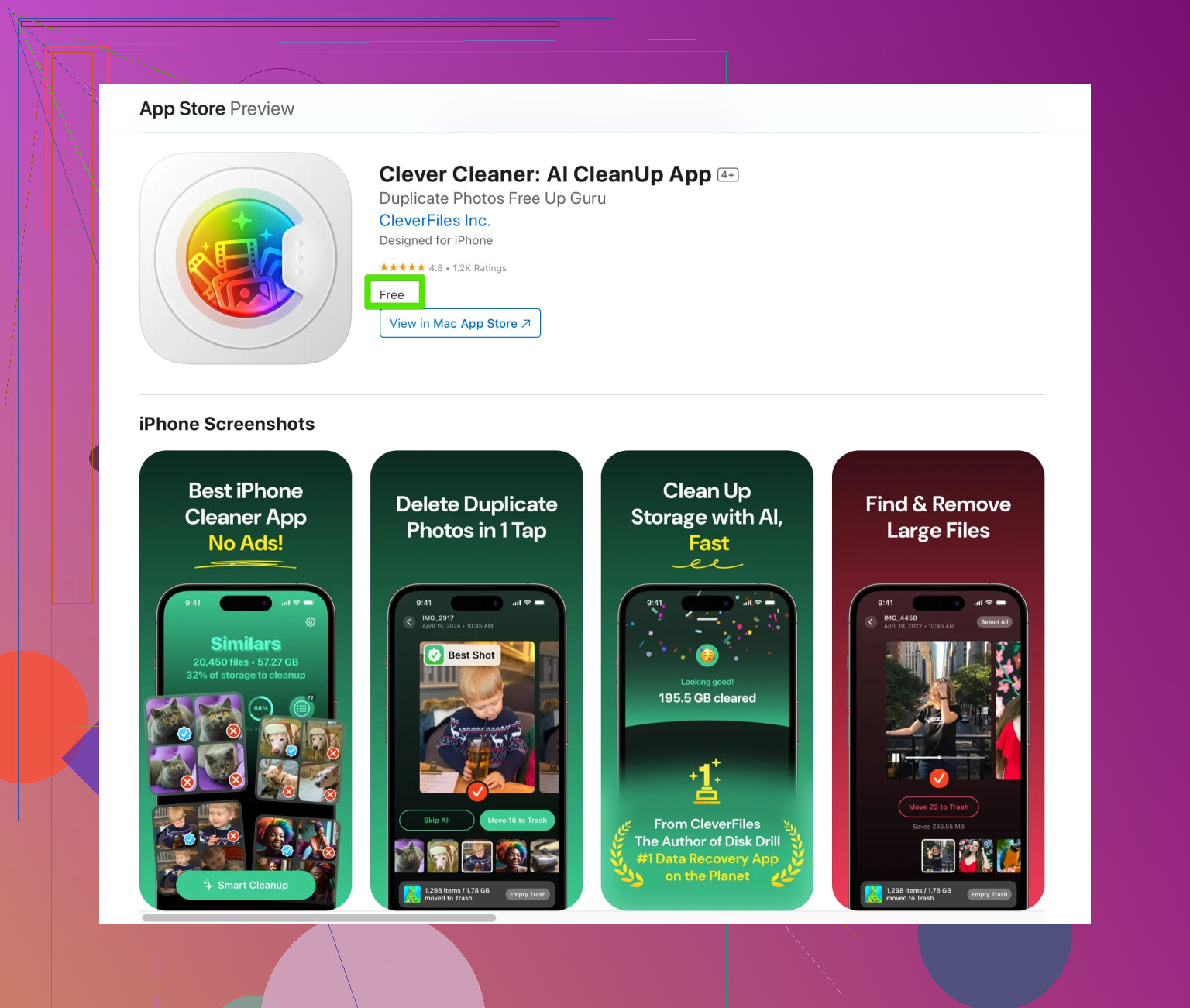
But before throwing money at Apple, ask yourself this: Do you really need more storage, or is your phone like mine and holding onto random screenshots, memes, and blurry concert photos from 2014?  Seriously, I cleaned up a TON of space just by deleting old junk. I’d recommend taking a look at something like an app that automates these cleanups. So much faster than manually scrolling through 12,000 photos.
One other thing—I know some people use family-sharing plans and basically offload storage to someone else in their household. If you’ve got family in your plan, don’t forget to check and see if you’re already pooled into a larger shared cloud setup before upgrading individually. No sense paying twice for the same service. 
That said, if you’re a hardcore photo hoarder or someone backing up multiple devices, yeah, the larger plans (like 2TB) are probably necessary. But for the record, sometimes I think Apple secretly makes things bloatier on purpose just to sell us more storage. Feels like a trap, doesn’t it?