The Fast Track To Getting Big Files Into Dropbox
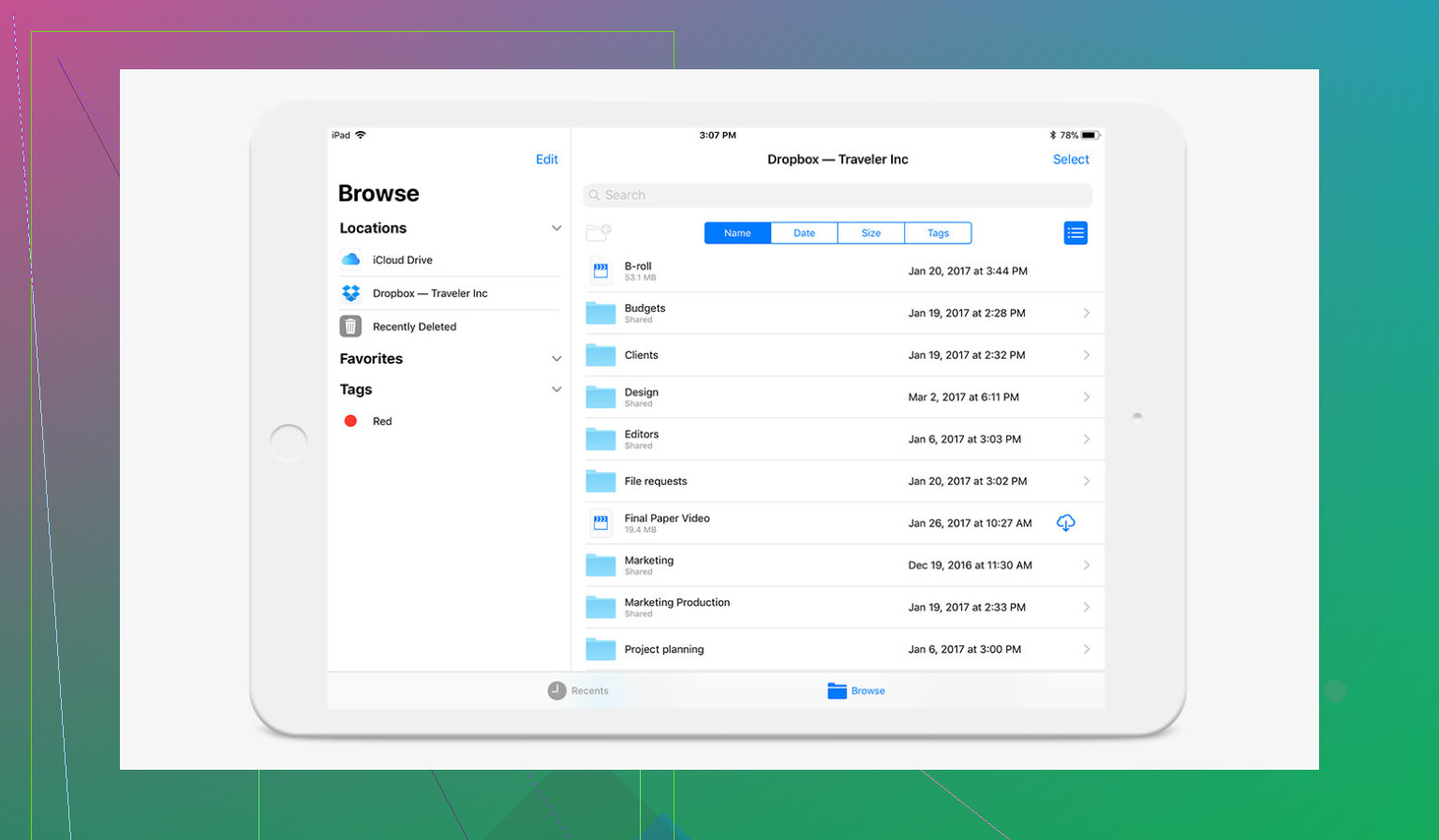
So, here’s the deal. Need to throw giant files up on Dropbox and don’t want to waste half your afternoon? Tap the desktop app. Literally, just grab whatever you want from your desktop, hover for dramatic effect, then plop it right into your Dropbox folder. It’s like magic, minus the top hat.
Sometimes You Need More Than One Trick
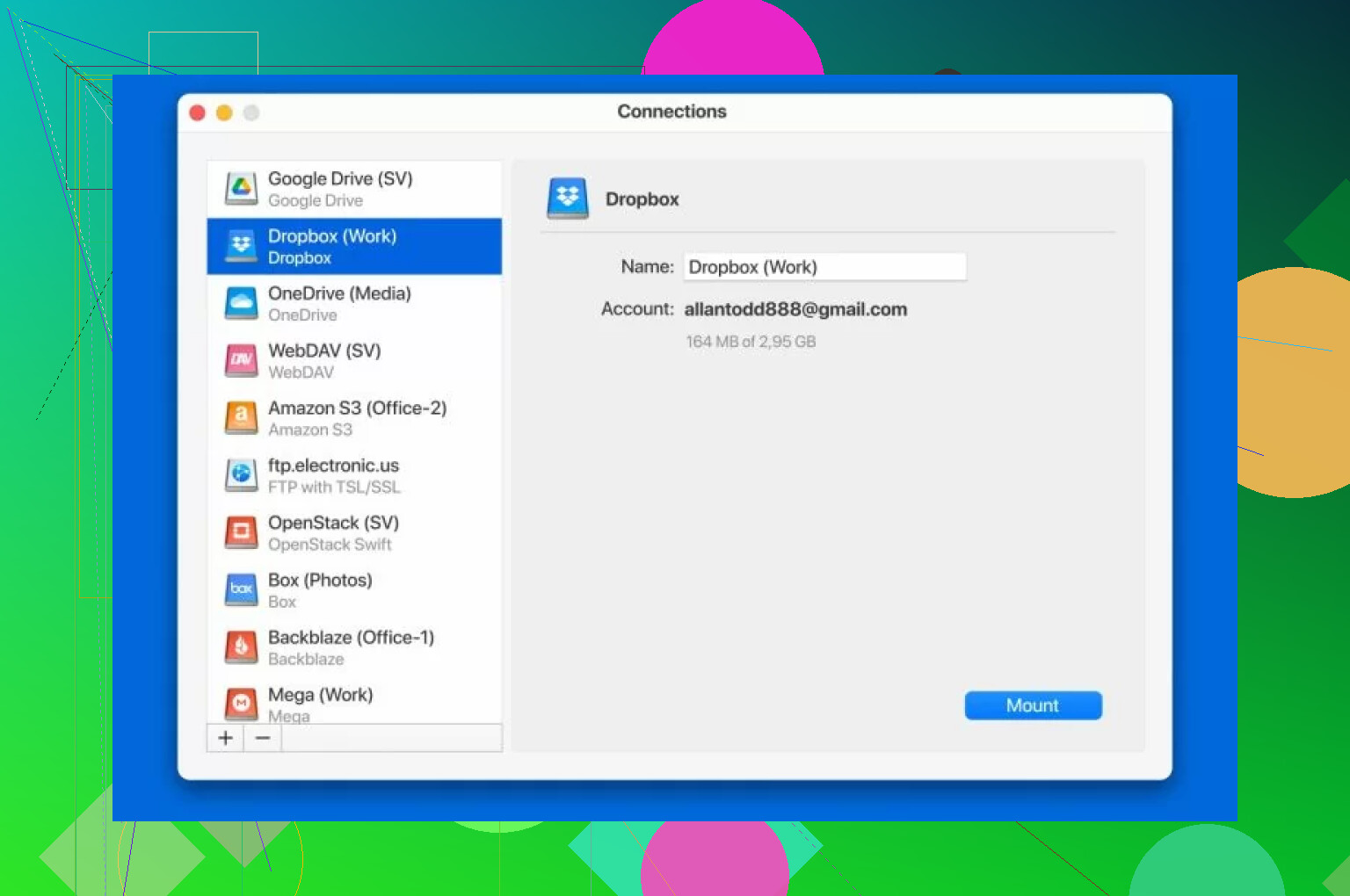
Look, maybe you’re juggling more cloud drives than a squirrel with acorns in October—and who isn’t these days? That’s where CloudMounter comes cruising in. When I first loaded it up, I was just after a tool to wrangle all my Google Drive, OneDrive, and Dropbox piles in one window, but turns out it’s pretty ace at moving files too. If you’re on a Mac, it slides right into Finder like it was there the whole time. Tossing files in is no harder than what you’d do with Dropbox—drag and drop, or if you’re in a shortcut kind of mood, CMD+C followed by CMD+V. Done.